Fiber Optic Network Installation: How It Works, Cost, and More

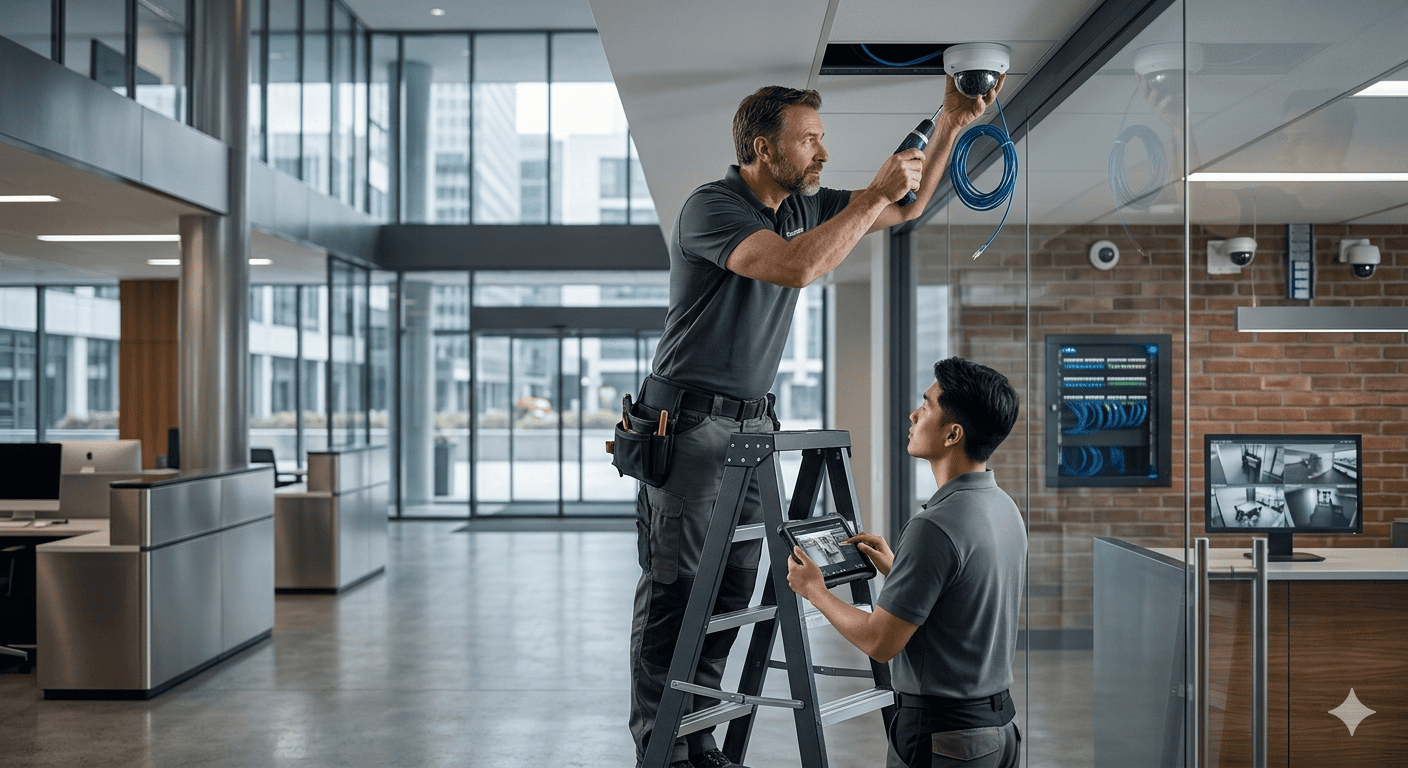
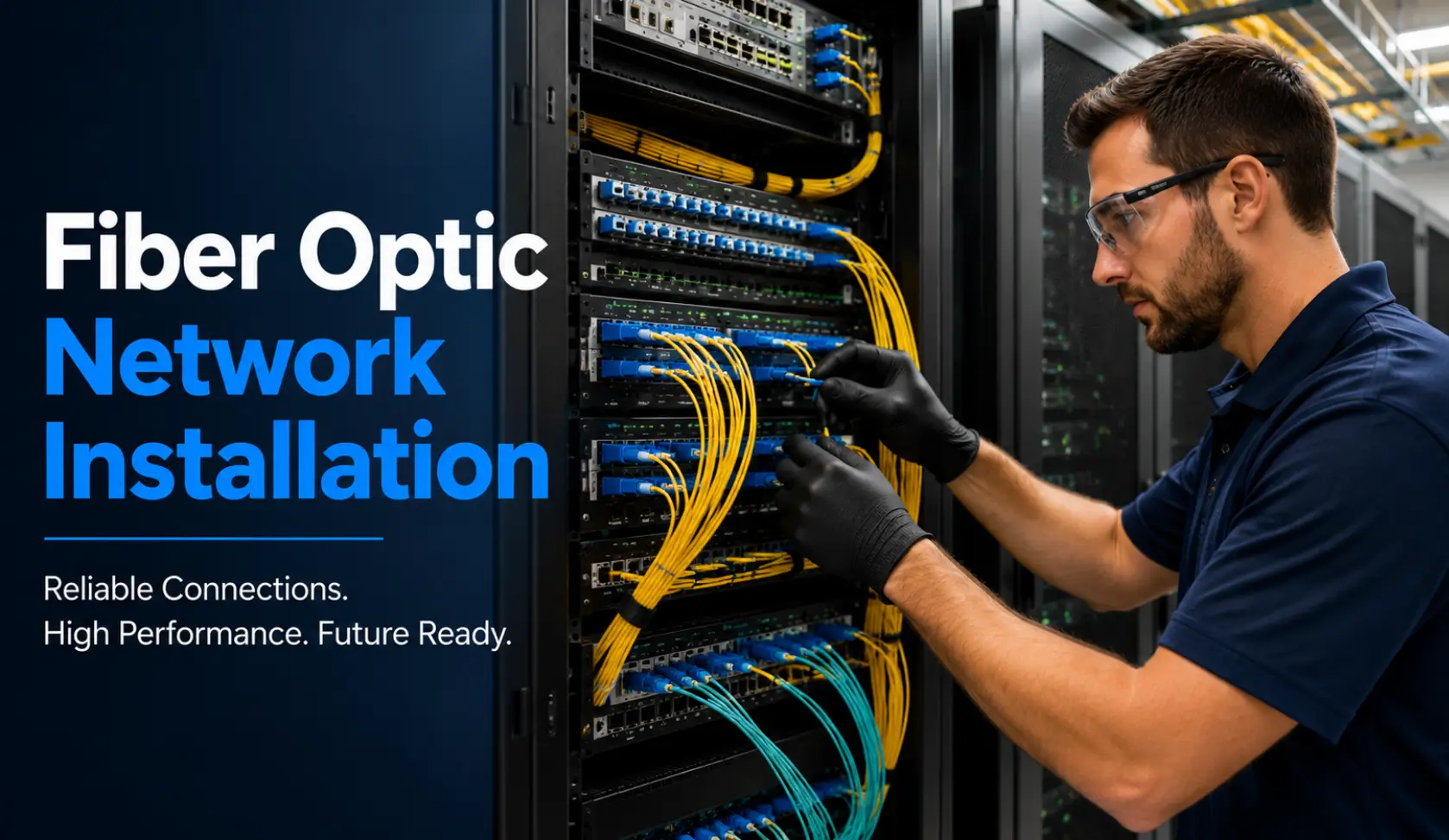
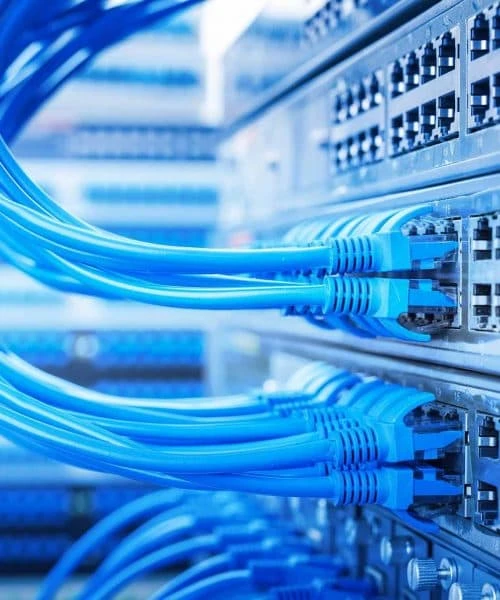
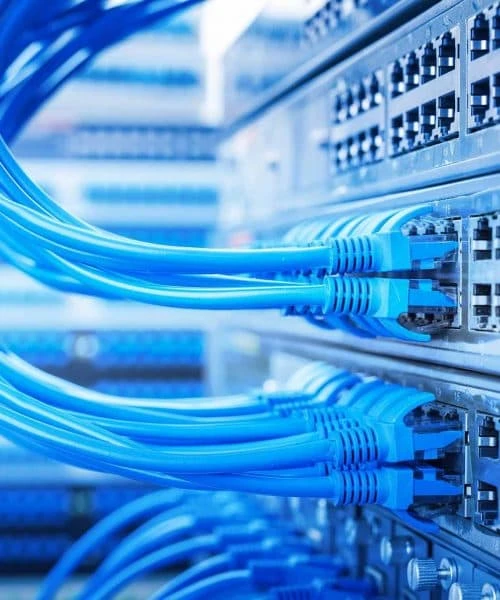
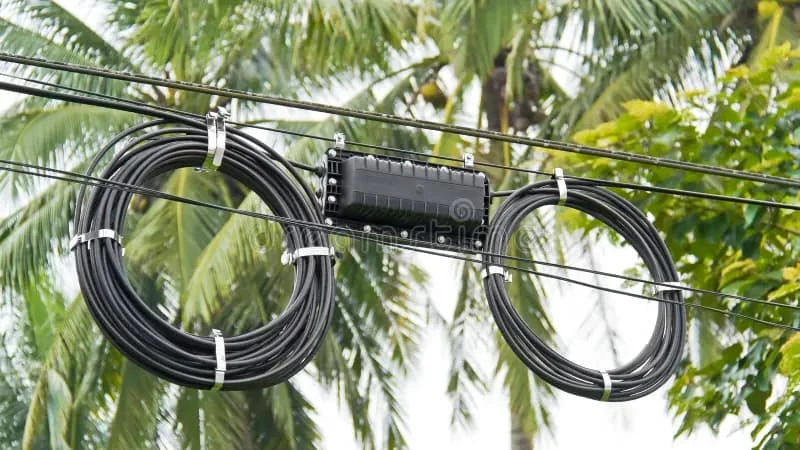
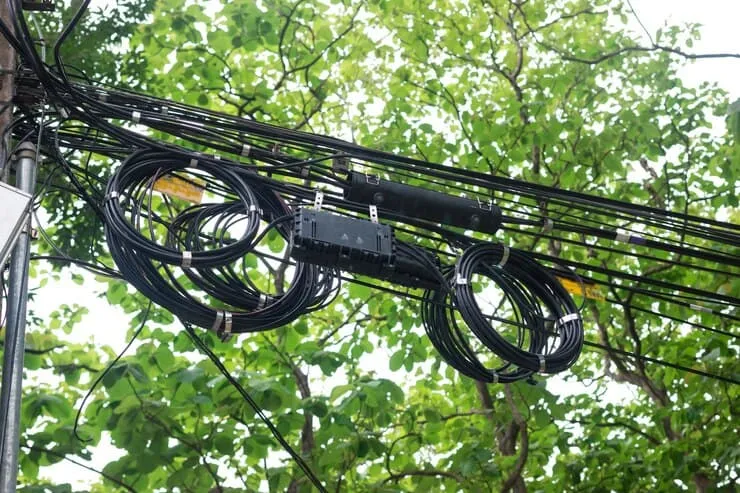
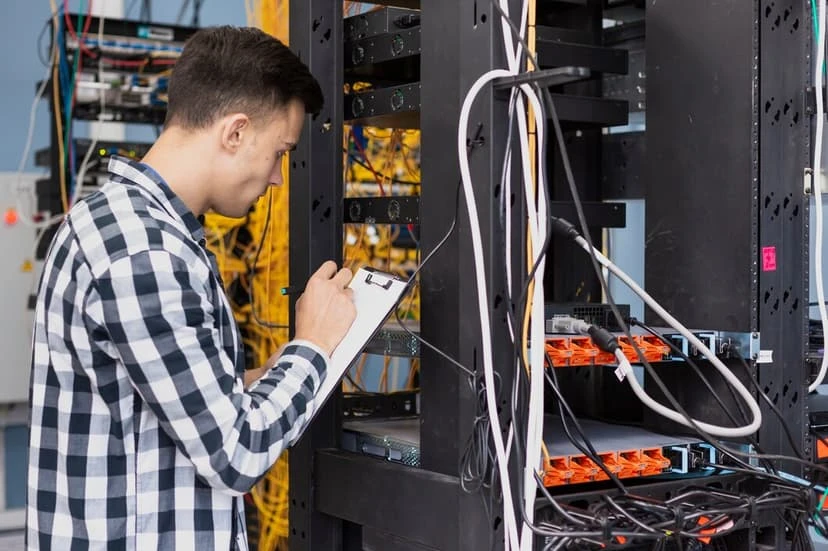
Fiber optic network installation for a commercial building in Austin

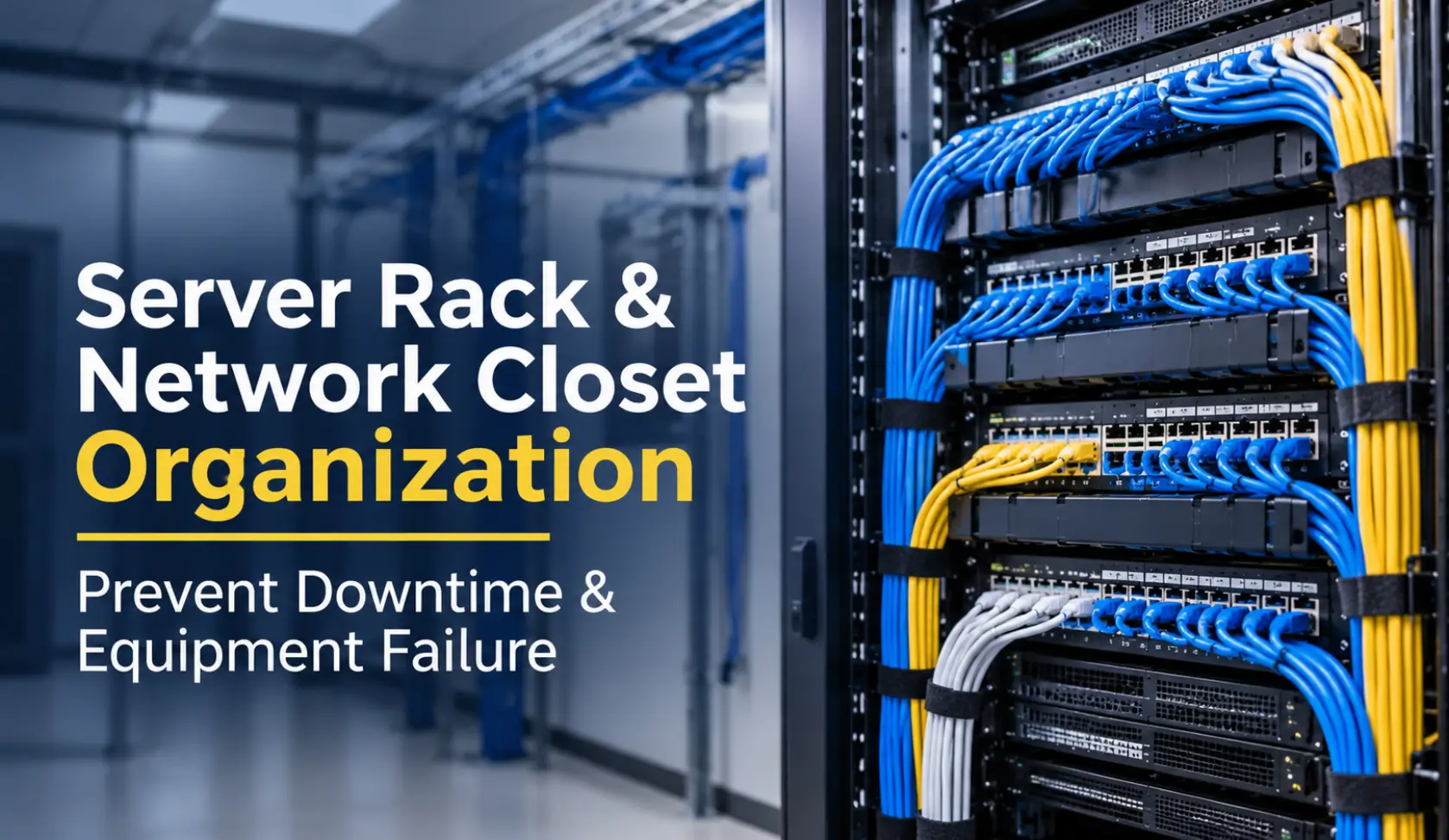
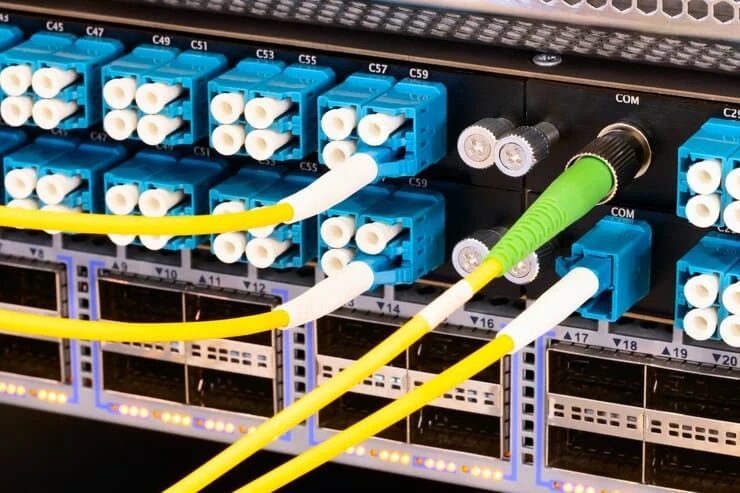
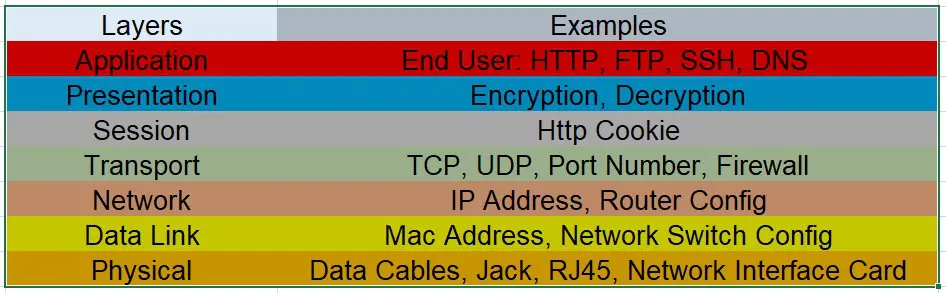
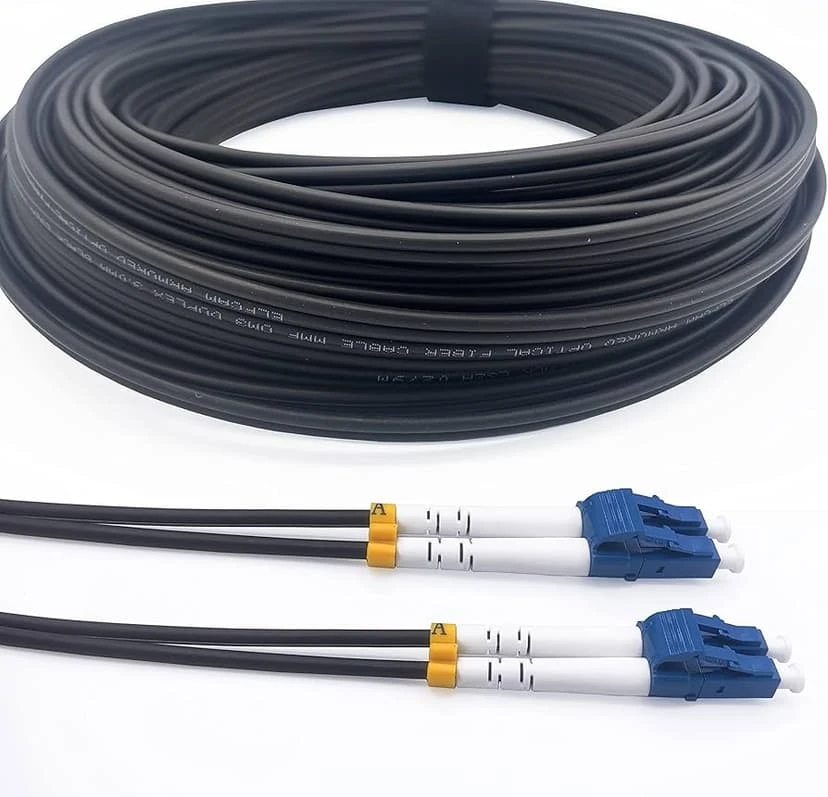
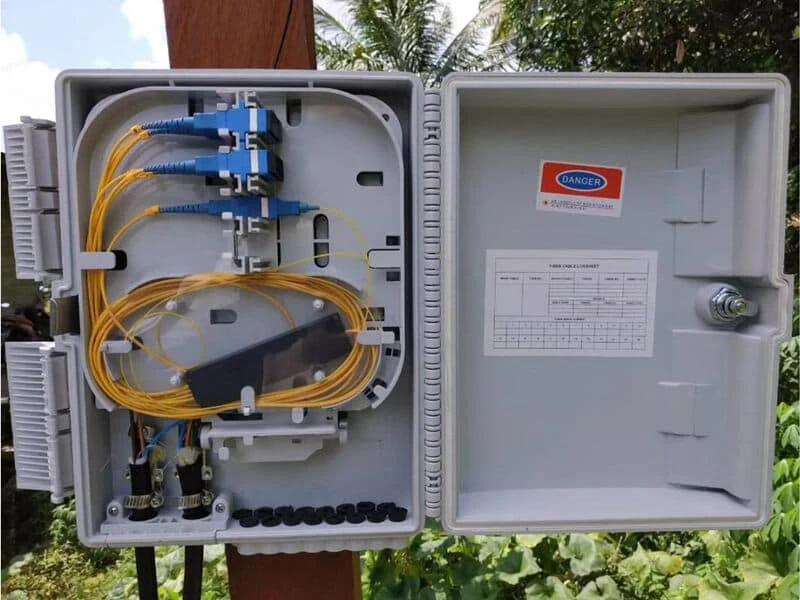
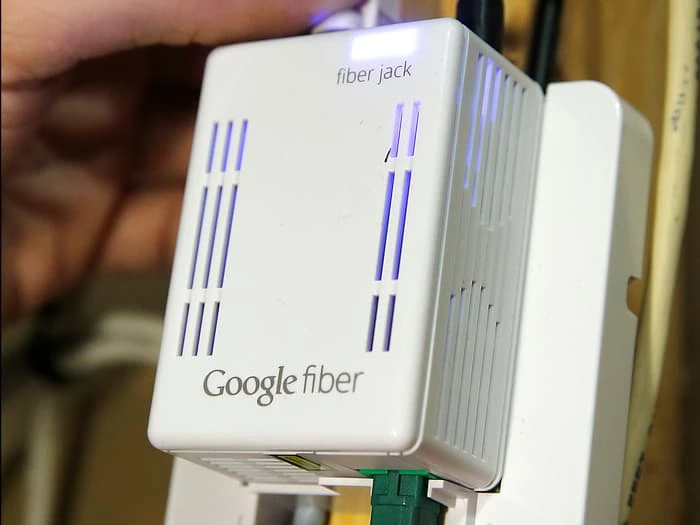
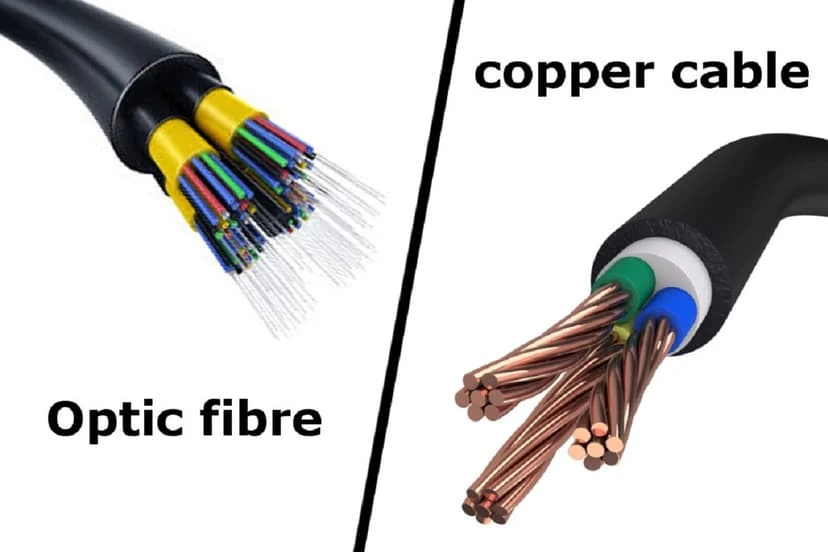
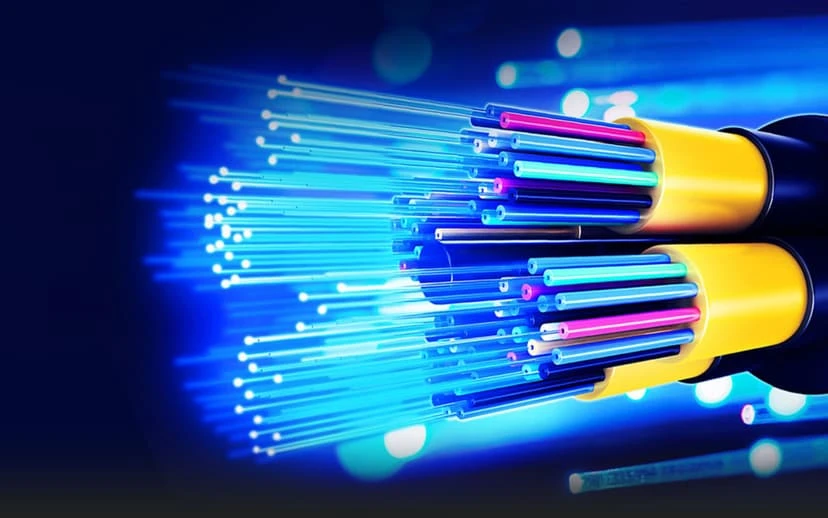
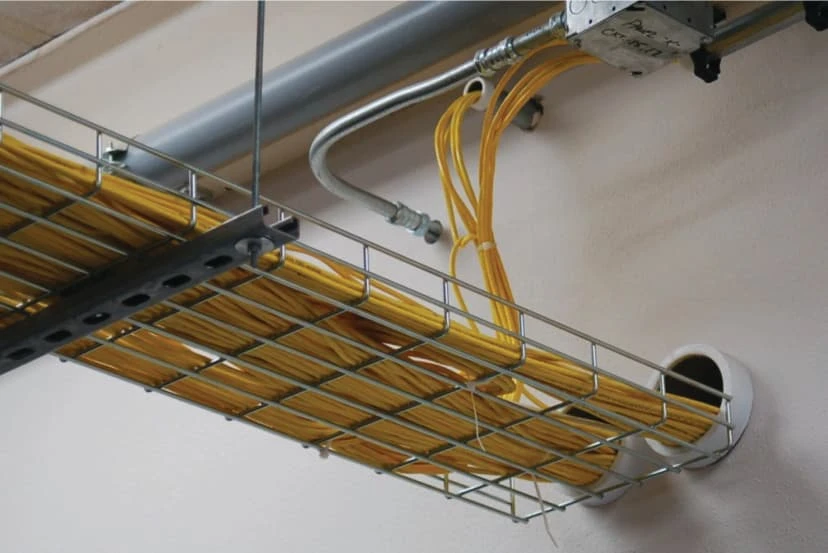
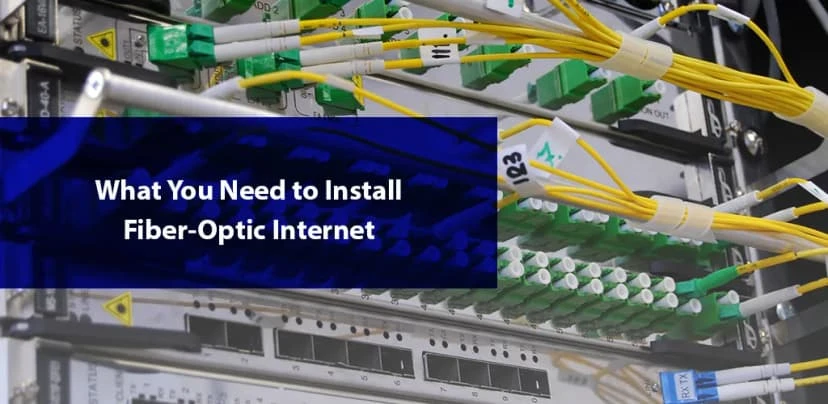
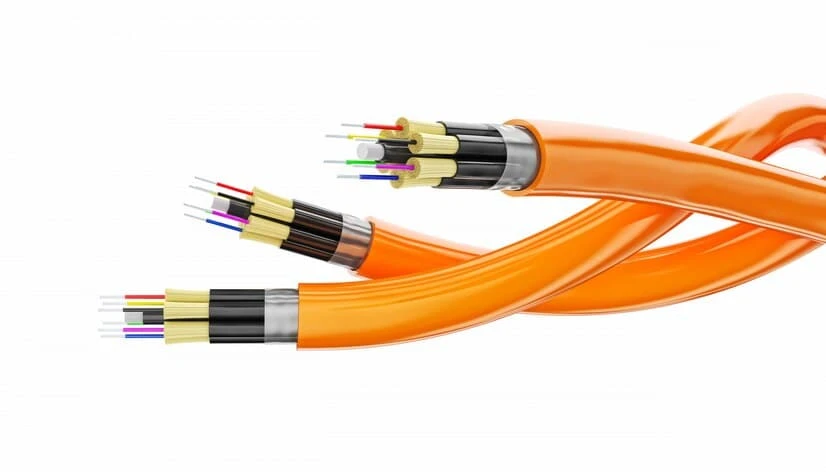
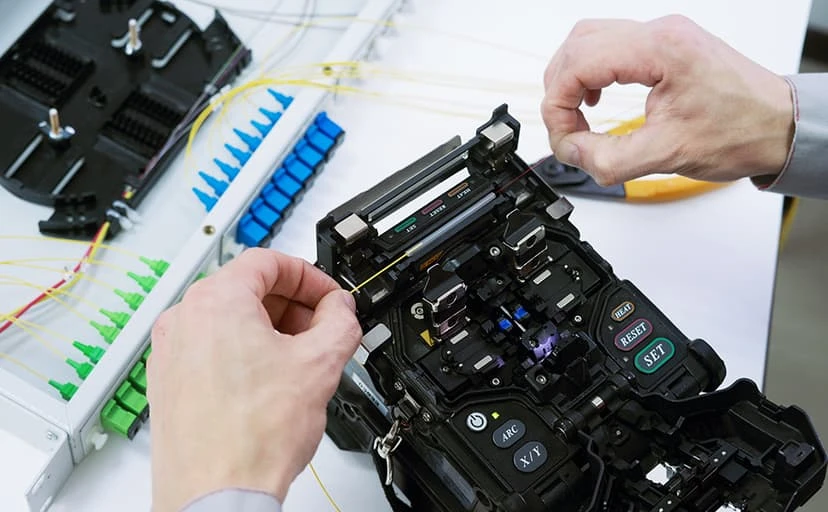
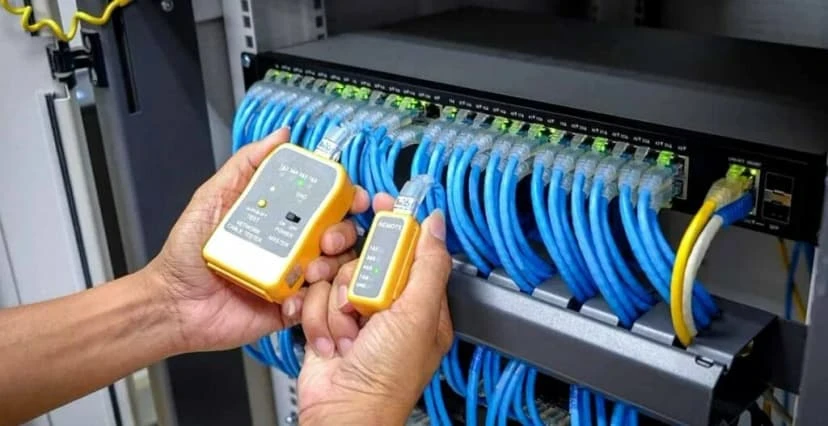
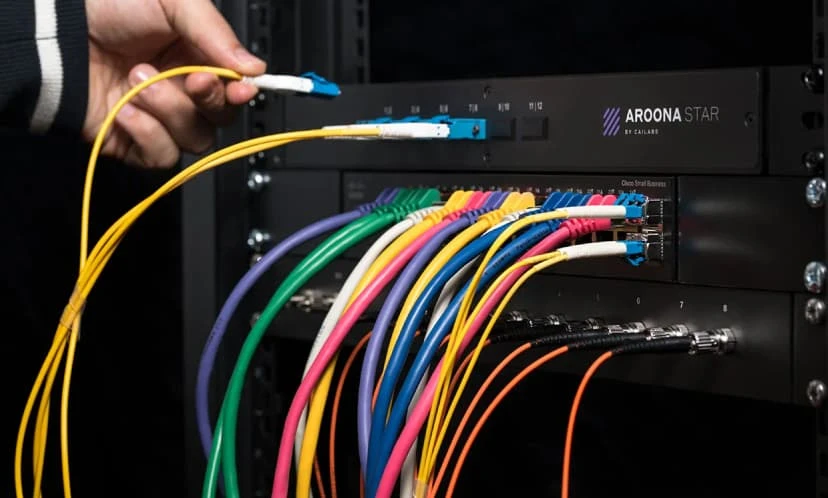
A strong network is the backbone of any modern home or business.  From video conferencing and cloud applications to security systems and VoIP phones, almost every business relies on an ultra-reliable network that can carry increasing amounts of data without slowdowns. But what if you need something even better? Fiber optic network installation offers many benefits for both residential and commercial networks. Fiber optic cables provide massive bandwidth while maintaining a dependable signal, even over long distances. Fiber optic networks are ideal for a variety of applications, including: Upgrades New installations Connecting multiple buildings Increasing speeds Long-distance data transmission New commercial builds and installs But what exactly is fiber optic internet? How exactly is fiber optic cable installed? And how much do fiber optic cable installation services​ typically cost? In this guide, we’ll look at fiber optic network installation in detail, including answers to some of these common questions. What Is Fiber Optic Internet? Fiber optic internet is an internet service that uses fiber optic cables to send and receive data. Unlike standard copper cabling, fiber optic cables use light to relay information. Because of this, fiber can provide much greater bandwidth while maintaining a strong signal, even over long distances. This makes fiber ideal for many applications. For businesses, fiber can enable cloud applications, VoIP systems, security cameras, access points, and more. At the same time, fiber can provide an ultra-fast internet connection for homes or businesses that need it. How Does Fiber Optic Internet Work? Fiber optic technology encodes data as light, which is then transmitted through a tiny cable until it reaches its destination. There, it is decoded back into data and sent to the user’s devices. A fiber optic internet connection typically consists of several main components: ISP – The company that provides fiber optic internet service. Fiber optic cables – The physical medium over which data is transferred. Optical network terminal – Converts the light signal from the fiber into an electrical signal. Router – Connects the terminal to the user’s network. Ethernet or other cabling – Used to connect individual devices to the network. Access points – Allow wireless devices to access the network. Switches – Help manage traffic on larger networks. Putting it all together, fiber optic internet provides a powerful connection with plenty of bandwidth and speed. How Is Fiber Optic Cable Installed? For many, the question of how fiber optic cable is installed is of particular interest. When it comes to fiber optic network installation, there are many methods and considerations to keep in mind. In general, however, the process follows similar steps: Network Planning and Survey The first step to any fiber optic network installation is to plan out the installation and survey the site. This ensures that everything is installed as efficiently as possible. Some of the factors to consider include: Building structure Cable routes Equipment placement Distance Indoor vs. outdoor cabling Future needs By surveying the site beforehand, you can save time and money by avoiding unnecessary or unfeasible cable runs. Choosing the Right Cable The next step is to choose the right type of cable for your installation. There are different types of fiber optic cable, so it’s critical to pick the right option for your needs. Factors to consider when choosing the right type include: Distance Bandwidth needs Network equipment Indoor vs. outdoor Building structure Future needs By choosing the right type of cable, you can simplify the installation and save money by avoiding upgrades or replacements in the future. Installing the fiber optic cable Once you’ve chosen the right cable type, you can lay out the cable in the designated pathways. Fiber optic wiring can be installed in a variety of ways depending on the location and building structure. Typically, cables can be run through: Conduits Cable trays Walls and ceilings Underground Between buildings Because of the delicate nature of fiber, great care must be taken during this step to avoid damaging the cable or causing signal loss. Termination and Splicing It’s critical that fiber optic cable is terminated and spliced properly in order to maintain signal integrity. This is a crucial step that should only be performed by trained and experienced technicians. Testing Once the cable has been installed and terminated, the next step is testing. This ensures that the cable is working as expected and can handle the intended data rate. Professionals typically test fiber optic cable for: Losses Connectivity Continuity Faults and issues Data transfer capabilities Testing can help identify potential problems before the network goes live. Connecting to Other Equipment Finally, fiber optic network installation professionals will connect the cable to the necessary equipment, such as switches, routers, or terminal units. From there, the network can be built out and tested to ensure that everything is working properly. Fiber Optic Network Installation Cost: How Much Does It Cost? In general, fiber optic network installation cost varies significantly by project. Each fiber installation is unique depending on the building structure, equipment, and other factors. For businesses, fiber internet cost can be considerably higher due to the complexity of the installation. In general, fiber optics are considerably more expensive than standard Ethernet cabling. Factors That Influence Fiber Installation Cost Several factors influence fiber installation cost. Some of the most common include: Cable Type Not all cables are the same. Some types of fiber can be cheaper or more expensive depending on their use case. Fiber optic cable cost varies depending on a number of factors, including distance, bandwidth, and network equipment. Distance The total distance of the installation also plays a role in fiber installation cost. The longer the cable run, the higher the overall cost will be. On the other hand, smaller projects within a single building may have a much lower cost. Building Structure Depending on the structure and environment, the installation may require additional infrastructure, time, or materials. Number of Connections The number of connections and access points plays a role in overall cost as well. Fiber optic cabling

Is Your Austin Business Ready for Cyber Insurance?

Austin business preparing for cyber insurance with cybersecurity controls

Cyber insurance can help protect an Austin business from the financial impact of ransomware, data breaches, business interruption, cyber extortion, fraudulent wire transfers, and other technology-related incidents. But obtaining coverage is no longer as simple as completing an application and paying a premium. Cyber insurance companies increasingly expect applicants to have appropriate cybersecurity protections in place. If important safeguards are missing, an insurer may decline coverage, increase the premium, reduce coverage limits, add exclusions, or require the company to correct security deficiencies before issuing a policy. Whether you operate a professional services firm in downtown Austin, a healthcare practice in North Austin, a technology company near The Domain, or a growing small business elsewhere in Central Texas, you should be prepared to answer detailed questions about your cybersecurity practices. Here are some of the questions an insurer may ask. Does Your Austin Business Process or Store Sensitive Data? Insurance companies want to understand what information your organization possesses and what could happen if it were stolen, exposed, altered, or made unavailable. Sensitive information may include: Customer and employee records Social Security numbers Financial and payment information Medical or health information Usernames and passwords Confidential business information Intellectual property Information regulated by privacy laws or industry standards Your company should know what sensitive data it collects, why it is needed, where it is stored, who can access it, and how long it is retained. If your organization cannot identify where its sensitive information resides, it will be difficult to demonstrate that the information is properly protected. Does Your Business Use Cloud Providers? Most Austin businesses depend on cloud services such as Microsoft 365, Google Workspace, online file storage, hosted accounting software, customer relationship management platforms, and cloud-based industry applications. Moving information to the cloud does not transfer all cybersecurity responsibility to the provider. Your business remains responsible for protecting accounts, configuring security settings, managing permissions, and securing the information stored in those systems. Your business remains responsible for protecting accounts, configuring security settings, managing permissions, and securing the information stored in those systems. A cyber insurance application may ask: Which cloud providers do you use? What sensitive information is stored in the cloud? Is multi-factor authentication enabled? Who has administrator access? Are permissions reviewed regularly? Is cloud data backed up? How quickly is access removed when an employee leaves? Are suspicious sign-ins detected and investigated? Cloud platforms may include powerful security tools, but those tools must be configured and monitored correctly. Do You Use Multi-Factor Authentication? Multi-factor authentication, or MFA, requires users to provide more than a password when signing in. The additional factor may be an authentication application, physical security key, biometric identifier, or one-time code. MFA is one of the cybersecurity controls most frequently emphasized by cyber insurers. It should be considered for: Business email Remote network access Cloud applications Administrator accounts Financial and payroll systems Applications containing sensitive information Enabling MFA for only a few employees may not be sufficient. An insurer may want confirmation that MFA protects every applicable user, administrator, application, and remote access point. Do You Have Business Email Security? Email is one of the most common ways criminals target Austin businesses. A convincing message can trick an employee into disclosing a password, opening a malicious attachment, visiting a fake website, or approving a fraudulent payment. Effective business email security may include: Spam and phishing protection Malware scanning Attachment inspection and sandboxing Web-link analysis Executive and vendor impersonation detection Business email compromise protection External sender warnings Email sender authentication A procedure for reporting suspicious messages Having Microsoft 365 or another hosted email platform does not automatically mean your email is fully secured. Its protections must be properly configured and managed. Are Emails Screened for Malicious Attachments and Links? Traditional spam filtering may not identify every modern cyberattack. Criminals frequently use malicious documents, fake Microsoft 365 login pages, compromised websites, QR codes, and messages that appear to come from a trusted executive or vendor. Your email security system should analyze incoming messages before they reach employees. Important capabilities may include: Scanning attachments for malware Opening suspicious files in an isolated sandbox Inspecting links when users click them Blocking dangerous file types Detecting newly registered or suspicious domains Identifying display-name and domain impersonation Quarantining questionable messages for review Email filtering should be supported by employee training. Technology can stop many threats, but employees must still know how to recognize and report a suspicious message. Can Employees Access Email From Personal Devices? Webmail and mobile access make remote work convenient, but they may also allow employees to access company information from personal computers, tablets, or phones. An insurer may ask: Can employees access email from any browser or device? Is MFA required for web and mobile access? Can access be limited to approved locations? Are unusual or risky login attempts detected? Can users download company data to unmanaged devices? Can business information be removed from a lost device? Are outdated or insecure devices blocked? Does the company use mobile device management or conditional access? If employees can access company data from personal devices, your business should implement controls that protect the information without relying entirely on the security of those devices. Is Sensitive Business Data Encrypted? Encryption makes information unreadable without the appropriate authorization or key. It can protect information stored on computers, servers, mobile devices, backup systems, and cloud platforms. A cyber insurer may want to know whether: Company laptops use full-disk encryption Sensitive files are encrypted Backups are encrypted Data is encrypted during transmission Portable drives and removable media are controlled Encryption keys are securely managed Encryption is particularly important for Austin companies with remote employees, traveling staff members, or workers who carry devices containing sensitive business information. Do Employees Access Your Network Remotely? Remote and hybrid work create additional entry points that criminals may attempt to exploit. Remote work does not need to be prohibited, but remote access must be secured. Your company should be prepared to explain: How employees connect to company systems

The Complete Guide to Data Cabling Installation: Everything You Need for a Fast, Reliable Network

Data Cabling Installation

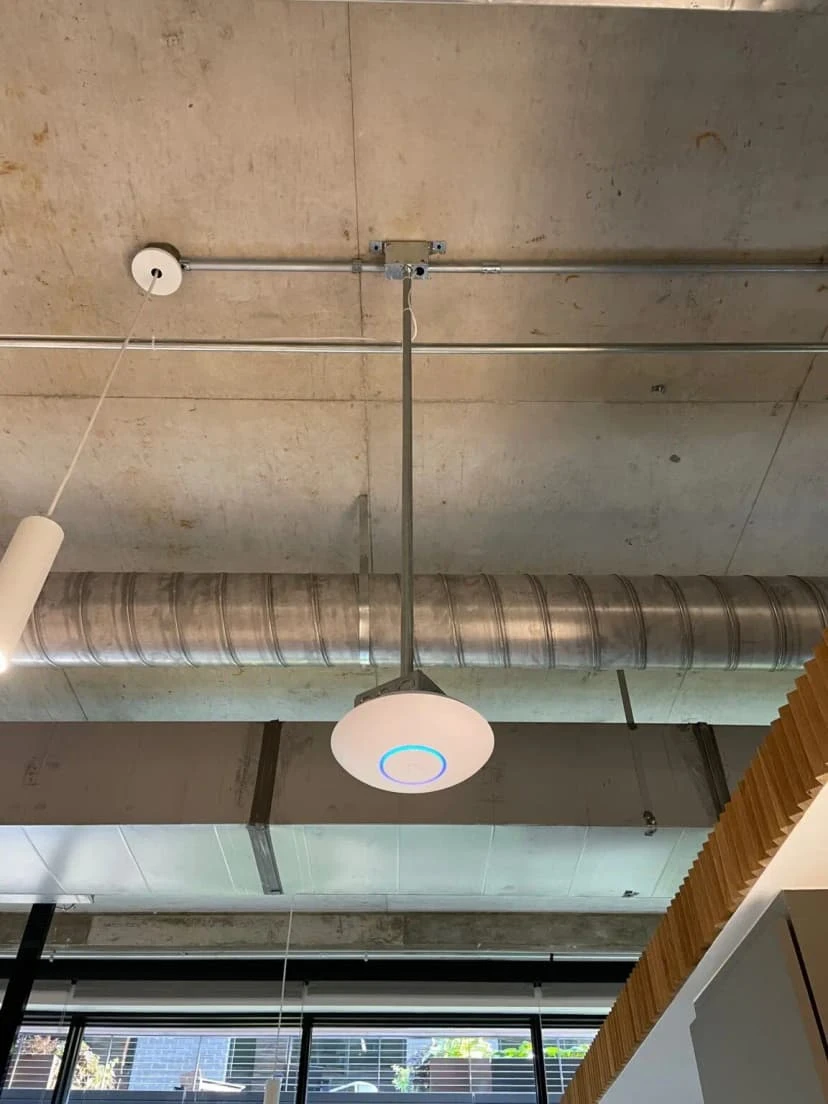
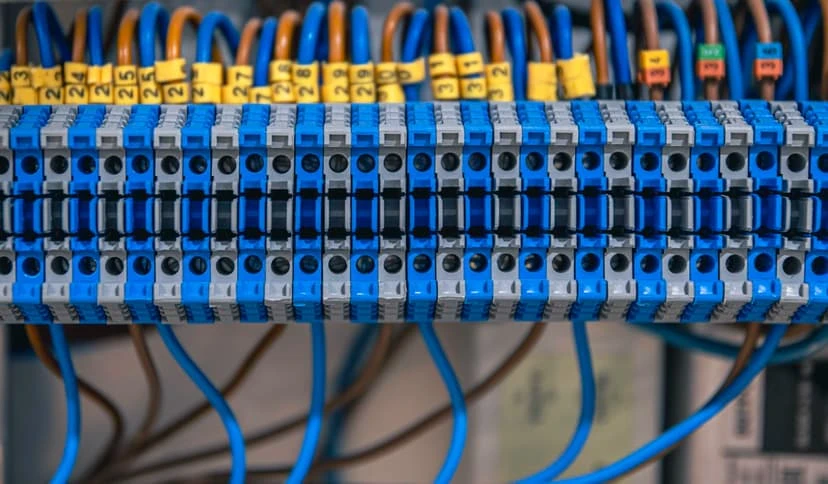
The wireless access point must be connected to the network, which is why the need for data cabling arises. By creating a wired backbone, it is possible to ensure a more stablA reliable network begins with the right infrastructure, including the proper cabling. While it is true that modern advancements make it easier to connect wirelessly, cabling is necessary for any business, home, security system, phones, access points, and more. Whether your need is new office construction, retrofitting, multi-building connections, camera systems, or residential improvements, professional data cabling installation can help. A properly installed system can reduce downtime, simplify troubleshooting, increase network speeds, and provide an overall organized infrastructure. Business Communication Solutions (BCS) specializes in voice, data, fiber, and security camera cabling installation for residential and commercial customers in the Austin area and is proud to offer its services to those seeking professional low-voltage cabling solutions. In this guide, we will go over the different types of cabling, the installation process, materials, and when you may need professional network cabling installation services. What Is Data Cabling Installation? Data cabling installation typically involves the professional installation of network cable, voice data cable, fiber optic cable, and other low-voltage cabling. Some of the components of a data cabling installation include: Ethernet network cable Cat 5e or Cat 6 cabling Fiber cable Patch panels Data jacks Network racks Network switches Cable management Conduit Connectors and terminations Testing and labeling Most people think of connecting a cable from Point A to Point B, which is only a small part of the overall cabling installation. A professional data cabling installation will ensure that your network infrastructure is up to standard and can support your current and future technologies. BCS offers voice, data, coaxial, fiber, security camera, and other low-voltage cabling installation solutions for residential and commercial customers. Why Professional Data Cabling Matters While your internet service provider may handle the connection to the internet, the cabling within your structure determines how that connection is distributed. Poorly installed or low-quality cable, incorrect terminations, long runs, and more can introduce unnecessary complications. Professional network data cabling installation can help improve reliability, speeds, ease of troubleshooting, organization, and future-proofing. Some of the most common reasons to invest in professional network cabling installation include: Improved Network Reliability A properly installed network cabling system can maximize reliability, providing an organized and dependable connection from your switches, modems, routers, access points, phones, computers, cameras, and other devices. Increased Speeds and Performance The right data cabling solution can allow you to take advantage of the speed and performance of your equipment and internet service. Reduced Downtime and Troubleshooting Costs Properly terminated, organized, and labeled cabling makes it much easier to identify and resolve issues. Improved Organization A professional data cabling installation can use patch panels, racks, cable management, and other tools to provide a clean and organized infrastructure. Future-Proofing Your Infrastructure A professional network cabling installation will look at your future needs in terms of additional workstations, access points, cameras, and more. Types of Data and Communication Cabling Not all data and communication cabling is the same, and different structures have different requirements. Here is an overview of the primary cabling types and considerations. Ethernet Cabling & Power over Ethernet (PoE) Services Wiring for Ethernet connections is a reliable way to get wired connections for your network equipment. In addition, PoE can provide power and data to your devices through Ethernet cables. Ethernet and PoE can be used for: Computers and workstations VoIP phones Wireless access points IP security cameras Access control Switches and other equipment Professional installation of Ethernet and PoE will allow you to have properly routed, terminated, labeled, and tested cables that will provide reliable connections and a nice-looking network infrastructure. Voice Data Cabling Installation Many businesses use the same infrastructure for voice and data, allowing a structured cabling solution to support phones, computers, printers, access points, data devices, and more. VoIP phone cabling, computer network cabling, and other low-voltage voice data cabling solutions can be used for: VoIP phones Computer workstations Network printers Wireless access points Data devices Other communication equipment BCS has been providing voice and data cabling installation solutions since its inception and is committed to serving commercial and residential customers throughout the Austin area. If you are planning to transition from traditional phone systems to VoIP, it is also important to ensure your network infrastructure supports your phone system. Fiber Optic Installation While copper cabling is great for most applications, it is not the only option. Fiber optic installation can be used to connect switches, network rooms, buildings, and more, using light to transmit information rather than electricity. Fiber can be a good solution when: Connecting to another building Extending network cabling beyond standard distances Connecting switches within a building or across buildings Reaching a long distance beyond standard Ethernet limits Connecting to another location to extend the internet connection Creating a high-speed backbone BCS offers fiber optic installation, termination, testing, troubleshooting, splicing, repairs, moves/adds(changes), and more. There are different types of fiber optic cabling, including single-mode and multi-mode, and the choice between the two depends on the application, distance, equipment, and more. As a general rule, many internet service providers use single-mode fiber, while OM3, OM4, and OM5 multi-mode can be appropriate for certain applications. Due to the nature of fiber optics, professional installation is often necessary. Security Camera Cable Installation Similar to other network-connected devices, security cameras require cable to function properly. Security camera cable typically carries data, and some systems also carry power, using the network connection to support the camera. Some security camera systems use standard Ethernet cabling and can benefit from PoE network switches, allowing switches to provide network connectivity and power to the camera. Planning the security camera cabling is particularly important in the following cases: Outdoor cameras Long cable runs High resolution Moisture Parking lots or other large areas Warehouses or commercial properties BCS provides security camera cabling installation solutions and has experience with camera cable issues,

IT Consulting Austin: Why Businesses Choose BCS for Strategic IT Solutions

IT Consulting Austin

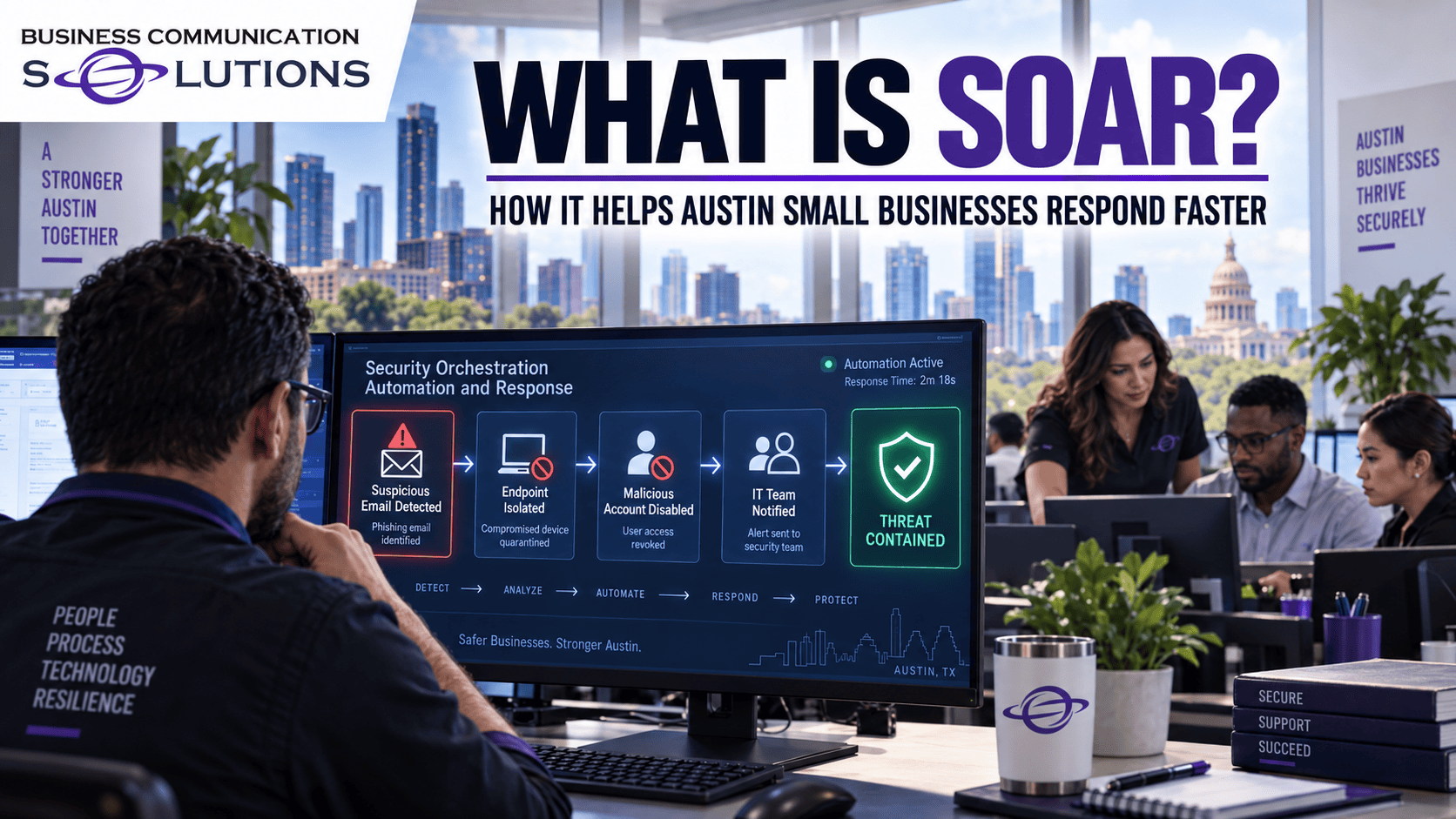
Calling your IT provider every time something breaks? Believe it or not… You’re already one step behind.  Downtime. Cybersecurity threats. Outdated systems. These all can seriously impact your productivity and revenue. But through specialized strategic IT consulting services in Austin, BCS will help your business stay ahead of the game with robust technology planning and smarter IT decisions. BCS IT consulting Austin experts actually provide you with strategic guidance that keeps your IT aligned with your business today as well as prepared for tomorrow. In this guide, we’ll get to know what key points we must keep in mind while choosing any IT consulting and what questions we must ask before moving ahead and why businesses choose BCS for strategic IT solutions.  Here’s what you need to know… Why More Businesses Are Investing in IT Consulting in Austin Team regularly dealing with slow systems along with recurring IT issues? It’s time to think beyond your routine IT support. Your company needs specialized IT guidance that improves your data security and also ensures every technology investment supports your business growth. More businesses are actually investing in IT consulting in Austin because they’re getting the following: Reduce your costly downtime Improve your team productivity Lower unnecessary IT costs Scale technology with confidence Get more value from IT investments Protect your business from all-out cyber threats Support business growth with confidence Build a future-ready IT strategy for your company What Does IT Consulting in Austin TX Offer    Every business has different technology needs, and that’s why our IT consulting Austin offers customized solutions. BCS strategic IT consultants evaluate your current environment and then recommend technologies that support your business goals and security.  — IT Strategy & Technology Planning Not sure whether your current technology is actually helping your business grow? That’s exactly where IT consulting comes in. Our BCS team analyzes your existing setup and suggest a clear technology roadmap. Key benefits include:  Plan with confidence Avoid costly mistakes Align IT with growth Make smarter investments — Managed IT Consulting Does your team keep running into the same IT problems? Only fixing them isn’t enough… BCS’s strategic IT consulting services in Austin help you understand why those issues keep happening. Our technical team recommends practical improvements that will make your IT more secure and dependable. How your business benefits:  Fewer recurring issues Less business downtime Better system performance More productive teams — Cybersecurity Consulting Cybersecurity protects your entire digital system as well as data from unauthorized access or theft. BCS IT consulting Austin reviews your current security and identifies potential risks. We actually help you strengthen your defenses before they become expensive business problems.  Key benefits include:  Stay protected Reduce cyber risks Secure sensitive data Improve peace of mind — Cloud Consulting & Migration Thinking about cloud migration? BCS helps you choose the right cloud solutions and plan a smooth migration. Our technical team assures that your business will stay productive… throughout the entire process. Key benefits include:  Work from anywhere Easy collaboration Scalable infrastructure Smooth cloud migration — Microsoft 365 Consulting Does your company operate on Microsoft 365? Do you, however, fully utilize it? BCS will help you configure and optimize your Microsoft 365 operations so your team can work smarter. Key benefits include:  Boost collaboration Improve security Simplify daily work Maximize Microsoft 365 — Network Infrastructure Consulting Slow internet or frequent network issues can actually frustrate your entire IT team. Isn’t it? Here, BCS offers IT consulting Austin TX that simply identifies what’s causing those problems and also recommends improvements. This will help you keep your business running without any unnecessary interruptions. How your business benefits:  Faster connectivity Stable network performance Fewer disruptions Better user experience — Backup & Disaster Recovery Consulting Imagine losing important business files because of any hardware failure or ransomware, or facing an unexpected outage.  BCS will help you put the right backup and recovery plan so your organization will swiftly recover if anything unexpected backup disaster happens. Key benefits include:  Recover faster Protect business data Reduce downtime Stay business-ready — VoIP Business Phone Consulting Your phone system should make it easier to communicate with your customers and team. Right? But many organizations face issues in this process. Austin Texas IT consulting will help you choose communication solutions that are reliable and designed specifically for modern businesses. How your business benefits:  Better communication Support remote teams Lower phone costs Stay connected  — Access Control & Security Consulting The Business Communication Solutions team will help you choose the right access control and surveillance solutions. Our team will give you greater visibility and control over who enters your workplace. Key benefits include:  Control access Improve workplace security Monitor your facility Protect business assets — Structured Cabling Consulting Want to upgrade your current workspace? IT consulting companies in Austin like BCS will help you design your IT structured cabling solution. This will support your technology today while making your future upgrades much easier.  How your business benefits:  Organized infrastructure Reliable connectivity Ready for expansion Cleaner installations Why Businesses Trust BCS for Austin Texas IT Consulting Let’s be honest… If you’re investing in IT consulting, you deserve more than technical advice. You need an IT consulting partner who listens to everything regarding your business needs and then helps you make technology decisions you’ll still be happy with years from now. That’s exactly how our BCS IT Consulting Austin team works. Instead of recommending the same solution to all types of businesses, we take the appropriate time to understand your goals and existing IT environment.  The result? Practical technology strategies that solve your today’s problems and support your upcoming business growth. Here’s why many businesses keep choosing business communication solutions: Business-first IT strategies 25+ years of proven experience Proactive, not reactive support 24/7 monitoring & assistance Certified IT professionals Honest, practical recommendations Customized technology solutions Security-first approach Fast local response when needed Long-term technology partnership How BCS Helps You Build a Smarter IT Strategy Every business has different challenges and

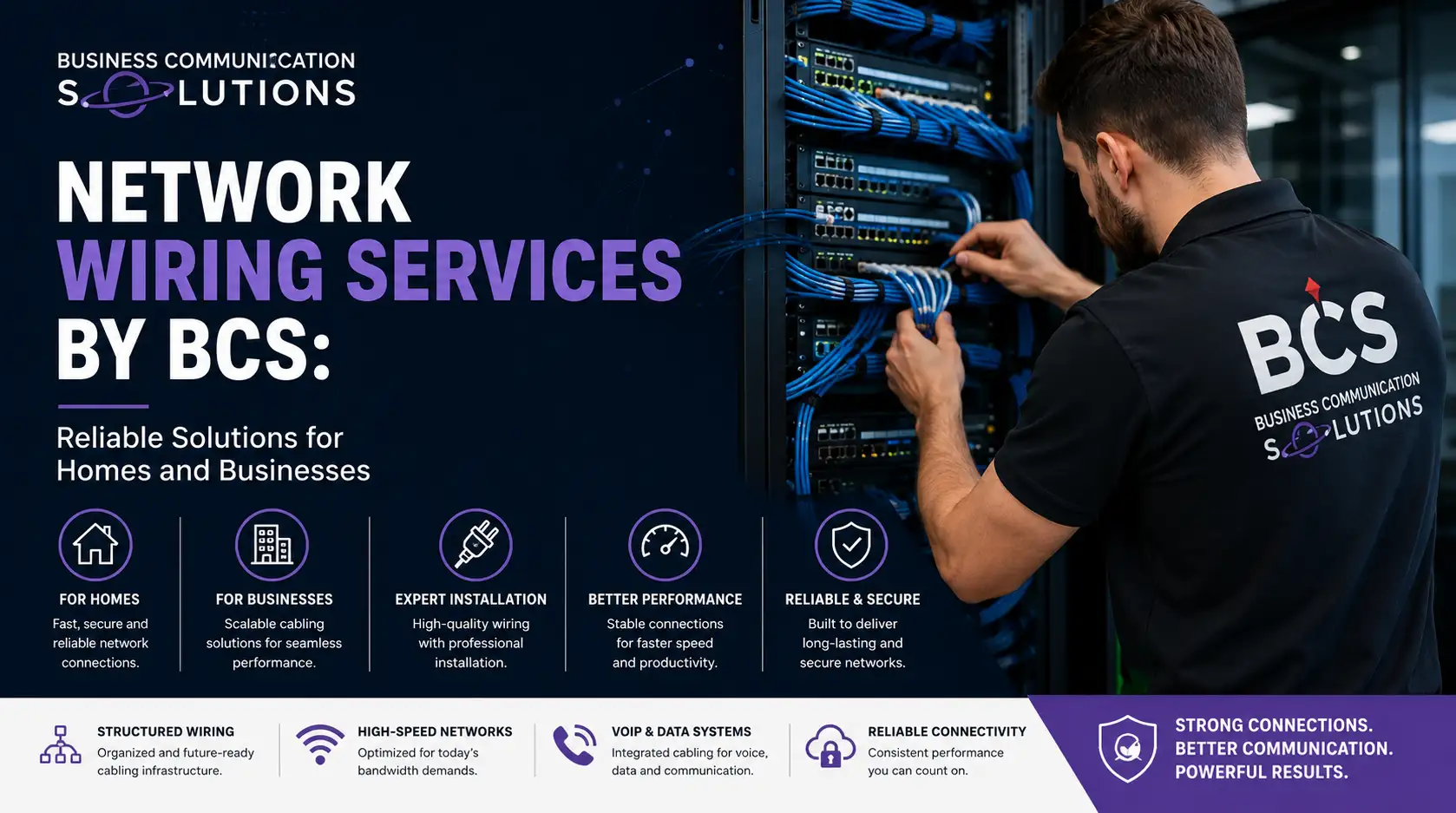
Network Wiring Services by BCS: Reliable Solutions for Homes and Businesses

network wiring services

Many people don’t think about the wires behind the walls. However, it’s important for all of your smart devices, phones, security cameras, and computers in your home or office. It works perfectly when the wiring is done right. Calls get dropped, the internet is slow, cameras flash, and you have IT problems that won’t go away.  Expert network wiring services can help with that. Business Communication Solutions (BCS) has helped Austin residences and companies with everything from a single Ethernet drop to a building’s structured wiring. We specialize in building stable, future-ready network infrastructure. BCS, based in Cedar Park, Texas, has been providing these services for more than 25 years. We’ll explain network wiring services, why it’s important, and what happens when it’s done improperly or not at all. BCS deals with every project with the experience, credentials, and customer care homeowners and business owners trust. What Are Network Wiring Services? Network wiring, also known as network cabling services, links computers, phones, surveillance cameras, and access control panels to your network. It also connects printers and Wi-Fi access points to your network and each other. It’s the “nervous system” of any building’s technology setup. Good wiring involves more than just connecting two points. It entails planning cable paths, selecting the right cable type, terminating and identifying every run. Testing everything ensures it runs at the speeds your business or household needs. BCS has many different types of low-voltage and structured cabling options, such as:  Structured cabling services for sending voice, data, and video  Ethernet wiring installation for high-speed, reliable connectivity Fast, long-distance data connectivity using fiber optics Office, retail, and multi-unit commercial network wiring Data cabling installation using Cat5e, Cat6, and Cat6A cable Security camera and access control cabling Testing, managing cables, and getting certified  BCS develops and installs a system that fits your needs. Whether you’re wiring a new building, remodeling an old one, or just adding a few Ethernet drops to your home office, we have a solution for you. Types of Cabling BCS Works With Not all network cable is created equal, and choosing the right type matters more than most people realize. Here’s a quick breakdown of the cable types BCS commonly installs: Cable Type Best Used For           Key Features Cat3 Legacy analog/digital phone systems Largely phased out, but BCS still services older systems on request Cat5 Older Ethernet, telephony, basic video Being phased out due to rising demand for Gigabit speeds Cat6 / Cat6A Modern Ethernet, PoE devices, high-speed data Supports higher bandwidth and is ideal for environments that need speed and reliability Fiber Optic Long cable runs, high-speed backbone connections Delivers fast, reliable data transmission with minimal signal loss Coaxial  TV and some legacy data applications Commonly used for television and select audio-visual applications.  Cat6 or Cat6A is recommended for most modern homes and businesses. This is especially true for those with many devices, PoE equipment like cameras and access points, or growth plans. Why Network Wiring Services Matter for Homes People usually think that Wi-Fi is enough. They reconsider when a smart TV won’t stream 4K or security cameras keep losing connectivity. Wired Ethernet connections are faster, more stable, and more secure than Wi-Fi alone, especially for: Home offices and remote work setups Smart home devices, security cameras, and video doorbells Streaming and gaming systems Whole-home Wi-Fi access points that need a wired backbone BCS handles security camera cabling and runs the dedicated lines needed for clear, uninterrupted surveillance footage. We also handle access control cabling for smart locks and entry systems. Why Businesses Need Professional Network Wiring For businesses, the stakes are even higher. A poorly wired office network can mean lost productivity, security vulnerabilities, and costly downtime. Commercial network wiring needs to support: Multiple workstations, phone systems, and Wi-Fi access points running simultaneously VoIP and cloud-based phone systems Security cameras and access control systems Servers and cloud connectivity Future scalability as the business grows BCS’s commercial cabling projects promote organization and lifespan with properly labeled cable lines, proper cable management, and thorough testing and certification after installation. This allows organizations to prove their network fulfills performance criteria. The BCS Process: What to Expect From the very beginning to the very end, BCS maintains clear and uncomplicated procedures:  Free On-Site Survey: A technician visits your home or business to assess the space, identify the best cable pathways, and understand your specific needs. Custom Design: BCS recommends the right cable types, equipment, and layout based on your current setup and plans. Professional Installation: Certified technicians run and terminate cabling with minimal disruption to your home or workday. Testing & Certification: Every cable run is tested to confirm it performs to spec before the job is considered complete. Ongoing Support: BCS offers both on-site and remote support, plus after-hours and emergency service upon request. Why Choose BCS? Many companies offer cable services in the Austin area, but BCS stands out because it has a few qualities that are hard to find in one business:  Over 25 Years of Experience: Decades of hands-on work across residential and commercial cabling projects Family Owned and Operated: A local business that treats every client relationship personally Certified Technicians: Trained and experienced professionals, not subcontracted labor Fair and Reasonably Priced: Transparent pricing with no surprise fees Free On-Site Survey: Get an accurate assessment before committing to a project Speedy Service: Projects completed efficiently without cutting corners Flexible Hours: Including after-hours and emergency availability Residential and Commercial Service: One company that handles both small home projects and full commercial builds BCS proudly serves Austin, Cedar Park, Round Rock, Leander, Pflugerville, Georgetown, Lakeway, Bastrop, Hutto, Kyle, Taylor, Elgin, Manor, and surrounding communities. What Can Happen Without Professional Network Wiring Services? Fast and dependable networks require the correct network wiring services. Slow speeds, frequent disruptions, and expensive repairs might result from poor installation or cable management. Business Communication Solutions installs network wiring professionally for reliable performance, organized infrastructure, and expansion. What usually goes wrong:  1. Inconsistent

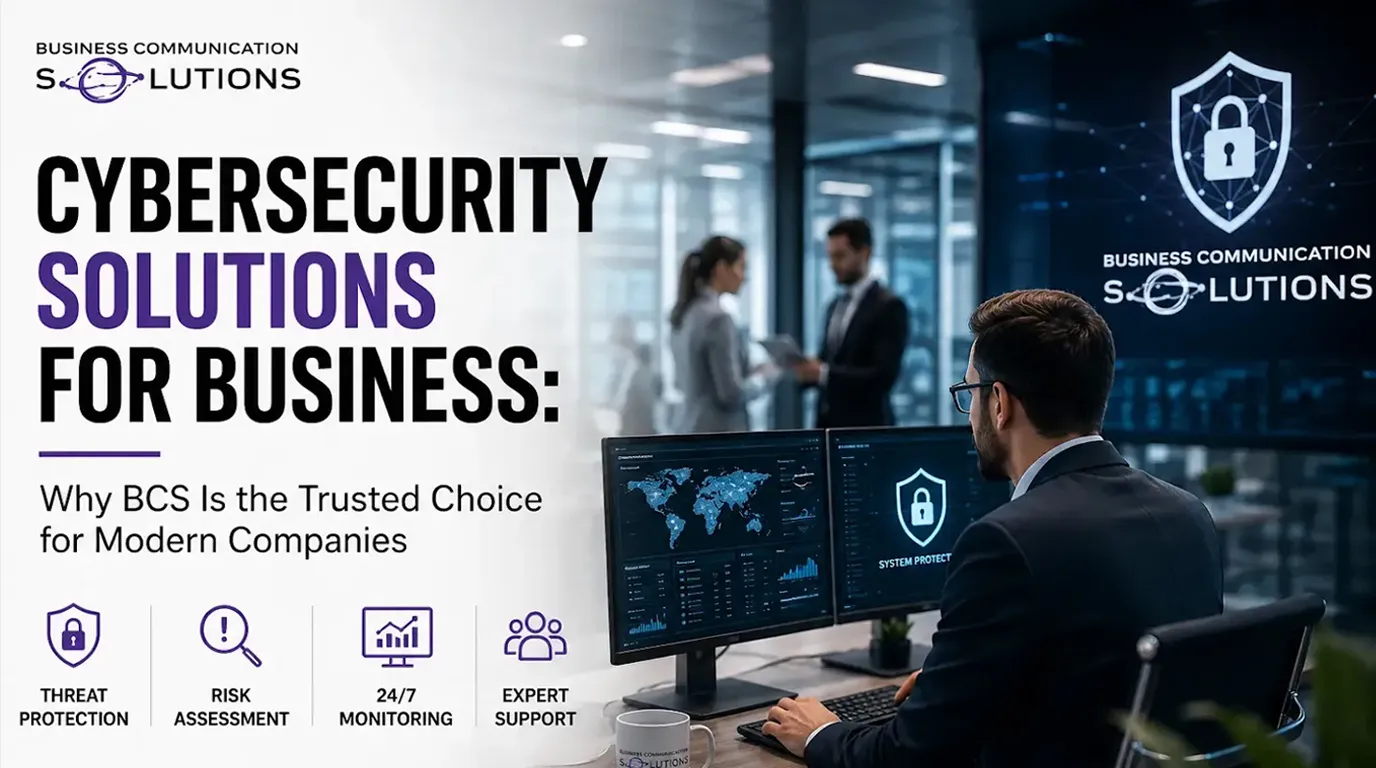
Cybersecurity Solutions for Business: Why BCS Is the Trusted Choice for Modern Companies

Cybersecurity Solutions for Business

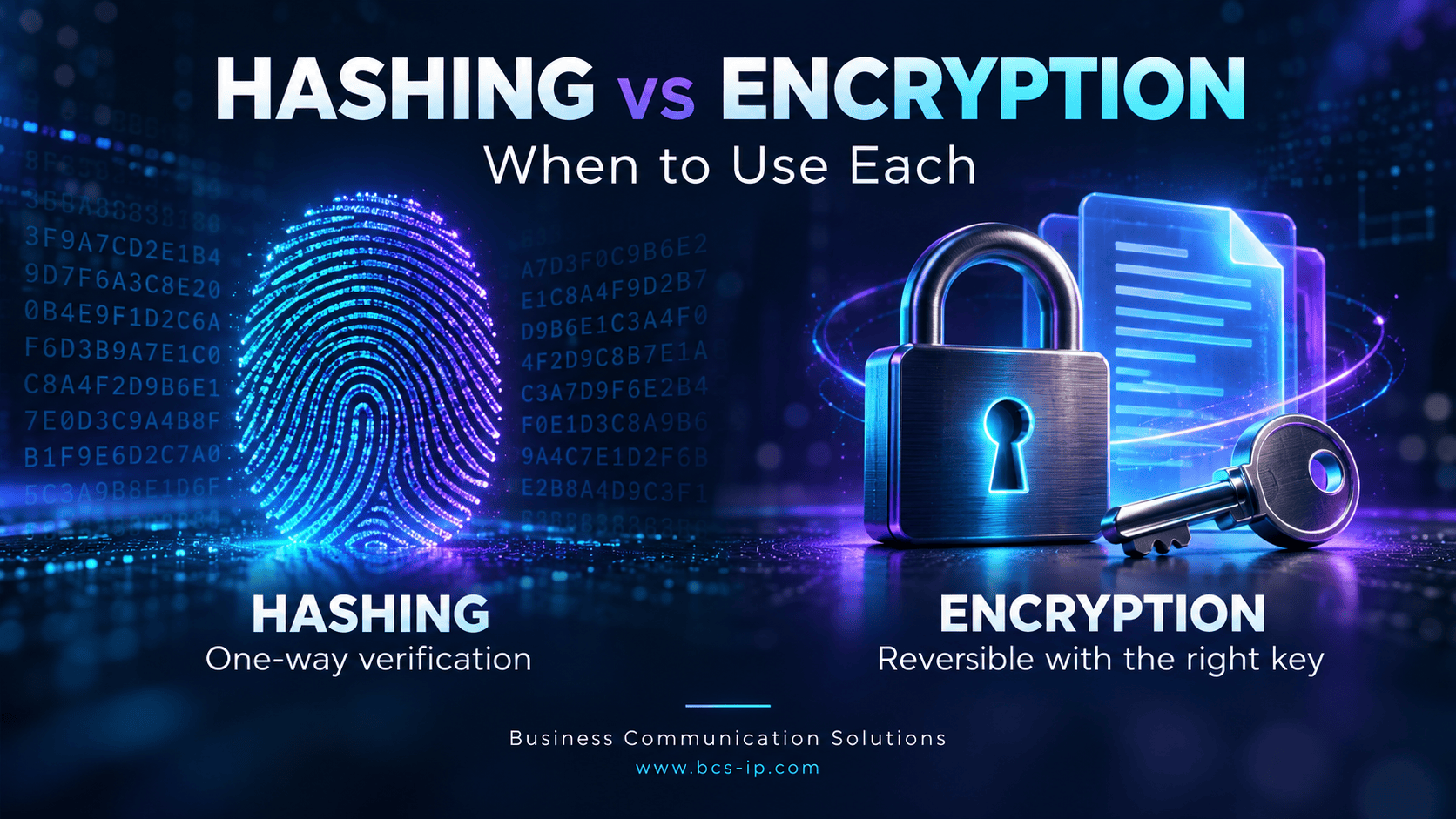
Cybersecurity is no longer a concern solely for large enterprises. Today, businesses of all sizes and types, from local retailers to healthcare practitioners to law firms, are at risk.  As technologies advance and more and more companies start adopting cloud technologies, remote workforces, and become heavily dependent on digital operations, they have become a much easier target for cybercriminals. This has moved cybersecurity solutions for businesses from a safety precaution to a modern necessity.  Cybercriminals today use advanced tactics to exploit even the smallest vulnerabilities. Any small breach can lead to operational downtime, financial losses, damaged customer trust, legal consequences, and costly compliance violations. Unfortunately, most companies fail to realise the importance of cybersecurity until they have already suffered an attack.  Modern businesses require a focus more on prevention than cure through proactive, layered protection combining technology, continuous monitoring, employee education, and expert support that help reduce cyber risk before it becomes a crisis.  What are Cybersecurity Solutions for Business?  Cybersecurity solutions for business refer to essential tools and services designed to protect an organisation’s networks, systems, devices, applications and sensitive data from cyber threats. Businesses nowadays, rather than relying on a single security tool,  require a comprehensive layered approach to protection that brings security across every part of their IT environment.  The most effective business cybersecurity solutions work together to prevent attacks, detect suspicious activity in real time, respond quickly to incidents, and minimize business disruption. This strategy helps organizations reduce risk while maintaining productivity, customer confidence, and regulatory compliance. Common Cyber Threats Most Businesses Face Understanding modern cyberattacks is the first step towards building a strong defense against them. While the ways of attacks and methods continue to evolve, most attacks exploit the same vulnerabilities. Knowing them can help you pick the right professional cybersecurity services against them and identify, prevent, and respond to them appropriately. Some of the most common cyberattacks include:  Ransomware  Phishing emails Business Email Compromise (BEC) Insider Threats  Credential Theft Malware  Cloud Security Risks Zero-Day Attacks Core components of a strong cybersecurity program A good cybersecurity program is a collaboration of various strong core components that come together to achieve complete security. These include:  Network Protection A secure network is the backbone of any business operations. Ensuring its security requires implementing firewalls, intrusion prevention systems, network segmentation, and continuous traffic monitoring to block any unauthorized access and detect malicious activity before it spreads.  Remember, a protected network is vital to ensure your employees, customers, and business-critical applications can safely operate uninterrupted.  Endpoint Security  Every server, be it laptop, desktop, smartphone, or tablet, that is connected to your network can be a potential entry point for attackers. Endpoint security protects these devices with advanced antivirus software, behavioral analysis, Endpoint Detection and Response (EDR), and automated threat containment. Email Security  Even today, email remains one of the most common and easiest attack vectors for cybercriminals. Even the most tech-aware people can be tricked into revealing sensitive information or installing harmful malware through Phishing emails, malicious attachments, fake invoices, and impersonation attempts.  This is why comprehensive email security filters are a must for every business to filter out suspicious messages, block dangerous attachments, scans URLs before they reach your or your employees’ inbox.  Identity and Access Protection Unauthorised access has always been the leading cause of data breaches. A strong identity protection ensures that only authorised users can access sensitive systems and information through various measures, including multi-factor authentication (MFA), Single Sign-On (SSO), role-based access controls, identity monitoring, strong password policies, etc.  Cloud Security  As businesses continue to migrate applications and data to cloud platforms such as Microsoft 365 and Azure, cloud storage protection is needed now more than ever. Businesses today require a well-designed cloud security strategy that secures cloud storage, user permissions, workloads, backups, collaboration platforms and overall business data regardless of where employees work.  Advanced Firewalls  Old firewalls that blocked unwanted traffic are simply not enough anymore. Next-generation firewalls serve as the first line of defense against external attacks by inspecting application traffic, identifying advanced threats, enforcing security policies, and preventing unauthorized access to business networks. Threat Detection and Continuous Monitoring  Cybercriminals don’t follow businesses’ clock; they can attack at any point in time. Hence, continuous monitoring and threat detection are a must. Continuous monitoring allows security professionals to identify suspicious behavior, investigate unusual network activity, and respond before a threat causes significant damage while significantly reducing the time attackers can go undetected within a network.  Employee Security Training Prevention is always better than cure, and technology alone cannot stop every cyberattack. This is why businesses need to ensure that their staff stays informed and well-trained to protect themselves and the business against such cyberattacks. Regular employee training about various cyberattacks, including phishing emails, fake login pages, suspicious attachments, unsafe browsing habits, passwords, etc can tremendously help in keeping your business safe against such cyberattacks Backup and Disaster Recovery  Understanding that, despite all security precautions, unexpected events can always happen is just as important. This is why businesses must prepare for such situations in advance with reliable backup and disaster recovery solutions. An effective disaster recovery strategy includes automated backups, secure off-site storage, cloud-based recovery, and regular recovery testing and ensures that all your critical data can be restored quickly, minimizing downtime and helping organizations resume normal operations faster. Compliance and Risk Management  Many industries must comply with regulations governing data privacy and cybersecurity. Healthcare organizations, financial institutions, legal firms, and government contractors often face strict compliance requirements. Comprehensive cybersecurity programs help organizations meet standards such as HIPAA, PCI DSS, NIST, and other regulatory frameworks by implementing appropriate safeguards, documentation, and ongoing security assessments. Importance of Layered Cybersecurity Approach for Businesses  As technology continues to evolve, so does the severity and methods of cyberattacks. No single security measure can protect against all cyberattack threats. A layered cybersecurity approach allows businesses to deploy multiple layers of protection that work together. This approach includes:  Network security Endpoint protection Email filtering Identity management Cloud security Continuous

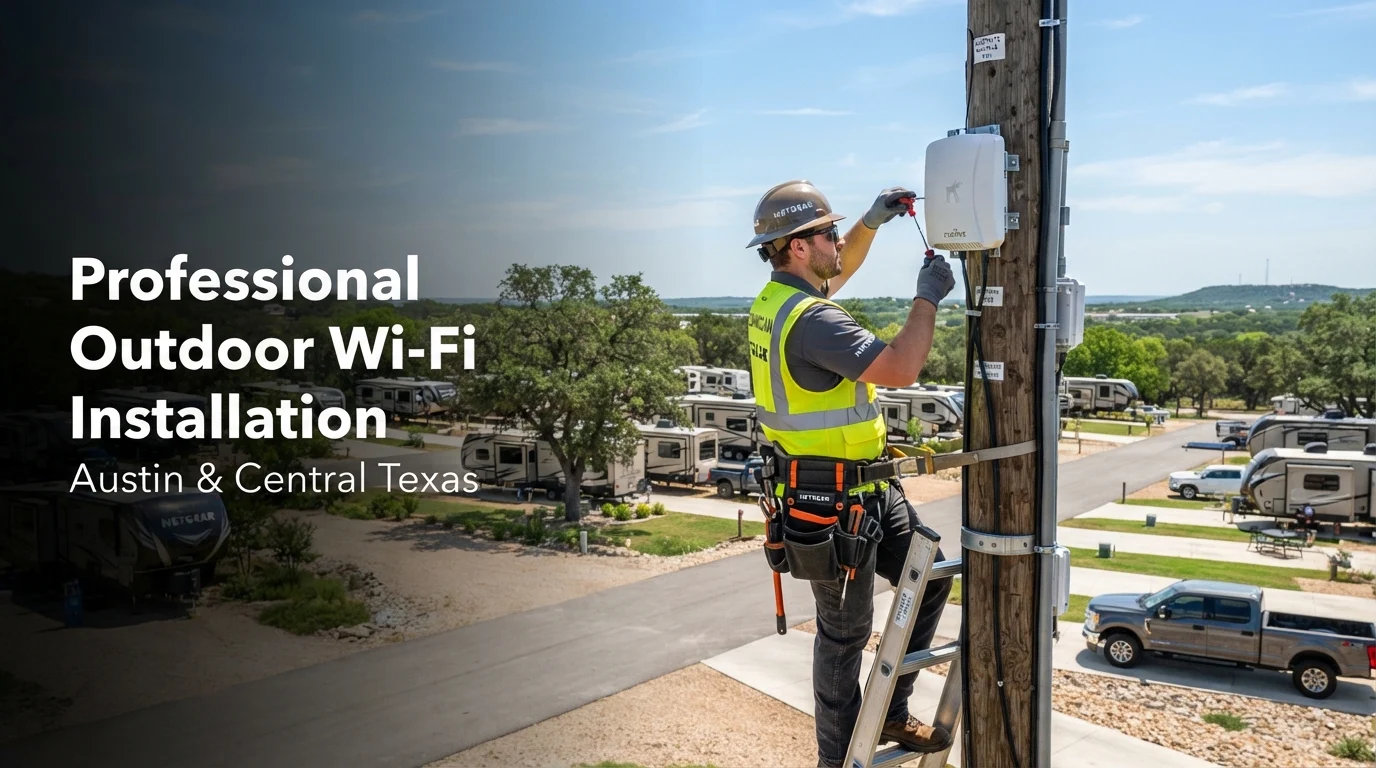
Professional Outdoor Wi-Fi Installation in Austin, TX | TP-Link Wi-Fi 7 for RV Parks and Large Properties

Outdoor Wi-Fi Installation in Austin

Businesses that have customers spread out over big areas need outdoor Wi-Fi that works well. You can use strong wireless service to make daily tasks easier and keep your customers happy. This applies whether you’re in charge of an RV park, hotel, apartment complex, warehouse, or business campus. You will discover in this blog why hiring a professional to install your outdoor Wi-Fi is crucial.  Modern Wi-Fi 7 technology and Power over Ethernet (PoE) make networks reliable. Business Communication Solutions serves Austin and Central Texas with reliable outdoor Wi-Fi solutions. Professional Outdoor Wi-Fi Installation for Businesses in Austin and Central Texas Strong and reliable Wi-Fi is now a must for businesses because they depend more and more on the internet connections. Reliable Wi-Fi has grown to be an important feature. This is true whether you’re in charge of an RV park, apartment building, marina, warehouse, school campus, hotel, or commercial property. It improves customer satisfaction and business operations. We at BCS specialize in professional outdoor Wi-Fi installation. We serve Austin, Georgetown, Temple, Cedar Park, Leander, Liberty Hill, Round Rock, Pflugerville, Hutto, Taylor, San Marcos, New Braunfels, Belton, Waco, Killeen, and throughout Central Texas. Our team recently completed a TP-Link Wi-Fi 7 Outdoor Access Point installation for a large RV park. This provides reliable wireless coverage throughout the property. The result? The RV park can now proudly advertise “High-Speed Internet Included,” an amenity today’s travelers actively look for when choosing where to stay. Why Reliable Outdoor Wi-Fi Matters When you’re traveling through rural Texas, mobile service isn’t always reliable. Although many RV parks are not in cities, LTE and 5G coverage can be limited in those areas. A professionally designed outdoor Wi-Fi network gives guests reliable internet for: Streaming TV Video conferencing Remote work Online gaming Smart devices Security cameras VoIP calling These days, having access to dependable Wi-Fi is on par with having access to water and electricity for many people who are traveling.  Saving Thousands with Power over Ethernet (PoE) One of the biggest advantages of modern wireless infrastructure is Power over Ethernet (PoE). Our engineers use a single Ethernet cable to provide both network connectivity and power to each outdoor access point. This approach eliminates the need for expensive electrical outlets throughout the property. Benefits include: Lower installation costs Faster deployment Less trenching Cleaner installations Easier future expansion Reduced maintenance Eliminating dozens of electrical outlets from large business buildings can save thousands of dollars and make upgrades much easier in the future.  Solving Long-Distance Outdoor Wi-Fi Challenges Installing enterprise Wi-Fi across a large RV park isn’t as simple as mounting access points. For Ethernet cable, the longest length is 328 feet (100 meters). Since many access points were located much farther away, we engineered a solution using: Enterprise PoE switches PoE extenders High-power PoE++ injectors Carefully planned network distribution points Many modern Wi-Fi 7 Outdoor Access Points require PoE+ or PoE++ to operate at full performance. Access points can fully use their radios, even the new 6 GHz band, as long as they have a good power budget.  If you want to be successful in this kind of engineering, experience is essential. Oftentimes, inadequate planning results in inadequate coverage, connections that are unreliable, or costly redesigns.  Why Businesses Are Upgrading to Wi-Fi 7 Wi-Fi 7 is more than just faster internet. It introduces major improvements that benefit businesses with large outdoor properties. There are the following benefits of upgrading to Wi-Fi 7 in businesses: Faster wireless speeds Lower latency More simultaneous users Better roaming Improved reliability Larger wireless capacity Better support for streaming and remote work The addition of the 6 GHz spectrum also dramatically reduces wireless congestion, making outdoor deployments far more reliable than previous generations. For businesses investing in wireless infrastructure today, Wi-Fi 7 provides a future-ready network capable of supporting thousands of connected devices. Why Choose TP-Link Omada Wi-Fi 7? The TP-Link Omada Wi-Fi 7 is a great choice for businesses of all sizes. It has enterprise-level performance and is easy to manage. It has advanced features that help you make a wireless network that is effective, safe, and scalable. Some important benefits are:  Centralized cloud management makes it easy to control the network from anywhere. Enterprise-level security keeps business data and devices that are linked safe. Users can stay connected even as they move around the property thanks to seamless roaming. Mesh features make range better and get rid of Wi-Fi dead spots. Remote tracking lets you quickly fix problems and take charge of your network. Scalability means that as your business grows, you can add more access points. Better performance for less money than many other business Wi-Fi options, with advanced tools that don’t cost a lot.  Outdoor Wi-Fi Solutions for Every Industry Business Communication Solutions is responsible for the design and installation of enterprise wireless networks for the following:  RV Parks Campgrounds Apartment Communities Hotels & Resorts Marinas Schools Warehouses Manufacturing Facilities Office Campuses Shopping Centers Churches Sports Complexes Industrial Facilities Municipal Properties Our experienced technical team is well-equipped to design wireless networks for properties of any size, from five acres to fifty acres. These networks provide reliable coverage where your customers and employees need it most. Professional Outdoor Wi-Fi Installation in Austin and Central Texas Need secure Wi-Fi for your business outside? Our experienced team of professionals at BCS helps companies in Austin and Central Texas set up and run fast wifi networks. We help with the installation of:  Outdoor Wi-Fi Installation Austin Commercial Wi-Fi Installer Austin Business Wi-Fi Solutions Near Me Enterprise Wi-Fi Installation TP-Link Omada Installer Outdoor Access Point Installation RV Park Wi-Fi Installation Commercial Network Cabling PoE Network Installation Wi-Fi 7 Installation Business Communication Solutions knows how to plan, set up, and maintain long-lasting wireless networks for businesses. We proudly service Austin, Round Rock, Cedar Park, Leander, Georgetown, Liberty Hill, Pflugerville, Hutto, Taylor, and other Central Texas businesses.  Start planning your wireless site investigation right away by contacting Business Communication Solutions. Discover how a professionally designed outdoor

Data Protection Services: How BCS Protects Your Business from Modern Cyber Threats

Data Protection Services

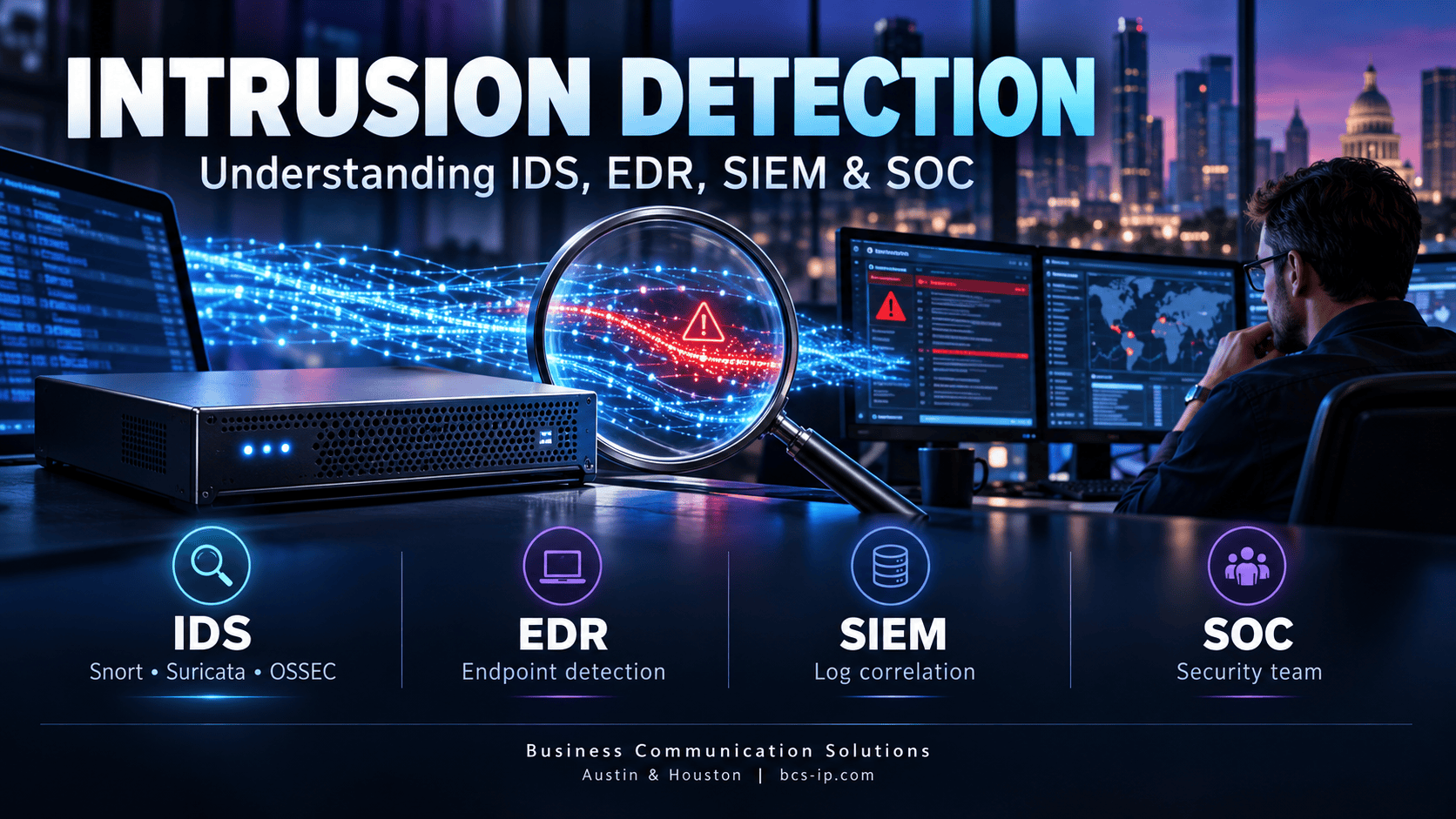
In this technical era, most of the businesses run on data, whether they are small or large-scale. Risks are always present in servers, laptops, the cloud, and other places where data is kept. Customer records, financial accounts, employee files, and private company data are stored in these locations. One breach might cost a corporation its reputation, its clients, and in some situations, its ability to conduct business at all. This is the actual reason why data protection services have become a special need for their businesses.   Business Communication Solutions (BCS) is located in Cedar Park and serves the broader Austin, Texas area. Our company has been helping different local businesses to secure their confidential information, systems and networks. Our technical assistance has been satisfying big firms for more than 25 years.    In this article, we examine what modern data protection services look like, why they matter, and how BCS is meeting the challenge. BCS is focused on keeping organizations safe from an ever-changing threat landscape. Why Data Protection Has Become a Business Priority Cyberattacks aren’t infrequent occasional occurrences anymore. Malicious programs, phishing programs, and targeted attacks affect firms of all sizes today. Developing businesses are often the easiest targets because they typically do not have in-house, dedicated security teams. That’s where professional data protection services come in, providing the tools, monitoring and expertise that most firms can’t support on their own.  A few realities driving the demand for stronger data protection services offerings include: Rising ransomware activity targeting businesses with weaker security postures Regulatory pressure requiring companies to demonstrate responsible handling of customer and employee data Remote and hybrid work models that expand the number of devices and access points needing protection Cloud computing increases vulnerabilities if not effectively set up and regulated Higher downtime expenses since even a few hours of system interruption can impair operations and income When businesses don’t think about security, they’re much more likely to have costly problems. A proactive way to lower that risk before it turns into a disaster is to invest in structured data security services.  Advantages of BCS  BCS defines itself as a single-source IT infrastructure, communications and security. The company looks to develop a layered approach that will bring together Managed IT services and cybersecurity services. This approach will also include dedicated data protection and recovery services. These elements will be integrated into a single cohesive strategy. Rather than providing disparate solutions, this integrated approach unifies all services. The reason it matters is that data protection is rarely about a single product. It’s about how the monitoring, backup, access control and response processes function together. BCS runs a family-run business with licensed technicians and round-the-clock service, which makes it trustworthy for your business. That combination of technical depth and personal accountability is central to how the company delivers its data protection services offerings to local businesses. Core Components of BCS Data Protection Services BCS’s take on data protection services is founded on several interlocking elements. Each one covers a distinct phase of the data lifecycle, from prevention to detection to recovery.  Service Area  What It Covers Business Benefit Endpoint Detection and Response (EDR) Continuous monitoring of laptops, desktops, and servers for suspicious activity Stops threats before they spread across the network Managed Detection and Response (MDR) Ongoing threat hunting and response managed by security professionals Reduces the burden on internal staff while improving response times SIEM (Security Information and Event Management) Centralized analysis of security events across the network Identifies patterns that indicate an active or emerging threat SOAR (Security Orchestration, Automation, and Response) Automated workflows for common security incidents Speeds up containment and reduces manual response time Email Security Filtering and monitoring of inbound and outbound email traffic Blocks phishing attempts, a leading cause of data breaches Antivirus with 24/7 SOC Support Real-time malware protection backed by a Security Operations Center Provides round-the-clock coverage, not just business-hours protection Employee Cybersecurity Training Ongoing education on recognizing scams and unsafe practices Reduces human error, which remains the top cause of breaches This layered structure is what separates a basic antivirus subscription from genuine data protection services. BCS does not depend upon a single line of protection. However, it integrates redundancy into its security paradigm so that an attack can be detected if one layer fails.  Data Protection as a Service: A Managed, Ongoing Model One of the bigger trends in the industry has been the transition to data protection as a service. This means that companies no longer have to acquire, build and manage their own security infrastructure. Protection is provided as a managed service on an ongoing basis, with monitoring, updates and support provided by the supplier.  BCS follows this same strategy. It includes 24/7 Managed Detection and Response in all of its services. This means that endpoints are watched 24 hours a day, seven days a week. Compared to standard self-managed security, this model has many benefits:  Continuous monitoring instead of relying on internal staff to notice problems Predictable costs, with flexible pricing plans that can be fixed monthly or pay-as-you-need Faster incident response, since a dedicated team is already watching for threats Scalability, allowing protection to grow or shrink as the business changes Reduced strain on internal IT staff, who are often stretched thin across too many responsibilities Firms that lack the resources to construct an internal security operations center face a challenge. A managed approach to data protection as a service is typically the most feasible option for them. This approach also represents the most cost-effective road to robust protection. Backup, Recovery, and Business Continuity Preventative measures are simply one component of the equation. Powerful protections do not eliminate the possibility of incidents occurring. These incidents may result from a cyberattack, a hardware malfunction, or human mistake. The importance of data protection and recovery services is comparable to that of prevention tools for this reason.  Our organized backup and disaster recovery solutions keep data and business operations running after a disturbance. Key elements include: Automatic backups

10 Signs Your Business Needs a Professional Surveillance System Installation

surveillance system installation

In today’s time, security is as huge a concern as it can be. It is no longer just a personal concern but a complex one for businesses around the globe. Today, businesses struggle with a wide range of safety concerns – from theft to vandalism to workplace disputes, liability claims, and cybersecurity concerns. As a business owner, protecting your people, assets, and operations is your biggest concern, and it requires more than simple DIY solutions that, though provides temporary coverage, cannot guarantee 24/7 protection, operational efficiency, and peace of mind like a professional surveillance system installation. Whether you are a retail store owner or own a warehouse, healthcare facility, office, manufacturing plant, or handle a multi-location business, a professional surveillance system installation can make a huge difference in your business’s security system and help you avoid any critical blind spots when it comes to identifying security risks before they turn into costly incidents. If you’re a business owner concerned about your facility’s security, here’s a list of the ten most common signs that indicate that your business is in urgent need of a professional video surveillance system installation. Why Professional Surveillance System Installation Matters for Your Business  Crime can be really expensive for your business, especially in today’s increasingly connected and competitive marketplace. A professional surveillance system can do a lot more than just record a video for your business. They are constantly proving themselves as important business tools that can help improve security, operational visibility, and risk management. A well-designed and installed professional surveillance system can help you ensure your employees’ and customers’ security, reduce theft and vandalism, monitor multiple locations remotely, and improve workplace safety. Not only this, in case an incident does occur, a high-quality surveillance system can help you collect reliable evidence required for an investigation, help support insurance claims, and help strengthen regulatory compliance. However, not all video surveillance system installations offer these benefits. Along with a professional surveillance system installation, your business needs professional planning and ongoing support to ensure your camera actually covers the essential areas, integrates properly with your existing technology, and offers reliable support when it truly matters. Here are a few signs that show your existing systems might be failing you, and your business needs a professional business surveillance system installation. Your business has experienced theft or suspicious activity in the past Did you know? According to the latest U.S. industry data from Appriss Retail, when you combine shoplifting, employee theft, checkout fraud, and severe returns abuse, businesses in the United States are facing a staggering $796 billion wave of total retail losses. That’s how much loss businesses face annually, which can be significantly reduced with the right surveillance system. Unfortunately, most businesses trust their facility to DIY camera solutions, which repeatedly fail them. A professional surveillance system installation can offer a complete assessment of your business, strategically position your camera for maximum coverage and image quality. This comprehensive approach results in complete coverage and greater peace of mind. Your Current System Has Blind Spots  Your security systems are only reliable if they capture everything. However, most business owners fail to notice their system’s blind spots until it’s too late. Imagine having security systems that completely miss building entrances, emergency exits, cash registers, storage rooms, hallways, parking areas, and shipping and receiving zones, or that cover these areas but are set at improper angles, at incorrect mounting heights, or capture everything with a blurry lens. Can you trust such surveillance to protect your businesses? If you have noticed any of the aforementioned points, it is a huge sign that your business requires a Professional video surveillance system installation. Rather than simply adding more cameras, a surveillance camera system installation includes a thorough site assessment that identifies vulnerable areas and optimizes placement so every camera serves a purpose. You repeatedly receive poor-quality footage  Security footage is only useful when it helps you identify people, vehicles, things, etc., properly. However, if you repeatedly receive blurry recordings, pixelated videos, motion blur, inconsistent recording quality, and limited zoom capability, it means your existing systems are failing to meet your modern security expectations. Modern video surveillance system installation can offer high-definition and 4K resolution, superior low-light performance, wide dynamic range, advanced motion detection, smart analytics, and better digital zoom capabilities, which can make all the difference between identifying a suspect and losing critical evidence. You Can’t Monitor Your Business Remotely As a business owner, you should be able to keep an eye on the operations without being tied to the office. If your existing systems only allow on-site DVR or require complicated remote access, it is high time you switched to a business surveillance system installation. Modern surveillance solutions simplify remote monitoring by allowing authorised users to view live video from smartphones, receive instant security alerts, monitor multiple locations simultaneously, access recorded footage remotely, check business activity after hours, and verify alarm events immediately. Your Business is Growing  Growing businesses need modern solutions. Whether you’ve added a new office space, parking lots, an additional warehouse, a customer entrance, a larger inventory, or more employees to your business, it is not necessary that what worked for one building will offer adequate protection to the rest, too. In such cases, a professional surveillance system installation offers scalable systems that grow alongside your business. Additional cameras, locations, and users can often be integrated into a centralized management platform, making expansion far more efficient than piecing together multiple standalone systems. Your Security Systems are siloed  Are your access control system and camera working in harmony, or are they operating independently? If yes, you may be missing out on valuable security capabilities and need a professional surveillance system installation. It allows businesses to view video associated with door access events, verify employee credentials, monitor visitor activity, investigate unauthorized entry attempts, automate security responses, and improve audit reporting. This helps you gain an improved, unified security ecosystem that improves efficiency and incident response. Your System footage often fails as evidence  Does

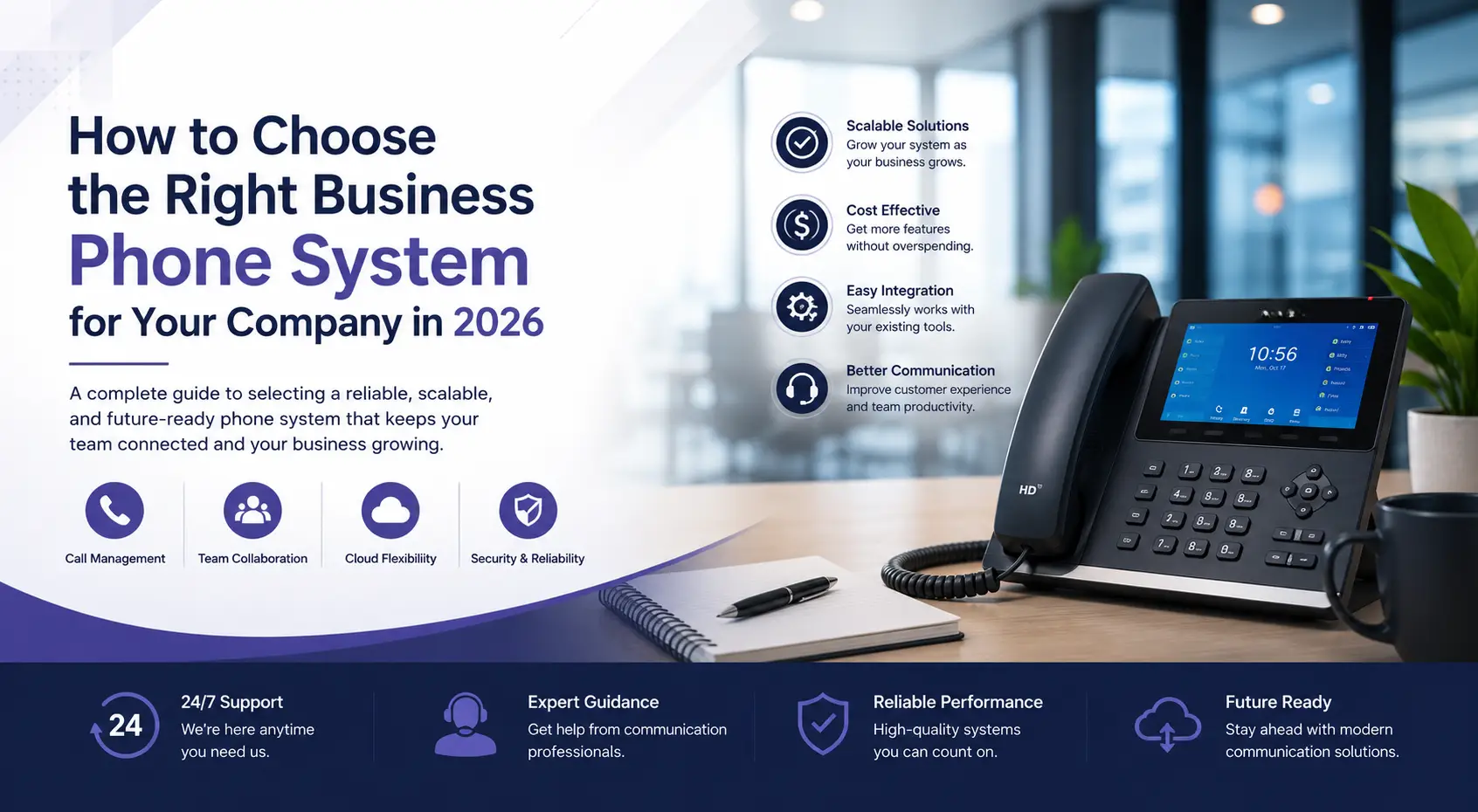
How to Choose the Right Business Phone System for Your Company in 2026

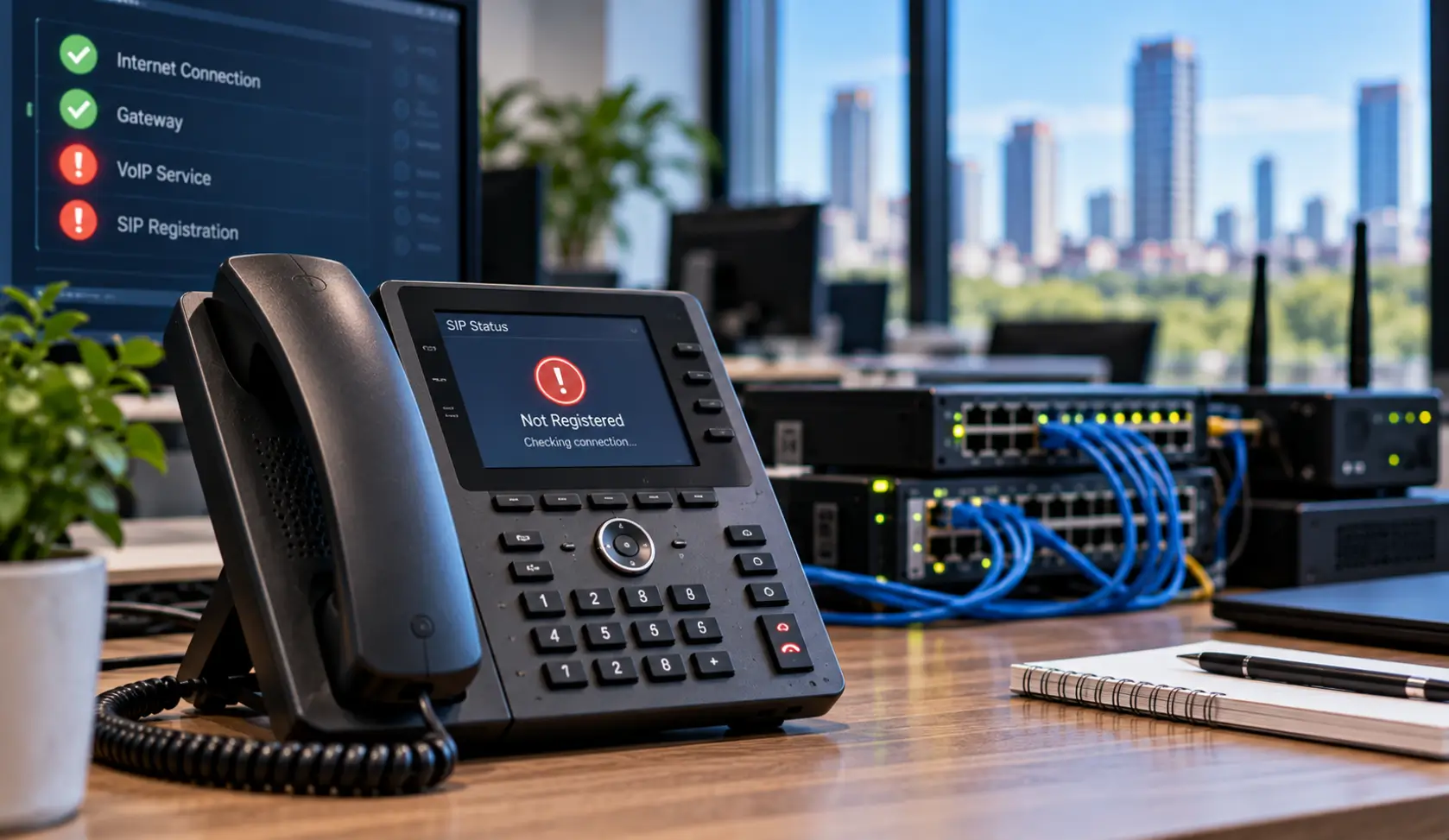
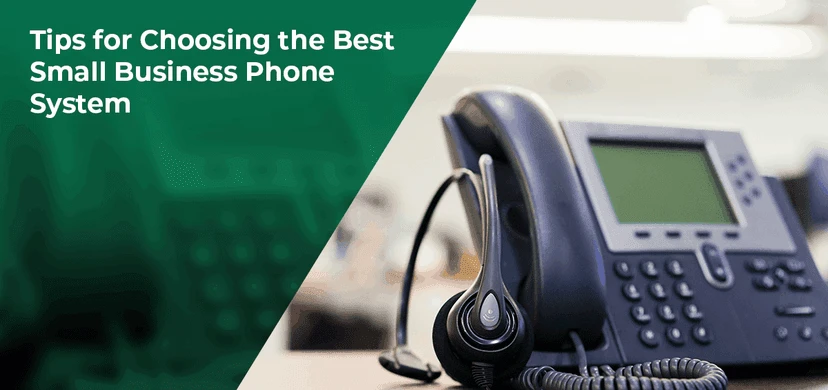
Modern business phone system with VoIP desk phone for Austin office communication

Reliable, uninterrupted communication is the foundation of any successful business today.  Whether the business demands assisting customers with their queries, coordinating with remote employees, or collaborating with teams at multiple locations, your phone system plays a vital role in keeping operations running smoothly.  However, many businesses still struggle to meet the demands of their modern business due to their continued dependence on outdated communication systems.  With the introduction of cloud technology, workplace communication has evolved significantly, from fixed, hardware-heavy legacy systems to highly flexible, scalable, and cost-effective digital ecosystems.  Forward-thinking businesses understand the importance of choosing the right business phone systems Austin. The ideal phone system provider doesn’t simply install a phone system; they analyse your business’s needs, recommend the best solution customised to your business’s unique needs and offer ongoing support to help your business evolve.  In this guide, we will cover everything you need to know about business phone systems and how to choose the right business phone systems Austin for your company.  Why is it Important to choose the Right Business Phone System for your Business? Businesses often mistake a phone system for a method of simply making and receiving calls. However, a good business phone system does so much more than that.  It acts as a communication hub connecting your customers, employees, vendors, partners, and everyone essential for your business. It has a direct and strong impact on several aspects of your business.  A good Business Phone System ensures:  Supports better customer experience through features such as intelligent call routing, auto attendants, voicemail transcription, and call queues. Helps improve employee productivity by saving them from the hassle of managing calls and offering more time to serve customers.  Increase reliability by ensuring your business stays operational even during internet outages or unexpected disruptions. Cloud-based phone systems offer employees the flexibility to attend calls from any device, supporting hybrid and remote work.  Minimises downtime by allowing calls to be re-routed easily.  Helps build a professional brand image through Features like custom greetings, department directories, hold music, and seamless call  Types of Business Phone Systems  Understanding your business’s unique needs is the first step in growing your business.  This rule also applies when choosing the right business phone systems Austin. There are various business phone systems in the market; the one for your business depends on the size of your company, infrastructure, growth plans, budget, and operational needs. The most common options include:  Hosted Phone System Most popular among small and mid-sized businesses, a hosted phone system is an excellent choice for businesses looking to reduce hardware costs while gaining enterprise-level functionality. These allow the entire communication platform to be simply hosted securely in the cloud, allowing businesses easy access by simply connecting through their internet service.  Cloud Phone Systems for Business Cloud Phone Systems for businesses offer a broader category of internet-based communication platforms designed for flexibility and collaboration. These allow employees to easily work virtually from any location using the same number. This is often the best choice for growing businesses, allowing them to easily integrate new employees, additional departments, or new office locations without additional  infrastructure upgrades. PBX Phone System Installation For businesses with complex communication needs, regulatory requirements, or specialized integrations, PBX Phone System Installation is the best choice. It combines on-premises hardware with internet-based technologies, providing greater flexibility while maintaining local control. Multi Line Business Phone System For businesses with extensive sales teams, customer care departments, or teams in multiple locations, Multi Line business phone systems are a must. It allows them to handle numerous incoming and outgoing calls and inquiries without interruptions. It offers various features like call queues, department extensions, intelligent call routing, call parking, hunt groups, receptionist consoles, simultaneous ringing, and call transfer between employees tahat helps reduce missed opportunities due to busy signals or overloaded phone lines.  SIP Trunking Services  SIP trunking services replace traditional phone lines by delivering voice calls over an internet connection. They allow businesses to connect their PBX system to the public telephone network while reducing communication costs, improving scalability, and supporting high-quality voice calls. Important Key Features Every Business Phone System Austin Should Have  With the rapid advancement in technology, communication has long evolved beyond simple voice calls. Instead, there are multiple new integrated tools that businesses should use to improve collaboration, streamline workflows, and enhance customer service. There are some essential features that every Business Phone System Austin should provide. These include: Auto Attendant Call Forwarding Voicemail to Email Mobile Integration Video Meetings Call Recording Analytics and Reporting CRM Integration Unified Communications System Businesses should choose a phone system that comes with all the above-mentioned features to ensure their investment continues to deliver value as their business grows and workplace technology evolves. VoIP vs Traditional Phone Systems The biggest question among growing businesses today is whether they should opt for the new business VoIP services or stick with their traditional Phone Systems. While many argue that traditional phone systems have served their businesses well until now, many understand that growing modern organizations increasingly require communication tools that can adapt to changing work environments, support remote employees, and scale alongside business growth. The key differences between Business VoIP services and Traditional Phone Systems are:  Things to Check Before Choosing a Business Phone Systems Austin Provider A Good Business Phone Systems Austin provider does not simply offer you a communication system or simply install software; rather, they offer their expertise, responsiveness, and long-term phone system maintenance and support that directly impact the growth of your business. This is why it is important to check a few things before finalising your new Business Phone Systems Austin provider:   The specific communication challenge they resolve Number of users their systems support  Whether their system supports remote or hybrid employees Whether the new system can be easily integrated with the existing technology Long-term growth plans Realistic budget  The degree of support they promise  Platform security  The right business phone system provider should easily be able to answer all these