

Businesses regularly replace computers, servers, and other IT equipment as their technology requirements change. However, getting rid of outdated equipment requires more than simply removing it from the office.
Old computers and storage devices may contain business documents, customer information, employee records, saved credentials, and other sensitive information. If these devices are discarded without properly addressing the stored data, that information may remain accessible to others.
For businesses in Austin, having a clear process for handling old IT equipment can help reduce data exposure risks and support responsible equipment disposal.
Why Businesses Should Handle Old IT Equipment Carefully
Computers and other electronic devices can retain information even after employees stop using them. Simply deleting files or removing a device from the company network does not necessarily make its stored information inaccessible.
Improper equipment disposal can create several risks:
- Exposure of business information: Old devices may contain financial documents, customer records, employee information, and internal files.
- Unauthorized data access: Someone who obtains an improperly prepared storage device may be able to recover information from it.
- Loss of important records: Businesses may accidentally discard information they still need for operations or recordkeeping.
- Environmental concerns: Electronic equipment should be handled through appropriate reuse or recycling channels rather than being treated as ordinary office waste.
A planned disposal process helps businesses manage these risks before equipment leaves their control.
Which IT Equipment Should Businesses Review Before Disposal?
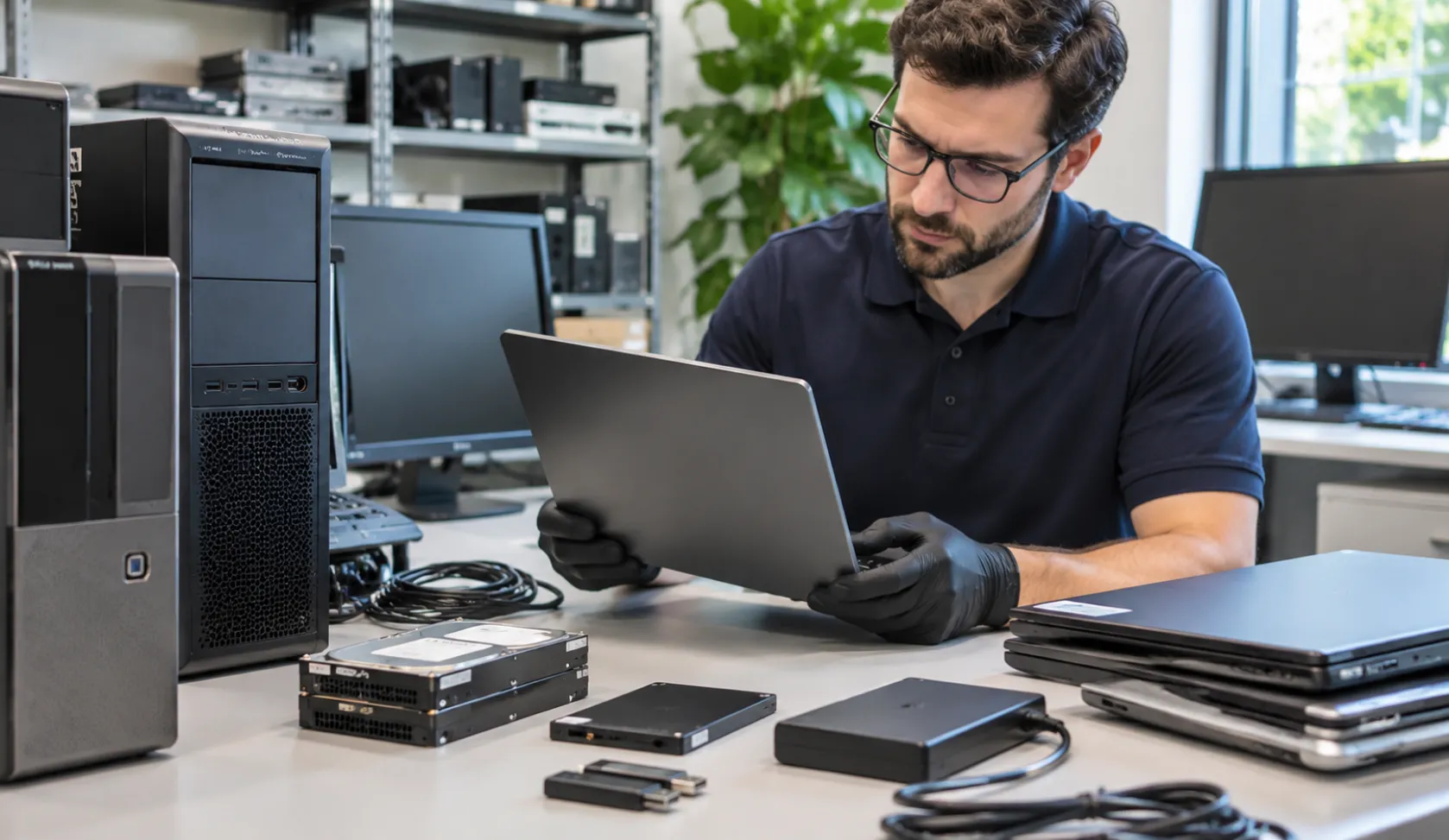
Businesses should identify all electronic equipment that may contain stored information before arranging its disposal.
Common examples include:
Desktop Computers and Laptops
Business computers may contain saved documents, application data, browser information, employee files, and locally stored business records.
Servers and Storage Devices
Servers and storage systems may hold shared files, databases, backups, and other information used across an organization.
Hard Drives and Solid-State Drives
Hard disk drives (HDDs) and solid-state drives (SSDs) use different storage technologies. The appropriate data sanitization approach depends on the device and its storage characteristics.
External Storage Devices
USB drives, external hard drives, and other portable storage devices can contain copies of important company information. These devices should also be included in the disposal process.
How to Prepare Old Business Computers for Disposal
Before equipment is donated or recycled, businesses should address the information stored on it.
The following steps provide a practical starting point.
1. Identify Equipment That Is No Longer Needed
Create a list of computers, servers, storage devices, and other equipment scheduled for retirement.
Record basic details such as device type, asset identification, assigned department, and current condition. This makes it easier to track which devices are being removed from business operations.
2. Review and Back Up Important Information
Before preparing a device for disposal, identify business information that must be retained.
Important files should be transferred to approved storage locations or backed up according to the organization’s data retention requirements.
This step helps prevent the accidental loss of information that may still be needed.
3. Remove Stored Data Properly
Deleting individual files or performing a standard factory reset should not automatically be treated as secure data sanitization.
The National Institute of Standards and Technology (NIST) provides guidance through Special Publication 800-88 Revision 2, Guidelines for Media Sanitization.
The publication explains how organizations can establish a media sanitization process based on information sensitivity, appropriate methods, and verification.
The correct approach depends on the type of storage device and how it will be handled after disposal.
4. Check That the Process Is Complete
Businesses should maintain appropriate records of equipment prepared for disposal.
Depending on their internal requirements, these records may include device identification, the sanitization method, completion date, responsible personnel, and verification details.
Maintaining this information helps organizations track retired equipment and establish accountability.
5. Decide Whether Equipment Can Be Reused or Recycled
After the required data handling process is complete, evaluate the condition of each device.
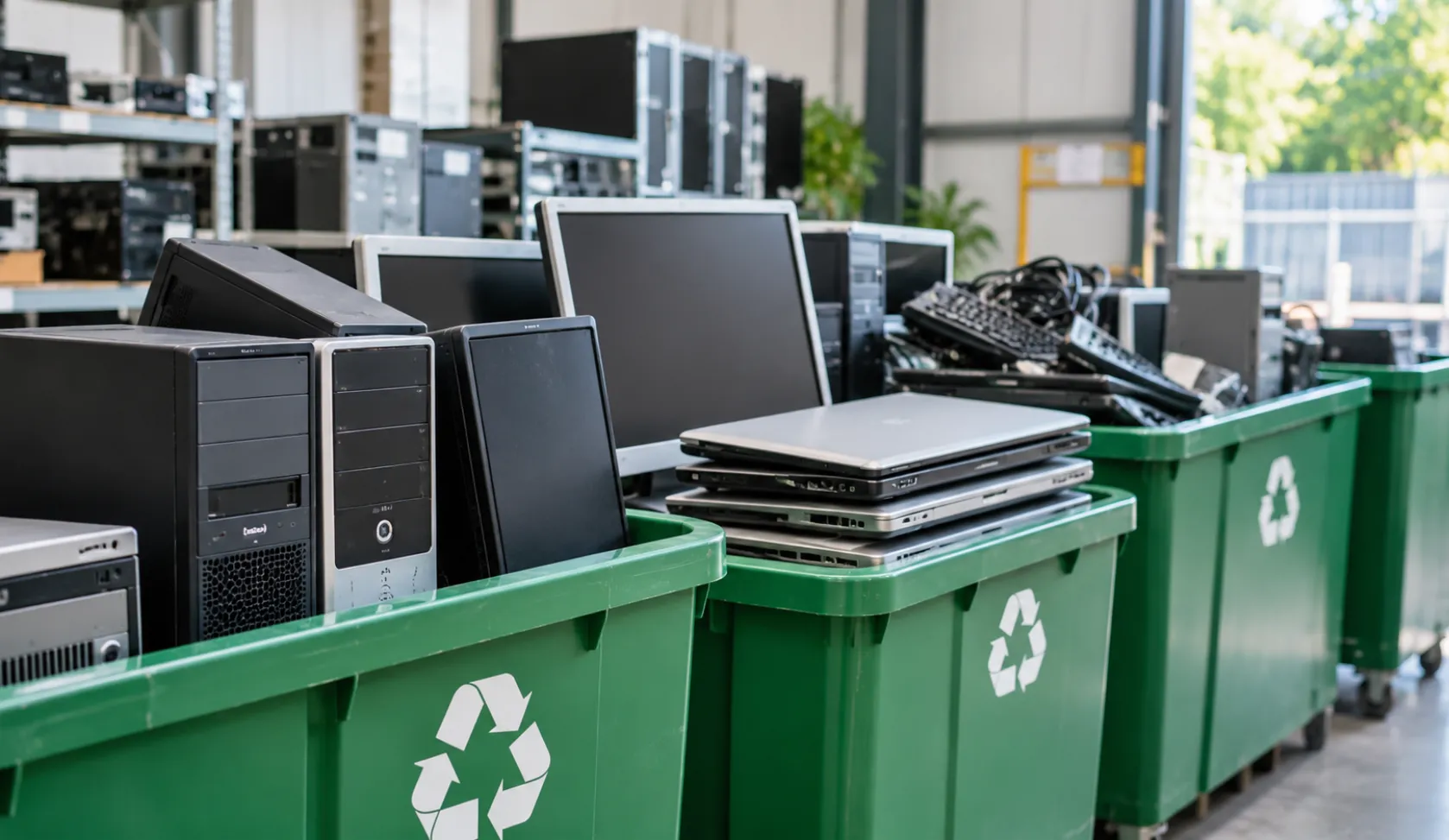
Functional equipment may be suitable for donation or reuse. Equipment that is no longer useful can be directed toward an appropriate electronics recycling process.
Why Data Removal Matters Before Donating or Recycling Equipment
Donating or recycling old equipment can extend its useful life and reduce unnecessary electronic waste. However, stored business information should be addressed before equipment changes ownership.
For example, a computer donated to another organization may still contain documents, saved account information, or files from its previous user if it was not properly prepared.
The same concern applies to equipment sent for recycling.
The EPA recommends that businesses consider certified electronics recyclers. In the United States, R2 and e-Stewards are recognized electronics recycling certification standards.
Businesses should review the recycler’s handling procedures and determine whether its services meet their equipment disposal and data security requirements.
How BCS Handles Old IT Equipment
Business Communication Solutions (BCS) provides technology and IT support to businesses in Austin and surrounding Central Texas communities.
According to its published equipment disposal process, BCS wipes data from devices before removing them for disposal. Once this process is complete, the company states that it donates or recycles the equipment.
This approach addresses two important considerations when retiring business technology: handling stored information and determining what happens to the equipment afterward.
BCS also provides computer and network support, including computer and server repair, as well as broader IT infrastructure and managed IT services.
Businesses looking for assistance with their technology requirements can learn more about Managed IT Services in Austin and Computer & Network Services.
For equipment that is no longer required, businesses should discuss the device types and their specific disposal requirements with BCS before making arrangements.
Old IT Equipment Disposal Checklist for Businesses
Before removing outdated technology from the workplace, review the following checklist:
-
Identify computers, servers, and storage devices scheduled for disposal.
-
Record basic equipment and asset details.
-
Identify information that must be retained.
-
Back up important business files.
-
Address stored data using an appropriate sanitization process.
-
Maintain relevant disposal and sanitization records.
-
Review whether equipment is suitable for reuse or donation.
-
Select an appropriate electronics recycling destination.
-
Confirm how equipment will be handled after leaving the organization.
Following a consistent process can make equipment retirement easier to manage and reduce the possibility of overlooking devices containing business information.
Frequently Asked Questions
1. Is deleting files enough before disposing of a business computer?
No. Ordinary file deletion does not necessarily make stored information unrecoverable. Businesses should consider an appropriate media sanitization method based on the storage device and sensitivity of the information.
2. Should businesses remove data before donating old computers?
Yes. Business information should be properly addressed before computers are transferred to another organization or individual. This helps prevent previous business data from being exposed.
3. What is NIST SP 800-88 Revision 2?
NIST SP 800-88 Revision 2 is a publication titled Guidelines for Media Sanitization. It provides guidance for organizations establishing processes to protect sensitive information stored on electronic media before reuse or disposal.
4. Can old business computers be recycled?
Yes. Computers that are no longer needed can be sent through appropriate electronics recycling channels. Businesses should address stored data before transferring the equipment.
5. What is the difference between data wiping and physical destruction?
Data wiping involves applying an appropriate sanitization process to stored information. Physical destruction involves damaging the storage media so that it cannot be used normally. The appropriate method depends on the media type and the required level of assurance.
6. Why should businesses maintain equipment disposal records?
Records help businesses track retired devices, document how stored information was handled, and maintain accountability throughout the disposal process.
7. Does BCS handle old equipment disposal?
BCS’s published equipment disposal information states that it wipes data from devices before removing them and then donates or recycles the equipment. Businesses should contact BCS to confirm arrangements for their specific equipment.
Final Thoughts
Disposing of old business IT equipment should be part of an organization’s regular technology management process. Computers, servers, and storage devices may retain important information even after they are no longer in use.
By identifying retired equipment, addressing stored data, maintaining appropriate records, and choosing suitable donation or recycling options, businesses can manage equipment disposal more carefully.
For businesses in Austin, BCS provides IT and computer support and describes a process for wiping data before equipment is donated or recycled. Planning ahead helps organizations handle outdated technology while keeping information protection in mind.
Related Guides
- Managed IT Services: The Complete Austin Guide
- Why the Right Managed IT Provider Is Essential for the Future
- Protecting Your Business: The Vital Role of Cybersecurity in Managed IT
- Importance of Network Security for Modern Businesses
- Affordable and Reliable Data Network Services in Austin
- Managed IT Journey: From Reactive to Proactive Support
- Windows Server 2022 Preview Has Been Released
- Disk Clean Up Tools: Freeing Up Storage the Right Way