

A customer says your voice sounds robotic. Another call drops halfway through a conversation. At one desk the audio is clear, while another phone sounds choppy. These symptoms are frustrating because a speed test can look fine while voice quality still fails. In Austin offices, the cause may be anywhere between the handset and the phone provider.
Business Communication Solutions (BCS) troubleshoots the full path: phones, Ethernet cabling, PoE switches, Wi-Fi, firewall, internet service, and phone-system settings. If you need help now, see our Austin VoIP phone troubleshooting and support service. We can evaluate systems installed by another provider.
Emergency calling check: On supported VoIP services, use 933 to check the registered emergency address and phone number. Retest after phone moves, number ports, or configuration changes, and review the functions 933 cannot verify. Read our 933 testing checklist. In an emergency, call 911.
What makes a VoIP call sound choppy?
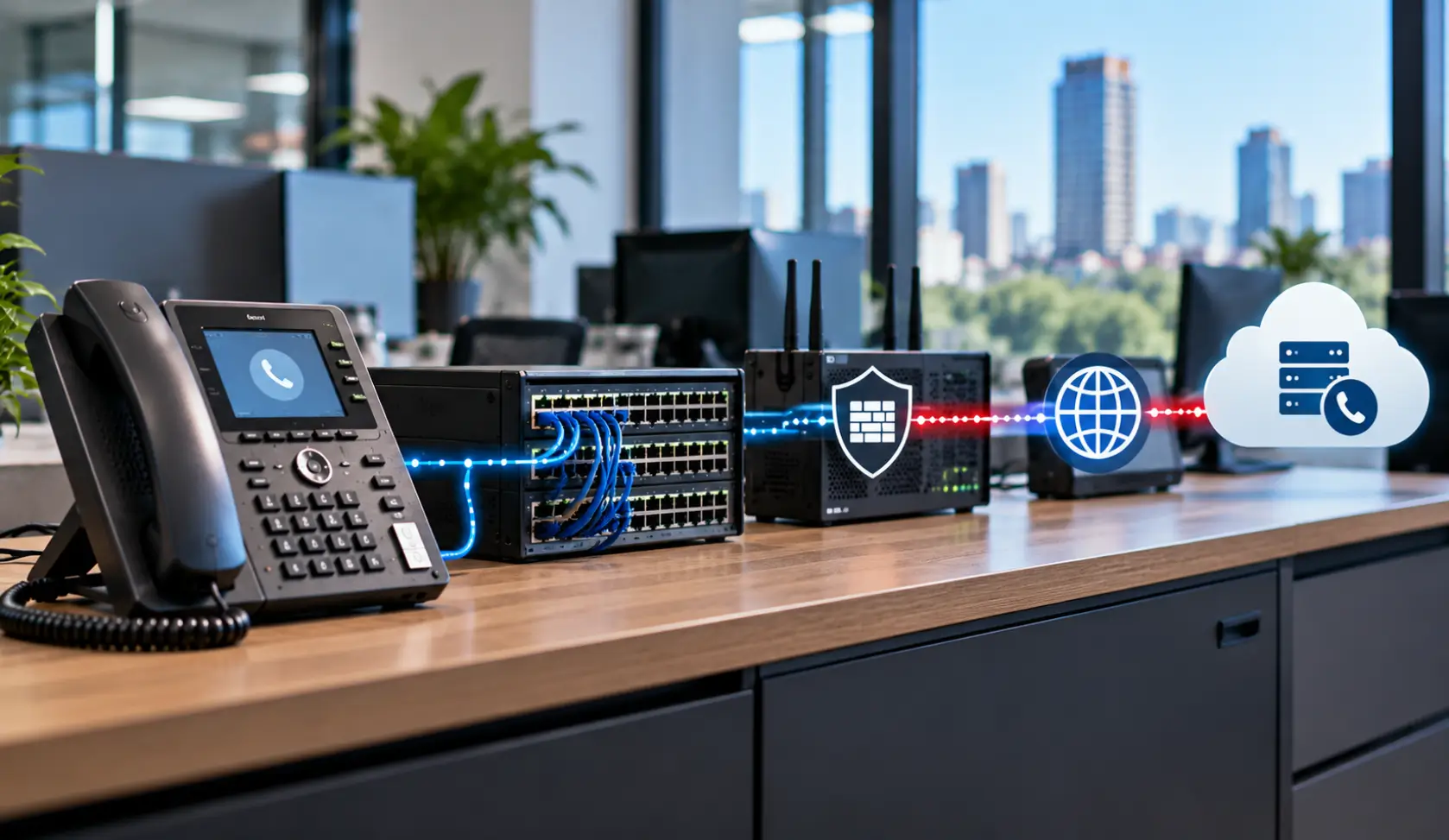
A voice call sends small packets continuously. When packets arrive late, out of order, or not at all, you may hear clipped words, silence, delay, or a metallic sound. The most useful measurements are latency, jitter (variation in arrival time), and packet loss. Bandwidth matters too, especially when uploads or cloud backups compete with calls. A single “fast” download result does not prove the voice path is healthy.
Jitter vs. Latency vs. Packet Loss: What Is Affecting Your VoIP Call?
Three measurements are especially useful when troubleshooting poor VoIP quality: latency, jitter, and packet loss. They describe different problems, so looking at only internet speed can miss what is happening to the voice traffic.
Latency is the time it takes for packets to travel between endpoints. Excessive delay can make conversations feel slow, with people talking over each other or waiting for the other person to respond.
Jitter is variation in packet arrival time. Voice packets that normally arrive at a consistent interval can begin arriving with different delays. This can produce uneven or distorted audio. Cisco describes jitter as variation in packet latency and notes that excessive jitter can result in poor voice quality.
Packet loss occurs when voice packets do not successfully reach their destination. Lost or excessively delayed packets can result in missing words, gaps, clipped audio, or a choppy conversation. Cisco identifies lost and delayed voice packets as major causes of choppy voice.
These problems can also occur together. For example, network congestion can introduce variable delay and packet loss at the same time. That is why troubleshooting should look at the network path during an actual bad call rather than relying only on a general speed-test result.
Five places to look first
1. The local network and cabling
A damaged Ethernet cable, loose jack, bad patch cord, switch-port errors, or intermittent PoE power can affect one phone or a group of phones. If one desk is affected, compare its cable, port, handset, and power path with a working desk. Do not assume the carrier is at fault because the phone displays a dial tone.
2. Wi-Fi and remote-user connections
Softphones on laptops and mobile devices depend on a stable connection. Weak signal, interference, roaming between access points, VPN behavior, and a busy home internet connection can introduce jitter. For a useful comparison, place a test call from a wired device on the same network when possible.
3. Internet performance in both directions
Check latency, packet loss, and upload utilization during the problem, not only at a quiet time. An overloaded upload can affect the audio other people hear, even when downloads appear normal. Ask whether the trouble affects all sites, only remote staff, or a particular time of day.
4. Firewall, VLAN, and QoS configuration
Voice traffic may cross a dedicated VLAN, router, firewall, or VPN. Incorrect rules, a routing change, or congestion can create one-way or choppy audio. Quality of Service (QoS) can help prioritize voice when the network is busy, but it cannot repair a bad cable or eliminate loss on an upstream provider network.
5. The phone platform or provider
If multiple offices and connection types fail at once, check the provider status and capture example call times. A service-side issue, registration problem, or recent configuration change may be involved. The pattern across users helps narrow the fault before anyone replaces equipment.
How to Tell Where the VoIP Problem Is Coming From
Choppy VoIP calls do not always point to the same problem. The pattern of the issue can help narrow down where to investigate first.
If only one phone is affected: Check the handset, Ethernet cable, wall jack, switch port, and PoE connection. Comparing the affected phone with a working phone at another desk can quickly show whether the problem follows the device or stays with the network location.
If several phones on the same network are affected: Check the switch, VLAN configuration, PoE stability, firewall, and local network path. A shared problem across several extensions is less likely to be caused by one handset.
If only Wi-Fi or remote users are affected: Look at the wireless connection, home internet, VPN path, roaming behavior, and other traffic using the connection. A wired test phone can provide a useful comparison.
If calls become choppy at certain times: Check network utilization during the actual problem. Upload activity, backups, large file transfers, or other traffic can create congestion that affects real-time voice traffic.
If multiple locations fail at the same time: Check the phone platform, provider status, routing, and recent configuration changes. Record example call times so the provider can investigate the affected sessions.
This approach is more useful than immediately replacing phones or blaming the internet provider. The goal is to identify where the voice path is failing before changing equipment or settings.
A practical troubleshooting checklist
- Record when the issue occurs, the affected extensions, inbound versus outbound calls, and whether one or both sides hear the problem.
- Compare a wired desk phone, a softphone, and a known working location. Note what changes between them.
- Check switch-port errors, PoE stability, cables, VLAN assignment, and firewall changes before changing multiple settings.
- Measure loss, jitter, latency, and upload usage during a bad call. Save sample call times for the phone provider.
- Test again after one change at a time, including transfers and voicemail—not only a quick dial tone test.
When should you call for help?

If calls are affecting customers, the problem keeps returning, or your internet and phone vendors are pointing at each other, a coordinated assessment saves time. BCS can test onsite network components and work through the phone-system side of the issue. We also help when the original installer is unavailable.
Read more about business phones that will not register, or explore our business telephone systems in Austin if you are planning a replacement. For direct troubleshooting, contact BCS for VoIP support in Austin.
Frequently asked questions
What is jitter in VoIP?
Jitter is variation in the time it takes voice packets to arrive. When the variation becomes excessive, callers may experience distorted, uneven, or choppy audio.
Can packet loss make VoIP calls choppy?
Yes. Lost voice packets can create gaps, missing words, clipped audio, or other quality problems. Packet loss should be checked along the network path when troubleshooting a choppy call.
Can Wi-Fi cause choppy VoIP calls?
Yes. Weak wireless coverage, interference, roaming, VPN behavior, or congestion on the connection can affect voice quality. Testing the same call from a wired device can help determine whether Wi-Fi is part of the problem.
Does QoS fix choppy VoIP calls?
QoS can help prioritize voice traffic when the network is congested, but it cannot fix problems such as damaged cabling, faulty switch ports, or packet loss occurring upstream from the business network.
Can a fast internet connection still cause choppy calls?
Yes. A speed test mainly reports throughput at that moment. Voice may still suffer from jitter, packet loss, upload congestion, or an unstable route. Test while the issue is happening.
Should we replace every desk phone?
Usually not as a first step. Compare affected and unaffected devices, cables, ports, and locations. Replace a handset when testing points to that device.
Can BCS troubleshoot a system it did not install?
Yes. We can evaluate many existing business phone and VoIP systems, subject to access, documentation, and platform support. Tell us what is happening and which system you use.