

“Honestly, why would anyone target my small business? We have passwords, antivirus, and Microsoft 365. What else do we need?”
Fair question, right?
But here’s what might worry you: what if an old employee can still access your files? What if someone clicks a fake invoice email? Or what if your backups fail when you need them most?
You can’t always tell from your systems whether everything is safe. So, how do you check before something goes wrong?
Let’s walk through a practical small business cybersecurity checklist for Austin companies. We’ll cover what to check in your accounts, computers, Wi-Fi, emails, backups… all the problems to fix first and when it makes sense to bring in an IT security expert.
Before You Start: Do You Know What Needs Protecting?
“Hang on, do we even know where all our business data is stored?” Customer details might be in one app plus company files scattered across shared folders.
Before checking security, you just need to find out what you have and who can access it…
▶ Customer and Employee Records
Imagine someone getting hold of your customers’ personal details or your employees’ payroll information.
Not a pleasant thought, right? Check where these records are kept and who can open, download, or share them.
Key things to check:
- Customer details and contact information
- Employee records and payroll
- Who can access these files
- Unnecessary access removed
▶ Business Emails and Shared Files
How much of your business runs through email? Probably quite a lot. Now imagine someone accessing your inbox or finding a shared folder they shouldn’t see.
Check account security, file permissions, and who can open shared links.
Key things to check:
- Business email account security
- Shared folder access permissions
- Multi-factor authentication turned on
- Unwanted sharing links removed
▶ Accounting and Payment Systems
Your accounting software can hold more than invoices. It may contain financial records and payment details, along with information you definitely don’t want in the wrong hands.
Check who can log in and limit access to people who actually need it.
Key things to check:
- Accounting software user access
- Payment and banking information
- Separate logins for each user
- Unused accounts switched off
▶ Company Laptops and Mobile Devices
What if a team member leaves a laptop in a café or loses their work phone? Could someone open company files straight away?
Check device locks and software updates. Also, note if you can block access to a missing device.
Key things to check:
- Screen locks and passcodes
- Latest security updates installed
- Device protection switched on
- Lost devices blocked remotely
▶ Cloud Apps and Remote Access
Your team might be signing into tools from home, travelling, or using apps you barely know about. That’s worth checking.
List your cloud services, review who can log in, and close access nobody needs anymore.
Key things to check:
- All cloud apps identified
- Remote access properly restricted
- Former employee accounts closed
- Unusual login activity reviewed
Could Someone Access Your Business Accounts With Just a Password?
“Ugh, we have so many accounts. How do we know they’re all secure?” One weak or reused password can put more than one account at risk.
Check how your team signs in, who has admin access, and whether former employees can still get in. Here’s a small business account security checklist for you:
- Use unique passwords for accounts
- Turn on multi-factor authentication (MFA)
- Review administrator access regularly
- Disable former employees’ accounts
- Limit access to sensitive files
- Remove unused user accounts
- Check password-sharing practices
- Review recent account sign-ins
Are Your Computers, Wi-Fi, and Business Network Leaving Security Gaps?
“We update our computers when we remember. That’s okay, right?”
Ummm… Not always.
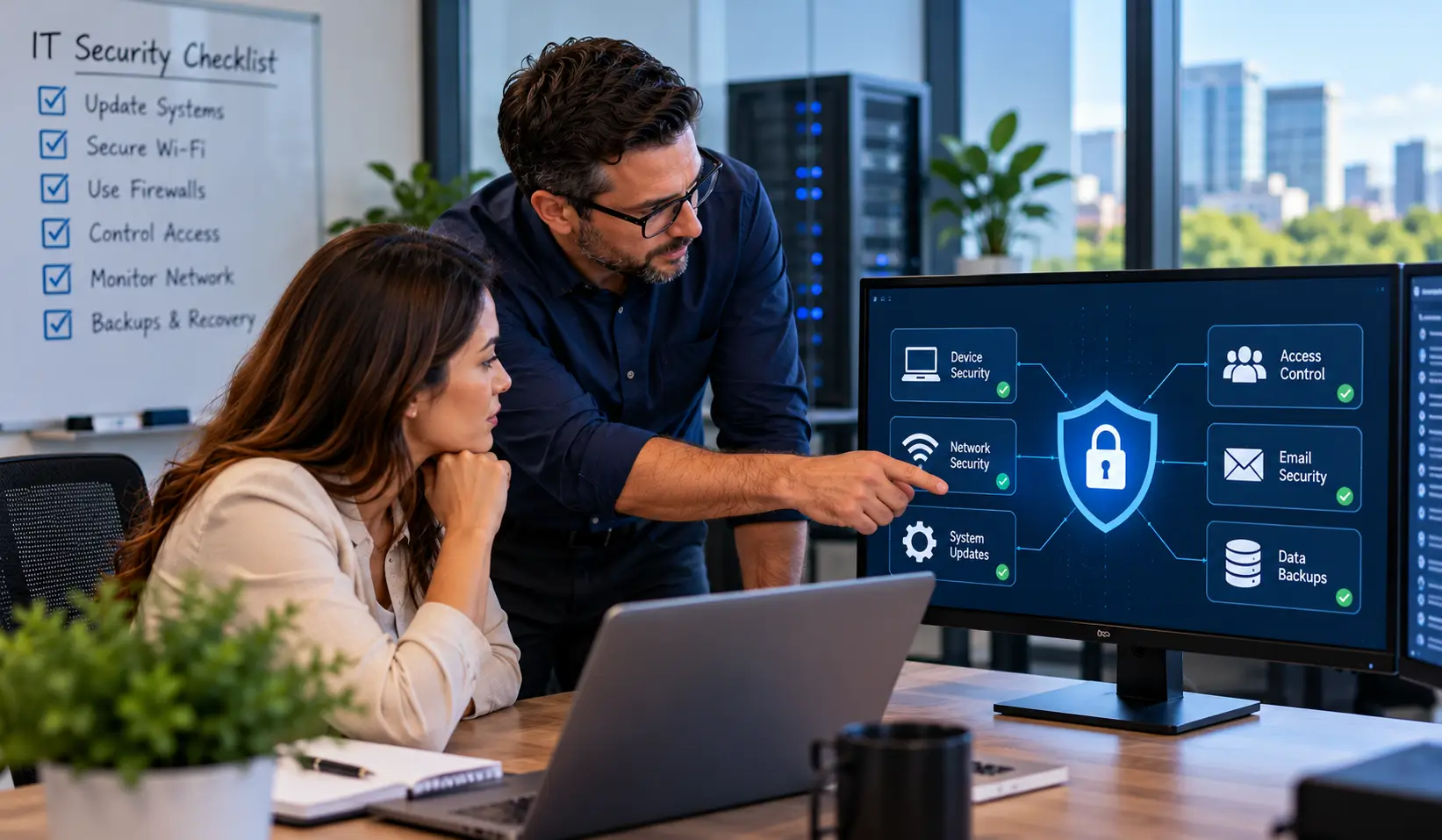
Your computer systems can work perfectly and still have some security gaps. Use this checklist to spot weak points before they cause typical issues.
| What to Check | What to Look For | What to Do |
| System and Software Updates | Pending updates, outdated apps | Turn on automatic updates |
| Antivirus and Device Protection | Missing or expired protection | Keep protection active and updated |
| Firewall and Router Security | Disabled firewall, default passwords | Enable firewalls; change default passwords |
| Business and Guest Wi-Fi | Visitors using the business network | Set up separate Wi-Fi networks |
| Remote Access and VPNs | Unprotected remote connections | Restrict access; use secure VPNs where appropriate |
| Old Devices and Software | Unused devices, unsupported programs | Remove, update, or replace them |
Quick tip: Don’t know whether your firewall or remote access is configured properly? Ask your IT provider to check it rather than changing settings you’re unsure about.
Could One Fake Email Cost Your Business Money?
“Wait, did our supplier really change their bank details?” A convincing email can trick employees into sending payments to scammers.
Show your team how to verify payment requests and spot unusual messages. Make sure you double-check all the changes before money leaves the account.
Simple ways to avoid costly mistakes:
- Verify new bank details directly
- Confirm urgent payment requests separately
- Watch for unusual sender addresses
- Never trust email alone
- Flag unexpected payment instructions
Best for: Business owners who worry about financial loss and scammers pretending to be trusted suppliers or managers.
If Ransomware Hit Tomorrow, Could You Recover Your Business Data?
“We back everything up. But have we ever checked whether those backups actually work?” A successful backup message doesn’t guarantee you can recover your files.
Check these five things now, before an attack leaves your team unable to work.
▶ Are Your Important Files Backed Up Automatically?
If someone deletes important files or ransomware locks them, when was your last usable backup? Make sure critical business data is backed up on a regular schedule.
Make sure these are covered:
- Automatic backups scheduled regularly
- Critical business files included
- Backup failures flagged promptly
▶ Could an Attack Reach Your Backups Too?
If your backups are connected to the same network as your computers, an attack could affect both. Keep separate, protected copies that attackers can’t easily access.
Look for these safeguards:
- Separate backup copies maintained
- Offline or isolated copies protected
- Backup access tightly restricted
▶ Have You Tried Restoring Your Files?
“We have backups, so we’re fine.” Is it so…
But what if your files won’t restore when you actually need them? Just test recovery regularly to make sure your business can get its data back properly.
Put your backups to the test:
- Restore tests performed regularly
- Recovered files checked for usability
- Recovery time recorded and reviewed
▶ Does Everyone Know What to Do First?
During an attack, confusion wastes valuable time. Decide who contacts IT, who handles recovery, and how your team will keep essential work moving while systems are restored.
Make sure your team knows:
- Recovery responsibilities clearly assigned
- IT support contact details available
- Essential tasks identified beforehand
▶ Do You Have a Plan for an Attack?
If ransomware hits, your team shouldn’t have to guess what comes next. Write down whom to contact, how to isolate affected devices, and how to restore systems safely.
Have these steps ready:
- Written incident response plan
- Steps for isolating infected devices
- Recovery process documented and tested
You’ve Checked Your Systems. But What About Hidden Security Gaps?
“Our computers look fine, but what about the apps and people who can access our data?”
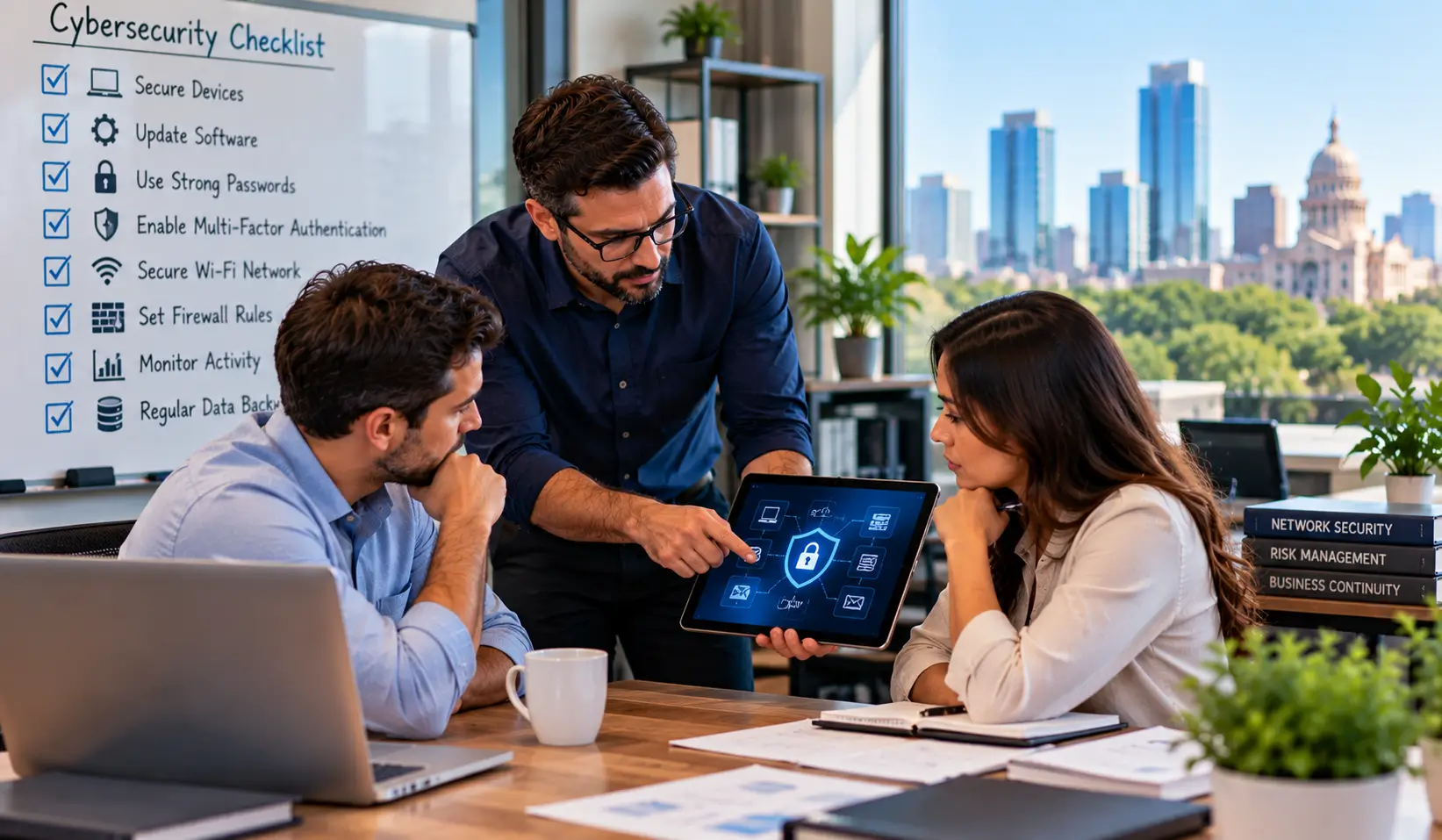
A quick antivirus check won’t catch every risk. Review these often-overlooked areas before calling your systems secure.
What else deserves a closer look?
- Third-party provider access permissions
- Accounting software user accounts
- Cloud app login access
- Website administrator permissions
- Sensitive file sharing settings
- Former employee account access
Quick self-check:
Now mark each area as Covered, Needs Attention, or Not Sure. If you’re unsure who can access your systems or data, a professional small business IT security audit in Austin will help you identify any gaps that you are missing…
Found Security Gaps? What Should You Fix First—and When Should You Call an Expert?
“Okay, we’ve found problems. Now what do we tackle first without blowing the IT budget?” Don’t try to fix everything at once. Start with the risks that could expose your accounts or data, then work through the rest.
| Priority | What to Fix | What to Do |
| 1. First | Exposed accounts, missing MFA | Secure logins and remove unwanted access |
| 2. Next | Outdated systems, weak protection | Install updates and close security gaps |
| 3. Then | Backups and recovery | Test backups and restore procedures |
| 4. Finally | Unassigned security tasks | Assign responsibility and review progress |
So… When should I call an IT security expert?
A self-check can be your starting point, but if you’re unable to verify your security settings or need a clearer picture of your risks… Then you must go for a professional business security assessment.
Don’t let security gaps become tomorrow’s bigger problem. BCS’s managed IT security services in Austin can help you identify risks and keep your business protected… without making IT another job on your plate. Call (512) 257-1433 to discuss your security needs.
FAQs Regarding Small Business IT Security Audit Checklist
How many times should I check my business IT security?
You can check business IT security at least once a year and whenever you make major IT changes or suspect a security issue.
Can I do a security audit myself?
Yes, you can. Just start with passwords, MFA, updates, backups, user access. Get expert help if you’re confused about what to check.
What is the difference between an audit and a vulnerability scan?
A scan looks for any type of technical weaknesses. An audit generally reviews accounts, access, backups, along with security practices.
How much does a small business security assessment actually cost?
It totally depends on your actual business size, systems, and how thoroughly they need to be checked. Ask BCS experts to get a quote.
When should I hire an IT security provider?
When you can’t identify risks, fix security gaps, or keep up with ongoing protection yourself.