

Expanding a business into another state involves more than finding a new office and hiring employees. Businesses also need to consider how their technology, communication systems, and daily operations will function at the new location.
A reliable IT and communication setup helps employees stay connected, access the resources they need, and communicate with customers and colleagues. Planning these requirements before opening a new location can help businesses avoid unnecessary installation work and operational disruptions.
Business Communication Solutions (BCS) has experience supporting businesses with communication and network infrastructure requirements. The company has also assisted an existing customer with technology installations at an additional out-of-state facility after providing services to that customer for several years.
This guide explains the key IT and communication considerations businesses should review when expanding into another state.
1. Evaluate the Technology Requirements of Your New Location
Every new business location has different technology requirements. These depend on the size of the office, the number of employees, the nature of the business, and the equipment needed for daily operations.
Before installing technology at a new facility, businesses should identify the systems and equipment required to support their operations.
Some important considerations include:
- Internet connectivity: Determine the internet connection requirements for employees, business applications, and communication systems.
- Network infrastructure: Identify the networking equipment and cabling needed to connect computers and other devices.
- Business telephone systems: Review how employees will communicate internally and handle incoming and outgoing calls.
- Computer equipment: Determine the number of computers and workstations required at the new location.
- Printers and shared devices: Identify the printing and document-sharing requirements of the office.
- Access to business applications: Consider how employees will securely access the systems and information they need.
Preparing this list gives business owners a clearer understanding of their technology requirements before installation begins.
2. Plan Network Infrastructure Before Moving Into the Office
Network infrastructure is an important part of establishing a functional business location.
Employees may need access to computers, printers, shared resources, business applications, and communication systems. These devices and services depend on an appropriately planned network.
Businesses should consider the following before setting up a new office:
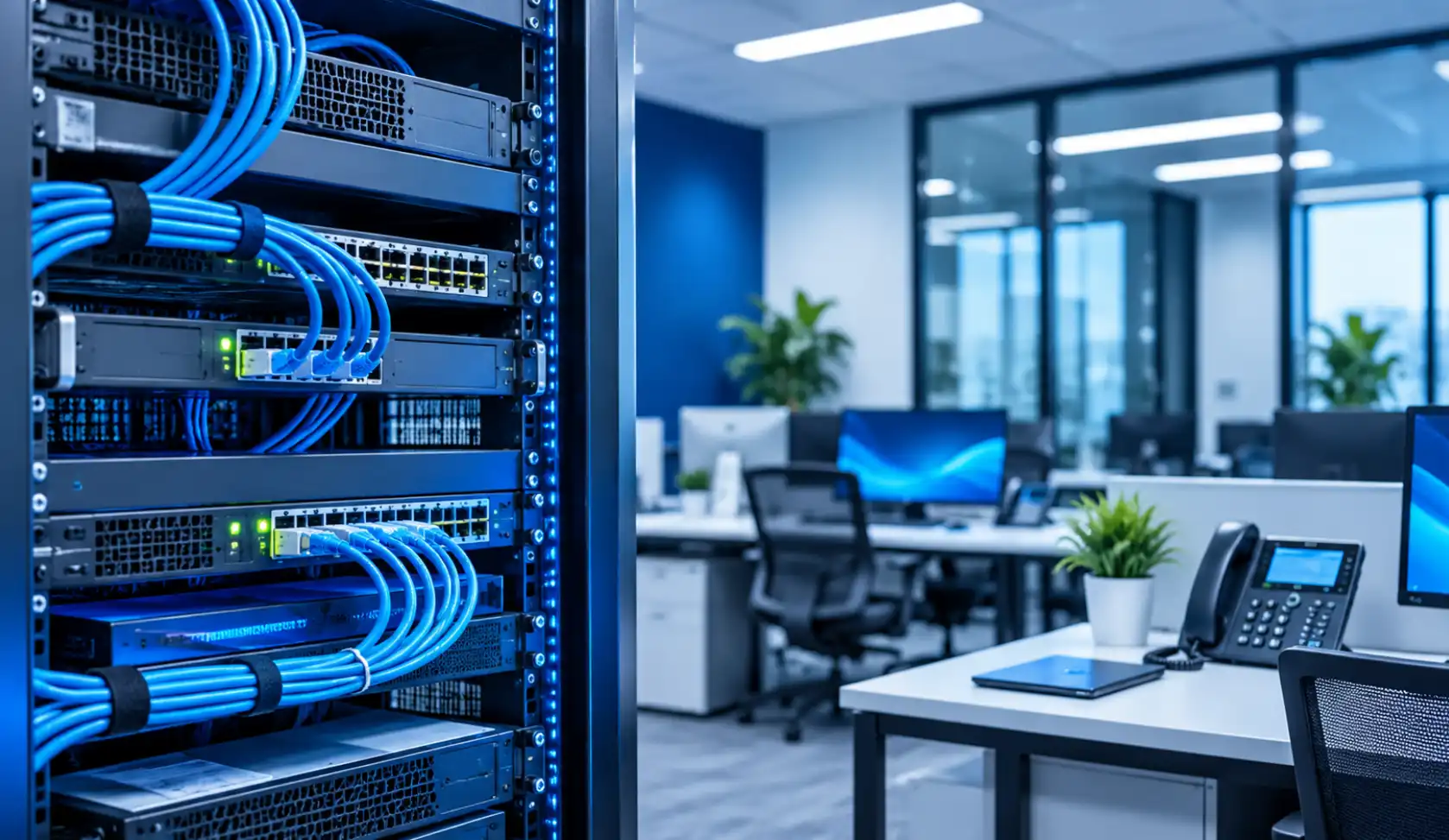
Network Cabling
Network cabling connects computers, network equipment, and other compatible devices. The cabling requirements should be evaluated according to the office layout and the number of network connections needed.
Planning cable routes and connection points before employees move in can help reduce installation complications.
Network Equipment
Routers, switches, and other networking equipment may be required depending on the organization’s infrastructure.
The equipment should be selected according to the network requirements, available connections, and expected usage.
Wireless Connectivity
Businesses should also evaluate whether employees and approved devices require wireless network access.
Wireless coverage depends on the building layout, physical obstacles, equipment placement, and the number of connected devices.
Network Security
A new office should follow appropriate network security practices. These may include access controls, secure wireless configuration, software updates, and monitoring.
The specific requirements will depend on the organization’s existing IT policies and infrastructure.
3. Set Up Business Telephone and Communication Systems
Communication is another important consideration when opening an additional business location.
Employees may need to communicate with customers, suppliers, colleagues, and other departments. Businesses should therefore evaluate how telephone services will work at the new office.
Before installation, consider:
- The number of employees who require telephone access.
- The number of incoming and outgoing business lines required.
- Whether calls need to be transferred between locations.
- Whether employees need to communicate with other office locations.
- Whether the existing telephone system can support the additional facility.
- How the business will manage communication requirements as it grows.
Businesses should review their existing telephone infrastructure before purchasing or installing additional equipment.
A properly planned communication setup can help maintain consistent business communication across multiple locations.
4. Consider Computers, Printers, and Other Office Equipment
A new office may require several types of technology equipment to support everyday operations.
In addition to computers and network equipment, businesses may need printers, payment terminals, intercom systems, and other devices.
The actual requirements depend on the type of business and how the new location will operate.
For example, a business may need to consider:
- Computers and employee workstations.
- Printers and shared office devices.
- Credit card machines or payment terminals, where applicable.
- Intercom systems for internal communication.
- Network connections for compatible equipment.
- Required software and access permissions.
Equipment compatibility should be checked before installation. Businesses should also identify which devices can be transferred from their existing location and which need to be installed at the new facility.

5. Coordinate IT Installation Before the New Office Opens
Technology installation should be included in the broader office expansion plan.
Waiting until employees have already moved into the new location can create avoidable coordination problems, particularly when network connections, telephone systems, and office equipment still need to be installed.
A practical preparation process includes:
- Identify technology requirements: Prepare an inventory of the equipment, systems, and connections needed at the new location.
- Review the office layout: Determine where computers, network equipment, printers, and communication devices will be placed.
- Check existing infrastructure: Evaluate whether the existing systems can support the additional location.
- Plan installation work: Coordinate network cabling, equipment installation, and communication setup.
- Test installed systems: Check network connections, telephone services, computers, printers, and other relevant equipment.
- Confirm operational readiness: Make sure employees can access the systems and devices required for their work.
The exact installation process will vary depending on the building, business requirements, and existing infrastructure.
6. Maintain Consistency Across Multiple Business Locations
As businesses expand, maintaining consistent technology practices across different locations becomes increasingly important.
Different offices may have different equipment or network requirements, but organizations should still establish common procedures wherever practical.
Consider maintaining consistent practices for:
- Network access and user permissions.
- Device configuration and software updates.
- Data backup and recovery procedures.
- Telephone and communication systems.
- IT support and issue reporting.
- Equipment inventory and documentation.
Documentation is particularly useful when a business operates from more than one location. It helps employees and IT support personnel understand the equipment installed, the systems in use, and the relevant network arrangements.
Businesses should periodically review their infrastructure to identify changes required as operations grow.
7. Work With an IT and Communication Infrastructure Provider
Planning and installing technology at an additional business location can involve several connected requirements.
Businesses may need assistance with network infrastructure, communication equipment, computers, printers, and other technology installations.
Working with an experienced provider can help businesses evaluate these requirements and coordinate the necessary installation work.
Business Communication Solutions has supported a customer over several years and assisted with technology installations when that customer expanded into an additional out-of-state facility.
The installation requirements described for that project included:
- Business telephone systems.
- Computers.
- Credit card machines.
- Printers.
- Intercom systems.
- Network communication infrastructure.
The project reflects the importance of considering communication and technology requirements when establishing an additional business location.
Businesses planning a similar expansion should evaluate their own requirements before deciding which systems and equipment need to be installed.
For information about BCS services, visit the Computer and Network Services page or explore Managed IT Services.
Frequently Asked Questions
1. What IT infrastructure does a business need when expanding out of state?
Requirements vary by business and office size. Common considerations include internet connectivity, network cabling, routers, switches, computers, printers, telephone systems, and appropriate network security.
2. Why should businesses plan network installation before opening a new office?
Planning ahead helps identify equipment requirements, network connection points, cable routes, and installation dependencies before employees begin working at the new location.
3. Can an existing business telephone system support multiple office locations?
Some business telephone systems support multiple locations, but compatibility depends on the system configuration, available features, and communication requirements. Businesses should review their existing setup before expanding it.
4. What equipment should businesses consider for a new office?
Depending on their operations, businesses may need computers, printers, network equipment, telephone systems, intercoms, and payment terminals.
5. How can businesses maintain consistent IT operations across multiple locations?
Businesses can establish common procedures for network access, device management, software updates, backups, security, and IT support. Maintaining accurate infrastructure documentation is also useful.
6. When should IT installation be scheduled during an office expansion?
IT requirements should be evaluated during office planning. Installation can then be coordinated with the building’s readiness and the business’s planned opening schedule.
7. How can BCS help with business communication and network requirements?
BCS provides business communication and network-related services. The requirements of each project should be evaluated individually to determine the appropriate installation and support needs.
Plan Your Business Technology Requirements With BCS
Expanding into another state requires careful planning of the technology and communication systems that support daily business operations.
From network infrastructure and telephone systems to computers and connected office equipment, identifying requirements early can help businesses prepare their new locations more effectively.
Business Communication Solutions has experience supporting customers with business communication and network installation requirements.
To discuss your business technology requirements, contact BCS.
Related Guides
- Managed IT Services: The Complete Austin Guide
- Why the Right Managed IT Provider Is Essential for the Future
- Affordable and Reliable Data Network Services in Austin
- How Business Communication Solutions Enhance Your Projects with Cost Savings
- Selecting the Right VoIP Phone Service for Your Business
- Low Voltage Wiring Contractor in Austin
- How Fiber Optic Installation Can Transform Your Business Connectivity
- Are You Planning an Office Move?