

Commercial Access Control Systems Austin:
Your new employee can’t get in. Someone left last week, and you’re still wondering if their access was removed.
A contractor needs to enter for two hours, but you don’t want to hand over a key that works forever.
Sound familiar?
Now you’re looking at key fobs, phone-based entry, as well as cloud-based systems, and frankly, you never get clear on what you actually need.
Here, by the end of this guide, you will get to understand how each option works, what it can or can’t do, what actually affects installation costs, and finally, which setup makes sense for your Austin business.
Let’s dig deeper into this…
Key Fobs, Mobile Credentials, or Cloud Access: Which One Makes Sense for Your Business?
Not sure which one of your team needs key fobs, or mobile credential access control, or a cloud-managed system?
Just to clear… Each option works differently and the right selection depends on how your team needs to enter as well as how much control you actually want.
Here’s what you need to know:
- Key Fobs: Simple, familiar, convenient entry
- Mobile Credentials: Unlock using your smartphone
- Cloud-Based Access: Manage access from anywhere
| Feature | Key Fobs | Mobile Credentials | Cloud-Based Access |
| How It Works | Tap a programmed fob | Use a phone to enter | Manage access through an online platform |
| What Employees Use | Assigned key fob | Smartphone or compatible device | Fob, phone, or supported credential |
| Managing Access | Update permissions through the system | Add or remove mobile credentials | Change permissions remotely |
| Best For | Teams wanting simple entry | Businesses preferring phone-based access | Businesses needing flexible, remote management |
| Main Consideration | Lost or shared fobs | Phone compatibility and battery | Internet, subscription, and system requirements |
Are Key Fobs Still a Good Choice for Commercial Buildings?
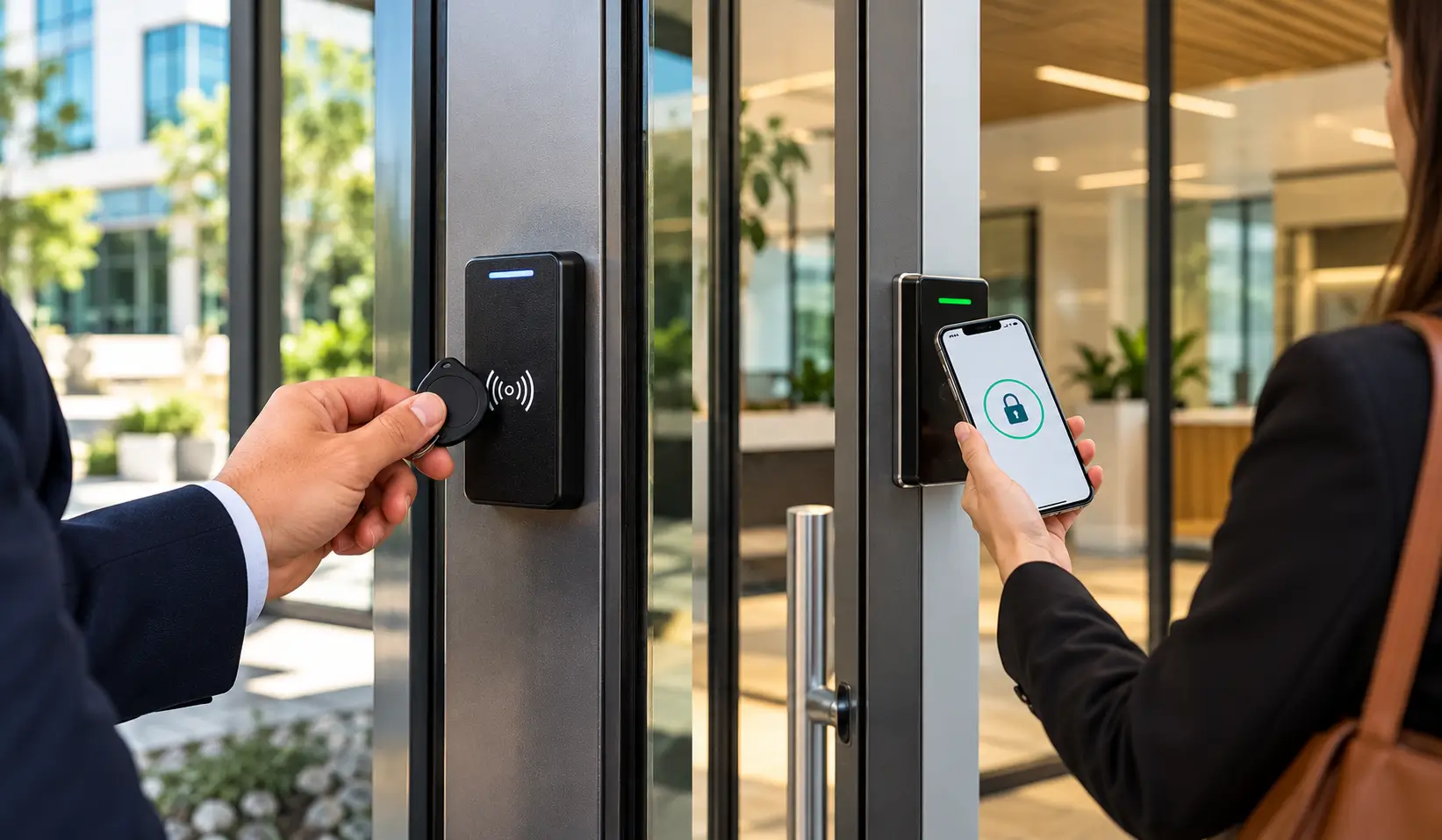
Imagine handing every employee a small fob they can tap to enter work instead of carrying a traditional key.
Simple, right? That’s why many businesses still use key fobs.
But what happens when someone loses one, shares it, or leaves the company? Key fobs make daily entry easy, but you still need a way to manage who can use them.
How key fob access works:
Administrators in fact assign each fob to a user and program it to work with compatible door readers and an access control system. They can grant or revoke permissions… without even replacing every lock.
The supporting network infrastructure may also require reliable voice and data cabling services for connected business systems.
— Why businesses choose key fobs:
- Easy Daily Entry: Tap and enter quickly
- Individual User Access: Assign fobs to employees
- Quick Access Removal: Deactivate lost fobs
- No Phone Needed: Enter without a smartphone
- Simple Team Management: Track assigned credentials
— What to keep in mind:
- Lost Fobs: Replacement may cost extra
- Shared Fobs: Harder to identify users
- Staff Turnover: Remove access promptly
- System Compatibility: Check existing reader support
What Can Go Wrong With Key Fob Access—and Is It Still Worth It?
— A Lost Fob Can Disrupt the Whole Morning
An employee arrives at work, reaches for their key fob, and realizes it’s missing. Now they’re waiting for someone to let them in. One small inconvenience can quickly become an everyday problem.
What businesses should keep in mind:
- Lost fobs need deactivation
- Replacement fobs may cost extra
- Employees need reliable entry options
— Who Still Has Access After Leaving?
An employee leaves your company but forgets to return their key fob.
Wondering whether they could still enter the building? With a properly managed system, you can simply deactivate their credential without even changing every lock.
Access management matters because:
- Each employee gets assigned credentials
- Lost fobs can be deactivated
- Former staff access gets removed
— Simple to Use, But Is It Right for You?
Key fobs are familiar and don’t necessarily depend on smartphones.
For businesses with simple access needs, they can work well. The important part is managing credentials properly as your team changes.
Key fobs work well when:
- Employees need straightforward daily access
- Smartphone access isn’t practical
- Credential management stays organized
- Existing readers support key fobs
How Cloud-Based Access Control Helps
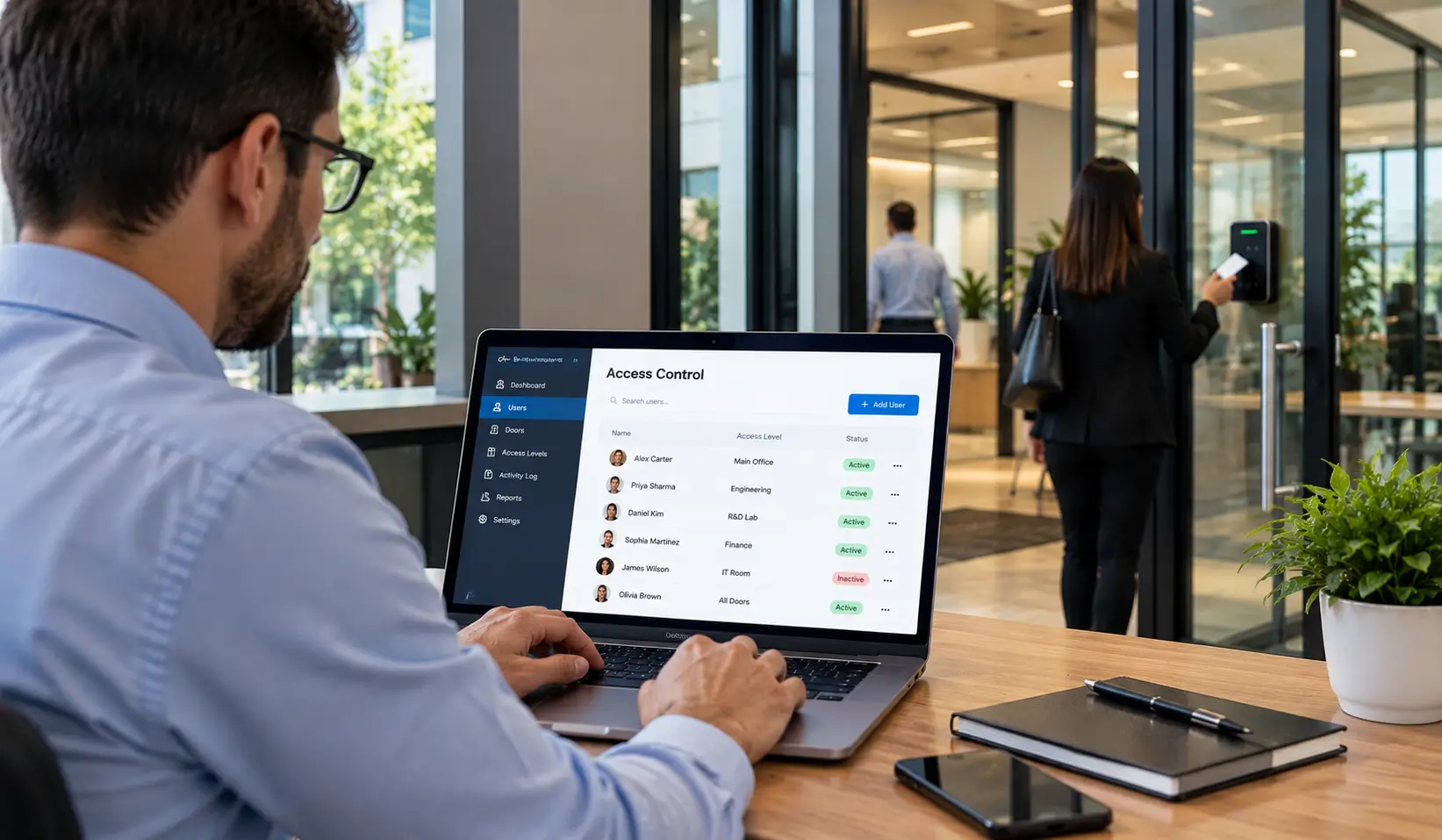
With cloud-based access control in Austin, TX, authorized managers can update permissions remotely and manage access across multiple locations, depending on the system.
| What You Need to Do | How Cloud Access Helps |
| New employee joins | Grant access remotely |
| Employee leaves | Remove their access |
| Contractor needs entry | Set temporary permissions |
| Check after-hours entry | Review access activity |
| Manage multiple locations | Control access from one platform |
Keep in mind: Features vary by system, and remote management depends on the setup and connectivity.
For broader business network and technology support, explore BCS managed IT services in Austin.
What Should You Check Before Choosing a System—and What Will It Cost?
You don’t want to pay for features your business won’t use—or choose a system that can’t handle your needs six months from now.
When comparing commercial access control systems in Austin, consider how your team works, which areas need protection, and what your building already has before choosing a system.
Before choosing your system, make sure you know…
- How many doors need protection?
- Who needs access and when?
- Which areas need restricted entry?
- Can your existing hardware work?
- Will your network support it?
- Can the system grow with you?
What Actually Affects Commercial Access Control Installation Costs?
The price depends on your building layout and the system you choose as well as the system you choose. If your installation requires new wiring or troubleshooting, explore our access control cabling services in Austin.
| Cost Factor | Why It Matters |
| Number of Doors | More entry points can mean more equipment |
| Readers and Credentials | Hardware and fobs or mobile access add costs |
| Wiring and Door Hardware | New installations may require extra work |
| Software and Subscriptions | Cloud systems may have ongoing fees |
| Installation Complexity | Building layout affects labor and setup |
Before you commit to this… Ask for an itemized quote covering equipment, installation, software fees, future credential costs. That way, you can compare systems based on the total cost, not just the upfront price.
Ready to Make Access Easier and More Secure?
You don’t have to look for missing keys or struggle with a system that actually no longer fits your business. You just need a setup that works for your team and protects the areas that matter.
That’s where BCS comes in. We help Austin businesses to find the right commercial access control system for their facility, from choosing suitable hardware to planning professional installation.
Businesses looking to improve facility security can also explore our security camera installation services in Austin.
Our commercial access control installation team will help you understand your options and find a solution that fits your needs and budget.
With BCS, you can:
- Choose access options that fit
- Manage employee access more easily
- Plan for future business growth
- Get help with installation planning
Ready to find the right system for your business? Contact BCS to discuss your commercial access control installation in Austin and take the next step toward simpler, better-managed building access.
FAQs: Commercial Access Control Systems
Can I use key fobs and mobile access together?
Yes. Many systems support both, so employees can use phones while others use key fobs.
What happens if an employee loses their key fob?
An administrator can simply deactivate the lost fob and issue a replacement… all depending on your system.
Does cloud-based access control work if the internet goes down?
It depends on the system. Some keep doors working using locally stored permissions, even when the internet is unavailable.
Can I add access control to my existing doors?
Often, yes. It depends on your current locks, readers, wiring, and system compatibility.
How much does commercial access control installation cost in Austin?
The cost depends on the number of doors, hardware, wiring, software fees, and installation complexity.