

If you are comparing business phone systems in Austin, one of the first questions is usually: How much will the system cost? The honest answer depends on the number of users, the phones and applications you need, your existing network, and whether you choose a cloud, on-premise, or hybrid platform.
Business Communication Solutions (BCS) helps Austin-area organizations evaluate the complete project—not only the advertised monthly price. We can assess your phone service, internet connection, Ethernet cabling, PoE switches, firewall, call flow, mobile users, business texting, number porting, installation, training, and ongoing support.
Emergency calling check: On supported VoIP services, use 933 to check the registered emergency address and phone number. Retest after phone moves, number ports, or configuration changes, and review the functions 933 cannot verify. Read our 933 testing checklist. In an emergency, call 911.
Need help planning your phone-system budget? Call BCS at (512) 257-1433 for a consultation.
Typical Business Phone System Cost Factors
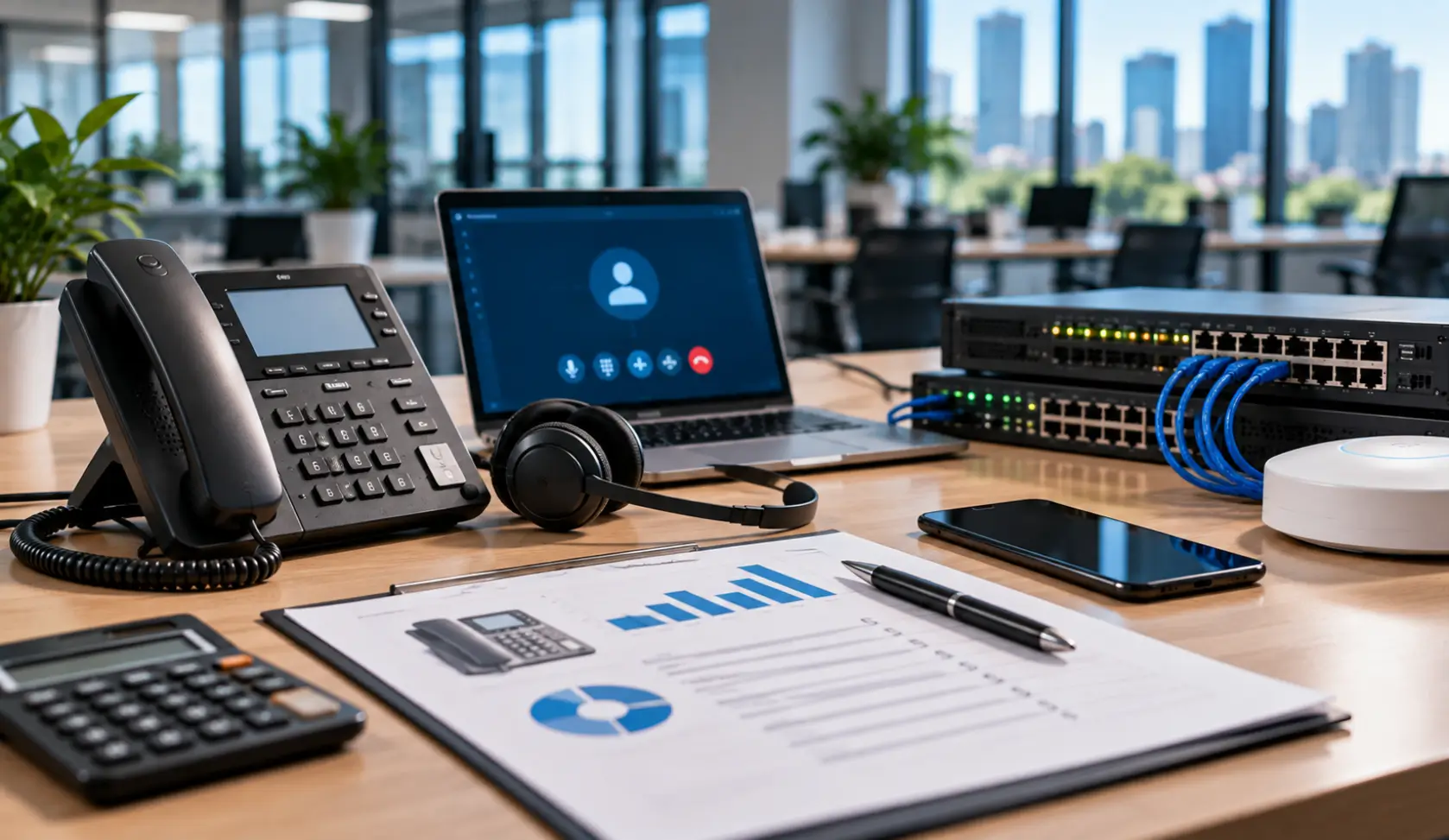
A business phone-system proposal may include several one-time and recurring expenses. Understanding each category makes it easier to compare providers accurately.
Monthly User Licenses
Most cloud VoIP systems charge a monthly fee for each licensed user. The price depends on features such as mobile and desktop applications, voicemail transcription, call recording, video meetings, business SMS, Microsoft Teams integration, CRM integration, analytics, and contact-center capabilities.
For organizations seeking scalable cloud calling with mobile and desktop softphones, explore our hosted VoIP phone systems in Austin for feature-tier comparisons.
A lower advertised price may not include every feature your business requires. Ask whether auto attendants, call queues, recording, toll-free numbers, fax, texting, storage, integrations, taxes, regulatory fees, and support are included.
Desk Phones, Cordless Phones, and Headsets
Some employees can work entirely from a mobile or desktop application, while others need physical phones. Receptionists, warehouses, conference rooms, lobbies, executives, and customer-service teams may require different devices. Hardware costs vary based on screen size, line capacity, expansion modules, Bluetooth, Wi-Fi, cordless coverage, and headset compatibility.
Installation and Programming
A professional installation may include tenant setup, extensions, auto attendants, business hours, holiday schedules, hunt groups, call queues, voicemail, caller ID, emergency calling locations, phones, applications, permissions, and user training. Multi-location organizations or businesses with complicated call routing generally require more planning and programming.
Number Porting
Most businesses can keep their existing phone numbers when changing providers. Number porting requires accurate carrier records, account information, authorization, scheduling, and testing. The existing service should normally remain active until the port is completed and verified.
Ethernet Cabling, PoE, and Network Preparation
A cloud phone system still depends on the local network. Costs may increase if the office needs Ethernet drops, PoE switches, firewall changes, VLAN configuration, QoS, Wi-Fi improvements, battery backup, surge protection, or secondary internet service.
BCS provides voice and data cabling, Ethernet and PoE installation, and network support, allowing one local company to address both the phone system and the infrastructure supporting it.
Example Austin Business Phone System Budgets
The following examples are planning ranges—not fixed quotations. Actual pricing depends on the selected platform, contract term, hardware, features, site conditions, taxes, carrier fees, and installation requirements.
| Business Size | Typical Monthly Service | Possible One-Time Project Costs | Common Requirements |
|---|---|---|---|
| 5 users | Approximately $125–$350 | Approximately $750–$3,000 | Auto attendant, number porting, mobile apps, a few desk phones, basic training |
| 20 users | Approximately $500–$1,400 | Approximately $2,500–$9,000 | Call groups, business texting, phones/headsets, network review, user training |
| 50 users | Approximately $1,250–$3,500+ | Approximately $6,000–$20,000+ | Advanced routing, multiple locations, recording, reporting, integrations, contact-center options |
A company that primarily uses applications may spend less on hardware. A warehouse, medical office, hotel, call center, or multi-location business may require additional phones, cordless coverage, paging, analog adapters, recording, integrations, cabling, network equipment, or specialized programming.
Cloud VoIP vs. On-Premise Phone System Costs
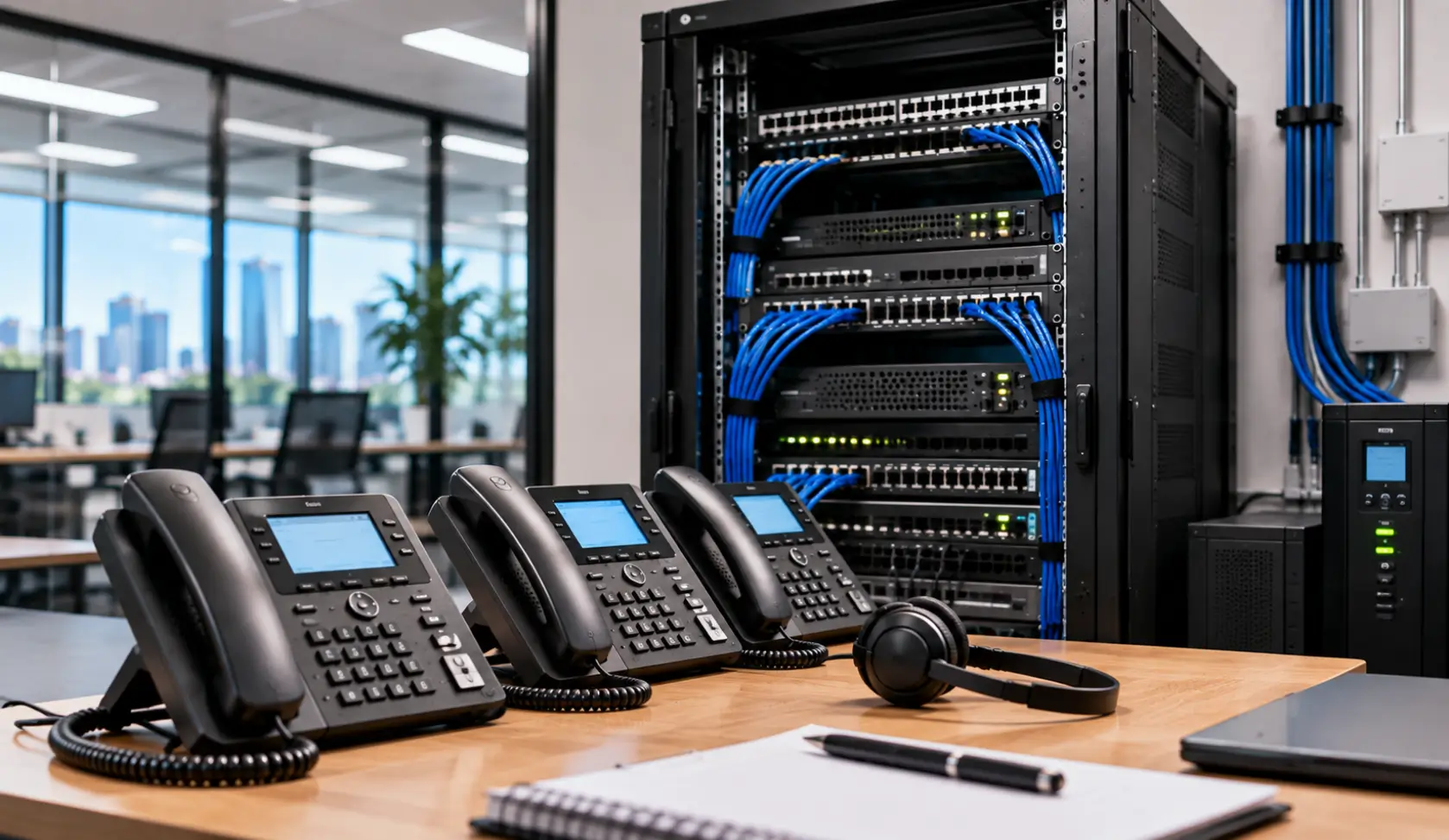
Cloud VoIP
- Lower initial infrastructure cost in many deployments
- Predictable monthly user licensing
- Mobile and desktop applications
- Easier support for remote and multi-location employees
- Provider-managed platform updates
- Scales up or down more easily
Cloud VoIP requires dependable internet and a properly configured network. Large user counts, recording retention, premium integrations, contact-center features, and add-on licenses can increase monthly expenses.
On-Premise or Hybrid Systems
- Higher initial hardware and installation investment
- May be cost-effective for certain large or specialized environments
- Can support analog devices and unique operational requirements
- Requires maintenance, updates, power protection, backup planning, and technical expertise
BCS supports cloud, on-premise, hybrid, and legacy phone systems. The best choice should be based on business requirements rather than a one-size-fits-all recommendation. Visit our Austin business phone systems page to compare options.
Costs Businesses Commonly Overlook
- Taxes, regulatory charges, and emergency-service fees
- Business SMS registration and messaging usage
- Call recording and long-term storage
- Toll-free or international calling
- Conference-room, lobby, warehouse, and cordless phones
- Headsets and expansion modules
- Analog adapters for fax, alarms, paging, or legacy devices
- Ethernet cabling and PoE capacity
- Firewall, VLAN, QoS, and network changes
- Separating voice traffic to eliminate jitter, packet loss, and latency requires proper network switch and VLAN QoS configuration.
- Backup internet and power protection
- CRM, Microsoft Teams, or contact-center integrations
- After-hours installation, training, and ongoing support
Questions to Ask Before Accepting a Phone System Quote
- Can we keep our existing business numbers?
- Are installation, programming, and training included?
- Who provides onsite support in Austin?
- Are phones and headsets purchased, rented, or included?
- Does the quoted plan include SMS and MMS?
- Can multiple employees share the main texting number?
- Are call recording and storage included?
- Does the system integrate with Microsoft Teams or our CRM?
- What happens if our internet connection fails?
- Can the provider evaluate our cabling, PoE, firewall, switches, and Wi-Fi?
- How are emergency calling locations configured?
- What happens if we add or remove users?
- Are there contract, cancellation, porting, or equipment-return fees?
How to Compare Business Phone System Quotes
Keep it practical:
- Compare monthly user costs, not just the advertised starting price.
- Check whether phones, headsets, installation, and programming are included.
- Confirm SMS/MMS, call recording, storage, integrations, and toll-free services.
- Check whether Ethernet cabling, PoE switches, firewall, or network work are separate costs.
- Review support, training, contract, cancellation, porting, and equipment-return fees.
- Confirm what happens if the internet connection fails.
- Ask whether taxes, regulatory fees, and emergency-service charges are included.
Why Austin Businesses Choose BCS
Business Communication Solutions has served the Austin area since 2004. Unlike remote-only phone providers, BCS can assist with the entire environment: internet planning, cabling, PoE, switching, firewall configuration, phones, applications, number-porting coordination, call-flow programming, employee training, troubleshooting, and ongoing onsite or remote support.
BCS works with multiple platforms, including Intermedia, Wildix, and Aeonix. We can also troubleshoot and support many existing and legacy systems—even when BCS did not originally install them.
Explore our hosted VoIP phone systems in Austin, review our Austin business phone migration guide, or call (512) 257-1433 to discuss your users, locations, features, network, and budget.
Business Phone System Cost FAQ
How much does a VoIP phone system cost per user?
Cloud VoIP is commonly priced per licensed user, but the total depends on included features, hardware, taxes, carrier fees, installation, integrations, recording, storage, and support. Compare the complete project and ongoing cost—not only the advertised base license.
Can we use our existing phones?
Possibly. Compatibility depends on the phone model, firmware, ownership status, and selected provider. Reusing compatible equipment can reduce upfront cost, but older phones may lack features or support.
Can we keep our existing business phone numbers?
In most cases, yes. Existing numbers can usually be transferred through a coordinated number-porting process. Do not cancel the old service before the transfer is complete.
Do we need new Ethernet cabling for VoIP?
Not always. Existing cabling may be reusable if it is properly installed, tested, and connected to suitable network equipment. BCS can evaluate the cabling, switches, PoE capacity, firewall, internet quality, and Wi-Fi before deployment.
If your office requires additional voice drops or certified cable testing, BCS provides professional structured cabling in Austin, TX.
What costs can be easy to overlook?
Ask about taxes and carrier fees, business texting registration or usage, toll-free minutes, call recording storage, extra features, support, cancellation, and equipment return terms. The exact charges depend on the platform and agreement.
What happens if internet or power fails?
Cloud services may allow calls to ring mobile apps, forward to another number, or follow a backup routing plan, but the behavior must be configured and tested. Local desk phones and network equipment still need power and connectivity. BCS can help plan a backup internet path and battery support where appropriate.