

Cyber insurance can help protect an Austin business from the financial impact of ransomware, data breaches, business interruption, cyber extortion, fraudulent wire transfers, and other technology-related incidents.
But obtaining coverage is no longer as simple as completing an application and paying a premium.
Cyber insurance companies increasingly expect applicants to have appropriate cybersecurity protections in place. If important safeguards are missing, an insurer may decline coverage, increase the premium, reduce coverage limits, add exclusions, or require the company to correct security deficiencies before issuing a policy.
Whether you operate a professional services firm in downtown Austin, a healthcare practice in North Austin, a technology company near The Domain, or a growing small business elsewhere in Central Texas, you should be prepared to answer detailed questions about your cybersecurity practices.
Here are some of the questions an insurer may ask.
Does Your Austin Business Process or Store Sensitive Data?
Insurance companies want to understand what information your organization possesses and what could happen if it were stolen, exposed, altered, or made unavailable.
Sensitive information may include:
- Customer and employee records
- Social Security numbers
- Financial and payment information
- Medical or health information
- Usernames and passwords
- Confidential business information
- Intellectual property
- Information regulated by privacy laws or industry standards
Your company should know what sensitive data it collects, why it is needed, where it is stored, who can access it, and how long it is retained.
If your organization cannot identify where its sensitive information resides, it will be difficult to demonstrate that the information is properly protected.
Does Your Business Use Cloud Providers?
Most Austin businesses depend on cloud services such as Microsoft 365, Google Workspace, online file storage, hosted accounting software, customer relationship management platforms, and cloud-based industry applications.
Moving information to the cloud does not transfer all cybersecurity responsibility to the provider. Your business remains responsible for protecting accounts, configuring security settings, managing permissions, and securing the information stored in those systems. Your business remains responsible for protecting accounts, configuring security settings, managing permissions, and securing the information stored in those systems.
A cyber insurance application may ask:
- Which cloud providers do you use?
- What sensitive information is stored in the cloud?
- Is multi-factor authentication enabled?
- Who has administrator access?
- Are permissions reviewed regularly?
- Is cloud data backed up?
- How quickly is access removed when an employee leaves?
- Are suspicious sign-ins detected and investigated?
Cloud platforms may include powerful security tools, but those tools must be configured and monitored correctly.
Do You Use Multi-Factor Authentication?
Multi-factor authentication, or MFA, requires users to provide more than a password when signing in. The additional factor may be an authentication application, physical security key, biometric identifier, or one-time code.
MFA is one of the cybersecurity controls most frequently emphasized by cyber insurers. It should be considered for:
- Business email
- Remote network access
- Cloud applications
- Administrator accounts
- Financial and payroll systems
- Applications containing sensitive information
Enabling MFA for only a few employees may not be sufficient. An insurer may want confirmation that MFA protects every applicable user, administrator, application, and remote access point.
Do You Have Business Email Security?
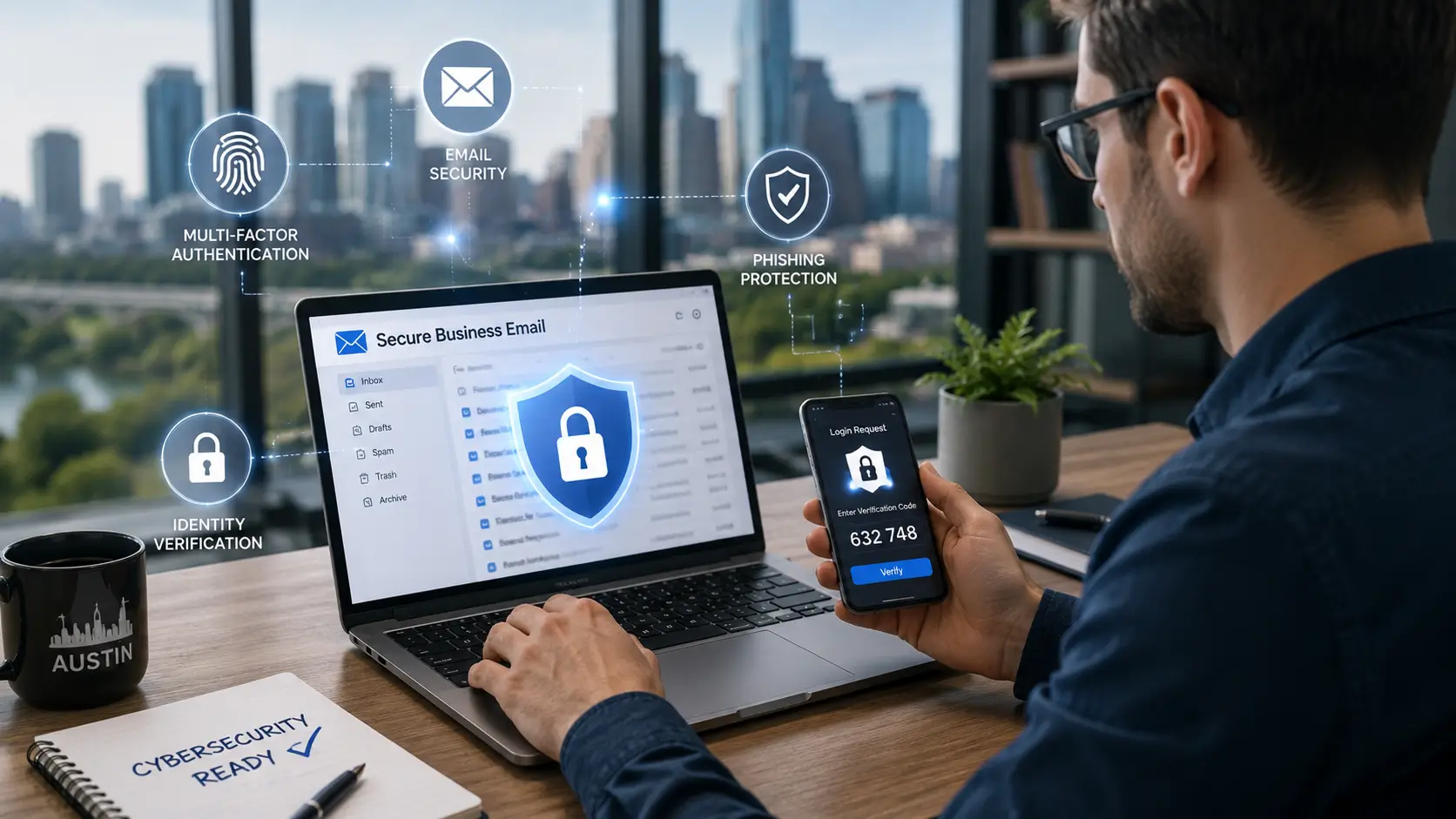
Email is one of the most common ways criminals target Austin businesses. A convincing message can trick an employee into disclosing a password, opening a malicious attachment, visiting a fake website, or approving a fraudulent payment.
Effective business email security may include:
- Spam and phishing protection
- Malware scanning
- Attachment inspection and sandboxing
- Web-link analysis
- Executive and vendor impersonation detection
- Business email compromise protection
- External sender warnings
- Email sender authentication
- A procedure for reporting suspicious messages
Having Microsoft 365 or another hosted email platform does not automatically mean your email is fully secured. Its protections must be properly configured and managed.
Are Emails Screened for Malicious Attachments and Links?
Traditional spam filtering may not identify every modern cyberattack. Criminals frequently use malicious documents, fake Microsoft 365 login pages, compromised websites, QR codes, and messages that appear to come from a trusted executive or vendor.
Your email security system should analyze incoming messages before they reach employees. Important capabilities may include:
- Scanning attachments for malware
- Opening suspicious files in an isolated sandbox
- Inspecting links when users click them
- Blocking dangerous file types
- Detecting newly registered or suspicious domains
- Identifying display-name and domain impersonation
- Quarantining questionable messages for review
Email filtering should be supported by employee training. Technology can stop many threats, but employees must still know how to recognize and report a suspicious message.
Can Employees Access Email From Personal Devices?
Webmail and mobile access make remote work convenient, but they may also allow employees to access company information from personal computers, tablets, or phones.
An insurer may ask:
- Can employees access email from any browser or device?
- Is MFA required for web and mobile access?
- Can access be limited to approved locations?
- Are unusual or risky login attempts detected?
- Can users download company data to unmanaged devices?
- Can business information be removed from a lost device?
- Are outdated or insecure devices blocked?
- Does the company use mobile device management or conditional access?
If employees can access company data from personal devices, your business should implement controls that protect the information without relying entirely on the security of those devices.
Is Sensitive Business Data Encrypted?
Encryption makes information unreadable without the appropriate authorization or key. It can protect information stored on computers, servers, mobile devices, backup systems, and cloud platforms.
A cyber insurer may want to know whether:
- Company laptops use full-disk encryption
- Sensitive files are encrypted
- Backups are encrypted
- Data is encrypted during transmission
- Portable drives and removable media are controlled
- Encryption keys are securely managed
Encryption is particularly important for Austin companies with remote employees, traveling staff members, or workers who carry devices containing sensitive business information.
Do Employees Access Your Network Remotely?
Remote and hybrid work create additional entry points that criminals may attempt to exploit. Remote work does not need to be prohibited, but remote access must be secured.
Your company should be prepared to explain:
- How employees connect to company systems
- Whether MFA is required
- Whether employees use company-managed devices
- Whether those devices receive timely security updates
- Whether endpoint protection is installed and monitored
- Whether access is restricted according to job responsibilities
- Whether inactive accounts are promptly disabled
- Whether remote desktop services are exposed to the internet
Secure remote work requires several layers of protection—not just a password and a VPN.
Do You Have a Next-Generation Firewall?
A traditional firewall controls network traffic using basic rules. A next-generation firewall, or NGFW, can provide greater visibility and more advanced threat protection.
Depending on the product and its configuration, an NGFW may provide:
- Application-level traffic inspection
- Intrusion prevention
- Malware and threat detection
- Website filtering
- Encrypted traffic inspection
- User-based access controls
- Reputation-based blocking
- Centralized security alerts and reporting
Purchasing a next-generation firewall is only the first step. It must be properly configured, regularly updated, actively monitored, and supported.
Does Your Company Use EDR or MDR?
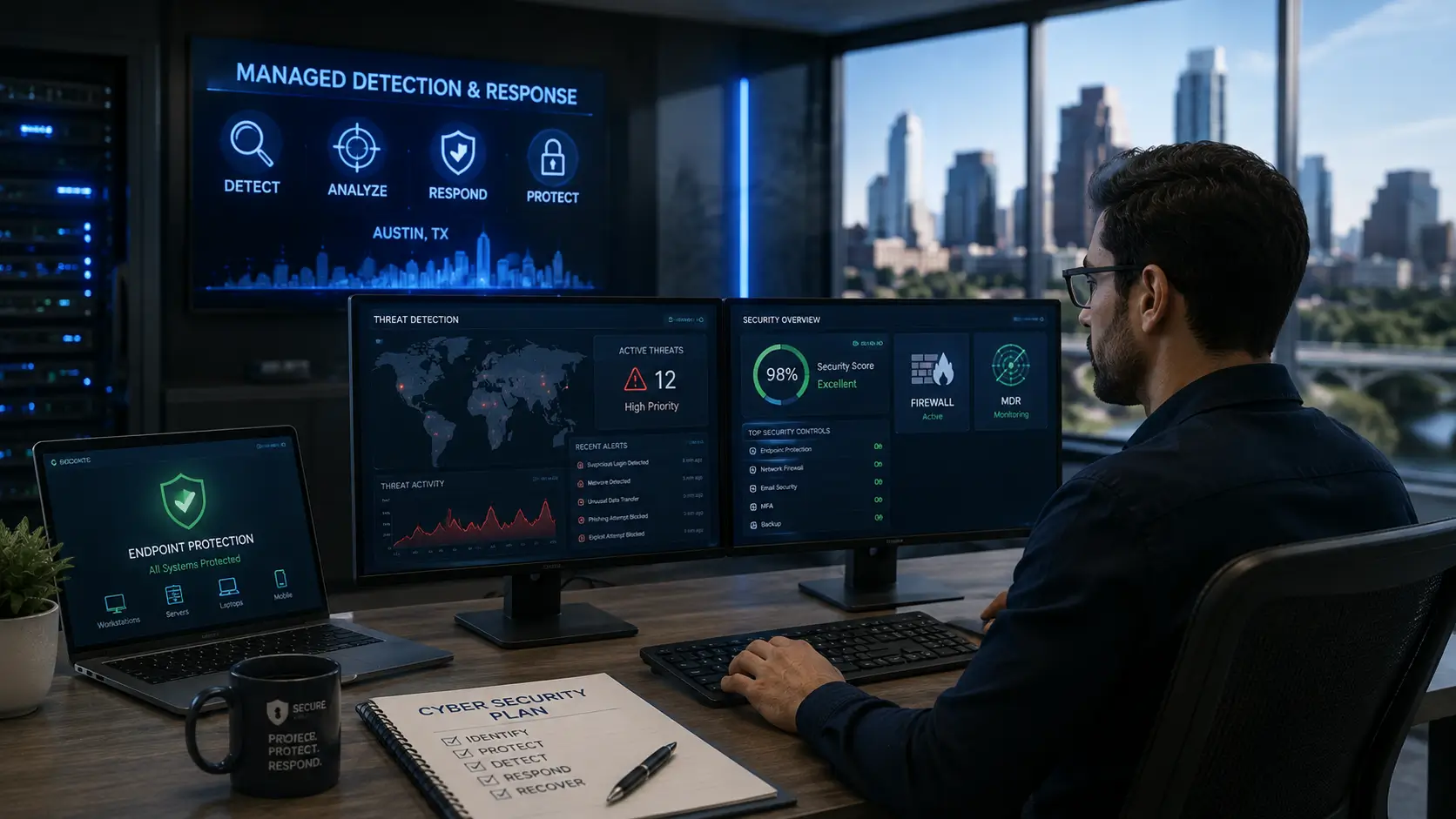
Traditional antivirus software remains useful, but many insurance applications now ask about more advanced endpoint security and threat monitoring.
Endpoint Detection and Response (EDR) monitors computers, servers, and other devices for suspicious activity. It may detect behavior that traditional antivirus software misses and provide the information needed to investigate and contain an incident.
EDR generates alerts, but someone must review and act on them.
Managed Detection and Response (MDR) adds security professionals who monitor alerts, investigate suspicious activity, and help respond to threats. MDR can be particularly valuable for Austin small and midsize businesses that do not have an internal security operations team available 24 hours a day.
An insurer may ask:
- Is EDR installed on every workstation and server?
- Is it centrally managed?
- Are alerts monitored around the clock?
- Who investigates suspicious activity?
- Can a compromised device be isolated remotely?
- Is incident response assistance included?
- How are unprotected devices identified?
Do You Use SIEM or SOAR?
A Security Information and Event Management platform (SIEM) collects and analyzes security logs from firewalls, servers, cloud services, identity systems, email platforms, and endpoint security tools.
A SIEM can identify suspicious patterns that might be missed if each system were reviewed separately.
A Security Orchestration, Automation, and Response platform (SOAR) helps coordinate security tools and automate repeatable actions. It may help disable a compromised account, block a malicious domain, isolate an infected computer, create an incident ticket, and notify the appropriate response team.
These tools are most effective when properly configured and supported by qualified cybersecurity professionals. Collecting alerts without reviewing or responding to them does not provide meaningful protection.
Are Employees Required to Complete Security Awareness Training?
Technology cannot prevent every cyberattack. Employees are often the first line of defense against phishing, credential theft, fraudulent payment requests, and malicious attachments.
A cyber insurance company may ask:
- Do new employees receive cybersecurity training?
- Is refresher training required at least annually?
- Does the company conduct simulated phishing tests?
- Are employees taught to identify malicious links and attachments?
- Do employees know how to report an incident?
- Is specialized training provided to executives and financial personnel?
- Is participation documented?
- Is additional training assigned after a failed phishing test?
Security awareness training should be an ongoing program, not a one-time presentation or a box to check.
Do Employees Receive Social Engineering Training?
Social engineering attacks manipulate people into revealing information, transferring money, sharing credentials, or granting access to company systems.
Training should teach employees to identify:
- Phishing emails and fake login pages
- Business email compromise
- Executive and vendor impersonation
- Fraudulent payment requests
- Telephone and text-message scams
- QR-code phishing
- Unexpected MFA approval requests
- Attempts to collect company information through social media
Employees should be taught to slow down, question unusual requests, and verify sensitive instructions using a trusted method of communication.
Does Your Business Send or Receive Wire Transfers?
Wire transfers are frequent targets of business email compromise and social engineering. A criminal may impersonate an executive, customer, employee, vendor, or financial institution to redirect a legitimate payment.
Your business should consider whether:
- New wire instructions are independently verified
- Banking changes are confirmed using a previously known phone number
- Initiating and approving a transfer requires two employees
- Transfer limits are established
- MFA is required for banking systems
- Email payment requests require secondary verification
- Urgent or high-value transfers receive additional review
- Payment permissions are restricted by job responsibility
- Employees receive fraud-prevention training
- A response plan exists for suspected fraudulent transfers
Email alone should never be considered sufficient verification for a new bank account, changed payment instructions, or an urgent transfer request.
Your company should also ask its insurance professional whether the proposed policy includes social engineering and funds-transfer fraud coverage. These protections may have separate limits, conditions, and exclusions.
What Else Could a Cyber Insurer Require?
A cyber insurance questionnaire may also examine whether your Austin business has:
- Tested and recoverable backups
- Offline or isolated backup copies
- Timely software updates
- Vulnerability scanning and remediation
- Restricted administrator privileges
- Strong password and account-management policies
- A documented incident response plan
- A business continuity and disaster recovery plan
- Vendor and third-party risk management
- Regular cybersecurity risk assessments
- A process for removing former employees’ access
Requirements differ among insurers. Completing a checklist does not guarantee coverage or payment of a future claim. Businesses must answer every application question accurately and ensure their actual cybersecurity practices match the representations made to the insurer.
Review all policy terms, exclusions, sublimits, conditions, and application statements with a qualified insurance professional.
Preparing Your Austin Business for Cyber Insurance
Cyber insurance providers increasingly expect businesses to demonstrate that important cybersecurity controls are already in place. Multi-factor authentication, secure email, protected endpoints, reliable backups, employee training, access controls, and incident response planning can all play a role in the underwriting process.
For Austin businesses, the goal should not be to review cybersecurity only when an insurance application or renewal is approaching. Security controls should be implemented, maintained, tested, and documented as part of an ongoing cybersecurity strategy.
Cyber insurance requirements can vary by insurer and policy. However, your business should be able to confidently explain how its systems, accounts, devices, data, and employees are protected.
Reviewing your cybersecurity environment before applying for or renewing cyber insurance can help identify gaps early and give your organization time to address them before they affect coverage, premiums, limits, or policy conditions.
Get Your Austin Business Ready for Cyber Insurance
The worst time to discover a security gap is immediately before an insurance renewal—or after a cyberattack has already occurred.
Business Communication Solutions helps Austin-area businesses evaluate their technology environments, identify cybersecurity weaknesses, and build practical plans for addressing the controls commonly examined during the cyber insurance process.
A cybersecurity readiness assessment can help your organization:
- Identify gaps before completing an insurance application
- Strengthen email, cloud, network, and endpoint protection
- Secure remote and mobile access
- Improve employee security awareness
- Protect financial transactions
- Document existing security controls
- Prioritize improvements based on business risk
Cybersecurity readiness does more than support an insurance application. Strong security controls can reduce the likelihood of an attack, limit its potential impact, and help your company recover more quickly.
Before completing your next cyber insurance application, ask:
Can we confidently document and demonstrate every answer?
If the answer is no—or if you are unsure—contact Business Communication Solutions for a cybersecurity readiness assessment for your Austin business.
Frequently Asked Questions About Cyber Insurance for Austin Businesses
What cybersecurity requirements do cyber insurance companies typically have?
Cyber insurance requirements vary by insurer, but businesses may be asked about multi-factor authentication, secure backups, endpoint protection, email security, employee training, access controls, vulnerability management, and incident response planning.
Is multi-factor authentication required for cyber insurance?
Many cyber insurers place significant emphasis on multi-factor authentication. MFA may be expected for business email, remote access, administrator accounts, cloud applications, financial systems, and other accounts that provide access to sensitive business information.
Can weak cybersecurity affect my business’s cyber insurance coverage?
Yes. Missing or inadequate security controls may affect underwriting decisions. Depending on the insurer and policy, a business could face higher premiums, reduced coverage limits, exclusions, additional requirements, or a denial of coverage.
What should an Austin business do before applying for cyber insurance?
Before applying, your business should review how sensitive data, email, cloud platforms, user accounts, devices, remote access, backups, and financial transactions are protected. Your organization should also be able to accurately document the cybersecurity controls described in the insurance application.
Is Microsoft 365 secure enough for cyber insurance requirements?
Not automatically. Microsoft 365 provides security features, but those features must be properly configured and managed. Businesses may still need MFA, phishing protection, malicious link and attachment scanning, access controls, and suspicious sign-in monitoring.
What cybersecurity controls should small businesses prioritize for cyber insurance readiness?
Small businesses should generally prioritize MFA, secure and tested backups, endpoint protection, email security, timely software updates, employee security awareness training, restricted administrator access, secure remote access, and an incident response plan.
How can a cybersecurity assessment help prepare my business for cyber insurance?
A cybersecurity assessment can help identify security gaps before an insurance application or renewal. It can also help your business document existing controls, prioritize improvements, and determine whether your actual cybersecurity practices match the information provided to an insurer.
Related Cybersecurity Articles
- Cybersecurity Solutions for Business: A Complete Guide
- Data Protection Services: A Guide for Businesses
- Cloud Storage Is Not Cloud Backup: What Businesses Need to Know
- What Is a Firewall? A Simple Explanation for Businesses in Austin, TX
- Why Cybersecurity Incident Response Is Like Basketball
This article provides general information and is not insurance, legal, or cybersecurity advice. Coverage and underwriting requirements vary by insurer and policy. Consult qualified insurance, legal, and cybersecurity professionals regarding your organization’s specific needs.