

Imagine a company with a billion dollars in annual revenue. Executive bonuses run into the millions, while a proposed $30,000 storage upgrade is put off. Two years later, the team does not have a safe place to perform a full test restore of a critical server.
This is a hypothetical example, but the decision pattern is familiar: a visible expense gets delayed, while the cost of the risk stays off the balance sheet. Smaller businesses in Austin face the same tradeoff. The amount changes; the need to prove the company can keep operating does not.
For Austin businesses, the impact of underfunded IT can extend beyond routine technology problems. Gaps in cybersecurity, backup recovery, network infrastructure, monitoring, or system maintenance can create operational disruptions and unexpected costs. Identifying these gaps early helps businesses prioritize IT investments based on business risk rather than waiting for a costly failure.
Watch: The Cost of Delaying a Server Upgrade
The $30,000 Decision Nobody Remembers Making
Underfunded IT rarely starts with one dramatic refusal. An upgrade moves to next quarter. A backup review is postponed. A firewall renewal, laptop protection rollout, or maintenance window competes with work that feels more urgent. Each decision may have a reasonable explanation. Together, they can leave a business depending on systems nobody has had the time or resources to test.
Leadership should be able to see what was deferred, why, who accepted the risk, and when the decision will be revisited. Otherwise, “we will handle it later” quietly becomes the operating plan.
What a Full Server Can—and Cannot—Tell You
A nearly full production server is a warning, not a complete diagnosis. Depending on where a company stores its backups, logs, and applications, limited capacity can interrupt jobs, shorten useful log retention, prevent updates, or leave too little room for a safe restore test. A separate backup system may continue working perfectly. The only way to know is to check the actual jobs, available space, retention, alerts, and recovery process.
The practical question is not merely “Do we have backups?” It is: Can we restore the right data and applications within the time the business can tolerate? NIST recommends protecting and testing backups because a completed backup job does not by itself prove recovery. NIST’s small business cybersecurity guidance makes backup testing part of the basics.
Recovery Testing Needs Time and a Place to Run
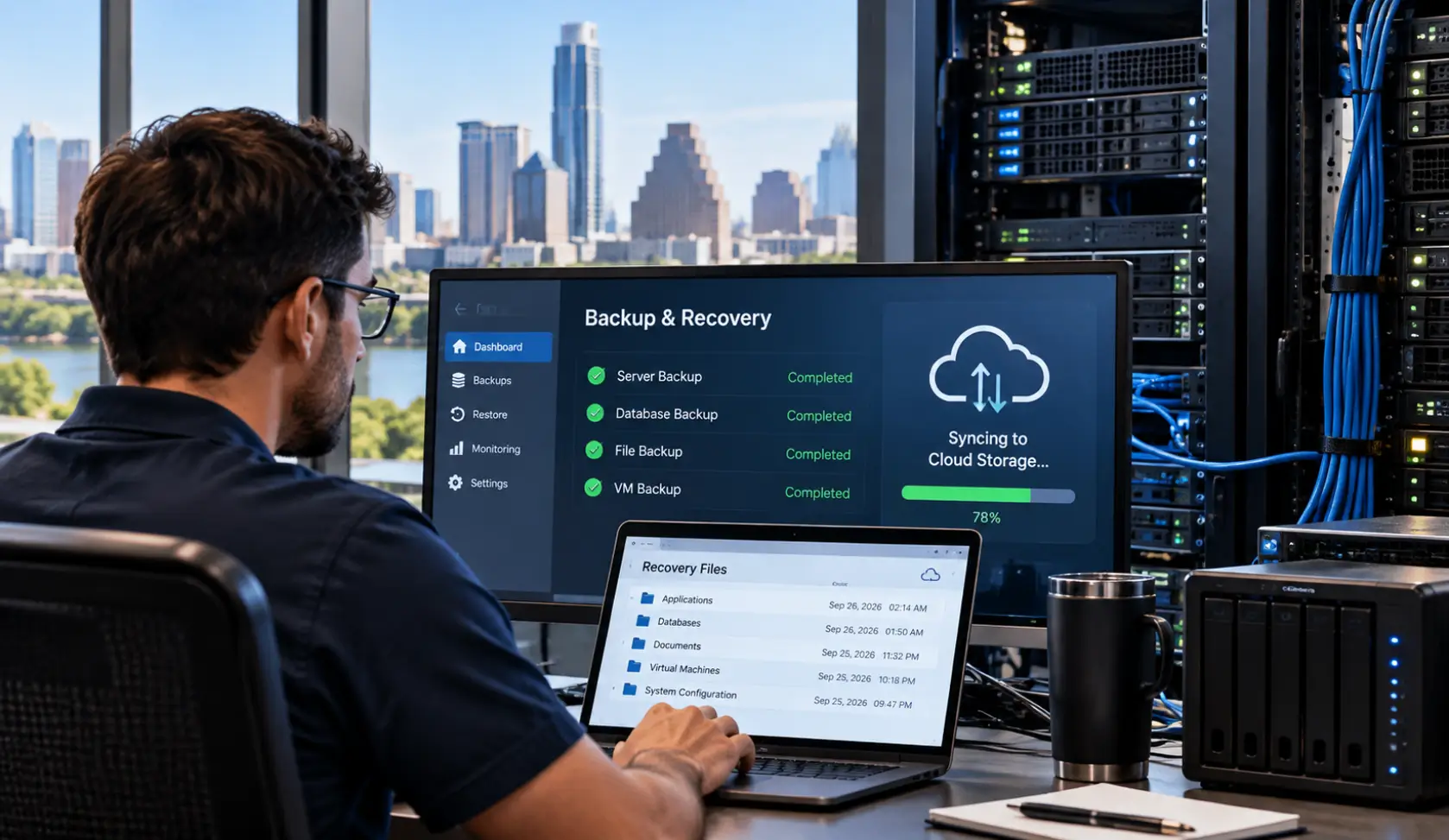
A meaningful test may require separate storage, a spare server or cloud environment, staff time, and a maintenance window. IT may be able to verify individual files while still lacking the capacity to test whether a whole application can return to service. Those are different levels of assurance, and leadership should know which one the business has actually achieved.
Ask when the last test restore happened, what was restored, whether the data and applications worked, and how long it took. If a full test is blocked by capacity or cost, record that limitation and fund a realistic path to close it. Do not leave the assumption “backups are fine” unchallenged until a hardware failure or ransomware incident.
Cutting Corners Across the Security Stack
The same pattern appears beyond storage. Protective DNS can stop connections to known or suspected malicious domains, but it will not identify every threat. Firewalls need appropriate firmware updates, configuration reviews, and active security services when the business relies on licensed features. Employee laptops need the endpoint protection and monitoring chosen for the business, whether they are in the office, at home, or on the road. CISA includes protective DNS, endpoint detection, and timely patching in its ransomware prevention guidance.
No single purchase solves all of this. Email security, MFA, DNS filtering, endpoint protection, backups, monitoring, training, and an incident plan support one another. The business should know which layers are in place, which are missing, and who responds when one raises an alert. Learn more about BCS cybersecurity services for Austin businesses.

Where Underfunded IT Creates Additional Business Costs
The cost of an underfunded IT environment is not limited to purchasing or maintaining technology. Businesses can also face indirect costs when critical systems are unreliable or inadequately protected.
- Downtime: Employees may be unable to access systems, applications, files, or communication tools.
- Data recovery: Failed or incomplete backups can make recovering important business information more difficult.
- Security incidents: Gaps in monitoring, patching, endpoint protection, or access controls can increase cybersecurity exposure.
- Emergency repairs: Delaying planned maintenance or replacement can turn predictable IT expenses into urgent problems.
- Lost productivity: Employees may spend time working around technology problems instead of completing normal business tasks.
Resources Are More Than Dollars
Time matters. Patching, failover tests, restore exercises, and cleanup may need planned interruptions. If every maintenance window is rejected, necessary work accumulates.
Cooperation matters. A policy will not hold if departments routinely work around it. Leaders can make secure steps practical and reinforce them in day-to-day decisions.
Checks and balances matter. Someone outside the person doing the work should ask what was tested and what the result showed. That is a way to support IT and verify the business position, not to assign blame. Our related article explains why cybersecurity is a team effort.
Understanding how attackers quietly probe for unmaintained systems before striking is detailed in our guide on what happens before a cyberattack.
Clear decisions matter. IT should describe the consequence of delay in business terms: expected downtime, potential data exposure, recovery uncertainty, and the cost and timing of options. Leadership then owns the decision to fund, defer, or accept the risk.
Data Theft and Downtime Are Connected Risks
A leader might say, “Our data is not that sensitive; just make sure we are not locked out.” That deserves a closer look. Some ransomware groups steal data and then encrypt systems, creating pressure around both disclosure and downtime. CISA addresses ransomware and data extortion together. Not every attack follows that pattern, but availability and confidentiality cannot be evaluated from assumptions alone.
Before dismissing the data risk, identify what the company actually holds: customer records, employee information, contracts, financial details, credentials, and material shared by partners. Decide who can access it, how suspicious transfers are detected, how it is protected, and who must be involved if it is exposed. Legal or contractual duties may also affect the answer.
Five Questions to Ask Before “Later” Becomes an Emergency
- Which IT and security projects have been deferred, and who owns each decision?
- When was the last successful restore test, and what exactly did it prove?
- Are critical systems, firewall features, remote laptops, and monitoring still supported and maintained?
- What time and resources does IT need for patching, testing, and incident practice?
- Does leadership understand both the downtime risk and the data exposure risk?
The goal is not to spend without a plan. It is to make sure the resources already committed are actually protecting the business—and to close the gaps that matter most.
Frequently Asked Questions
What is the hidden cost of underfunded IT for a small or mid-sized business?
The hidden cost includes unplanned downtime, emergency incident response billing, lost employee productivity, potential ransomware extortion, regulatory non-compliance fines, and reputational damage from customer data exposure. These reactive expenses almost always exceed the proactive cost of routine maintenance and hardware refreshes.
Why is a completed backup job not proof that a business can actually recover?
A backup job merely verifies that data was copied to a storage target. It does not verify whether the files are uncorrupted, whether the database schema is intact, or whether adequate server and network capacity exists to restore and run full business applications within an acceptable recovery time objective (RTO).
How do cyberattackers exploit deferred software updates and unpatched firewalls?
Attackers continuously run automated internet scanners looking for known vulnerabilities in unpatched firmware, VPN gateways, and firewalls. When software updates or security license renewals are postponed, perimeter defenses fail to detect active exploit signatures, creating an easy entry point for ransomware gangs.
What is ‘technical debt’ in business IT?
Technical debt is the implied future cost incurred by choosing quick workarounds or postponing necessary technology upgrades instead of implementing permanent, resilient solutions. Over time, deferred maintenance compounds, making systems fragile, harder to support, and vulnerable to catastrophic failure.
How can leadership balance budget constraints with essential IT maintenance?
Prioritize investments based on risk rather than emotion. Establish formal risk registers showing what was deferred, who accepted the risk, and the measurable business consequences (downtime cost per hour, data loss liability). This allows leadership to fund the most critical security and recovery controls first.
What is the difference between data theft and system downtime in modern ransomware?
Traditional ransomware focused solely on downtime by encrypting files. Modern ransomware uses ‘double extortion’—stealing sensitive corporate and client data before encrypting systems. Even if a business can restore its servers from backups, extortionists threaten to publish confidential files unless a ransom is paid.
How does co-managed IT help businesses with overburdened internal teams?
Co-managed IT pairs your internal IT manager with an external Managed Service Provider (MSP). The MSP handles after-hours patching, maintenance windows, server backups, and 24/7 SOC monitoring, freeing your internal staff to focus on strategic daily business projects without burnout.
How does BCS help Austin companies assess IT risk before an outage occurs?
Business Communication Solutions conducts comprehensive on-site and remote infrastructure audits. We inspect server capacity, backup restore viability, firewall licensing, endpoint protection, and cabling infrastructure, delivering a clear, prioritized roadmap that fits your budget.
Get a Clearer Picture of Your IT Risk in Austin, TX
Business Communication Solutions helps Austin-area organizations review aging systems, backup recoverability, cybersecurity coverage, and the practical constraints facing their IT team. We can help prioritize fixes that match your business needs and budget.
Call 512-257-1433 or visit our cybersecurity services page to schedule a cybersecurity risk assessment.