

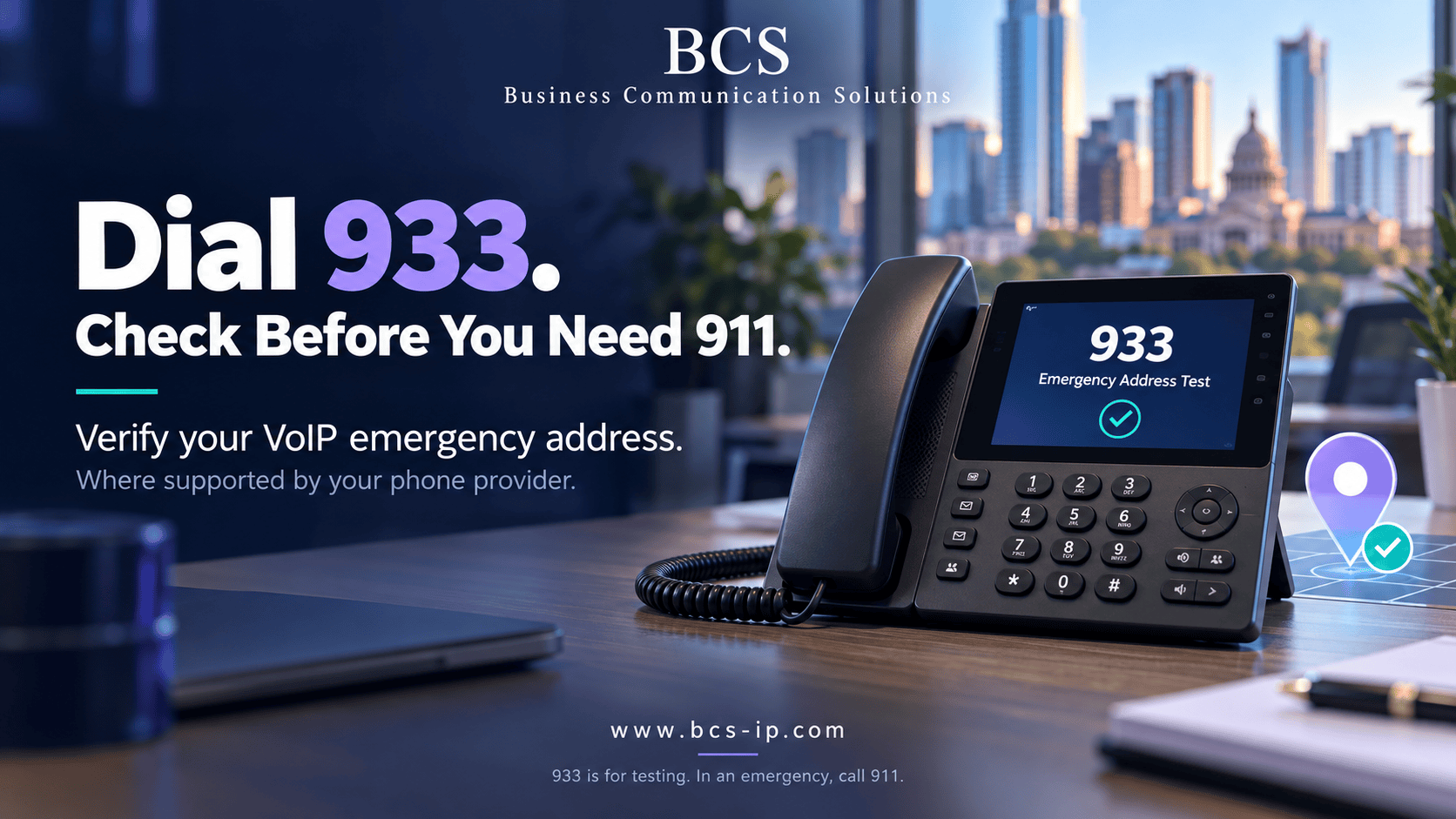
Your business phones make and receive calls. But have you checked what happens when someone needs emergency help?
For businesses in Austin, Houston, and Lampasas, emergency calling should be part of phone-system setup and ongoing maintenance. A working desk phone, clear audio, or successful customer call does not tell you whether the emergency address is correct.
What is 933 on a VoIP phone?
Cell phone users: 933 testing does not work through your cell phone’s regular cellular dialer. It may work from a VoIP provider’s app if the provider supports 933 and the app routes the test through that VoIP service. Confirm support with your provider first. A test through a VoIP app checks that service’s registered information, not your cell phone carrier’s emergency location.
On supported VoIP services, dialing 933 reaches an automated emergency-information test service. It typically reads back the registered emergency address and phone number associated with the call, without connecting you to a 911 dispatcher. Confirm support and the correct dialing procedure with your provider first.
933 is a test number—not a number to call for emergency help. In an emergency, call 911. Availability and test behavior vary by carrier, number, device, and phone-system configuration.
Why a quick check matters
Imagine moving a phone from your Austin office to a Houston branch. Ordinary calls may continue working while the emergency location still points to Austin. Or a phone may report a building address without the details needed to locate someone on a particular floor.
That is why BCS recommends checking emergency calling during installation, after changes, and as part of a documented maintenance process. Do not wait for an emergency to discover an old address or an incorrect phone assignment.
A practical 933 testing checklist
- Confirm the provider supports 933. Ask which devices and call paths can use it and what the recording should report.
- Review the configured location. Check the physical address assigned to the phone or device. A billing address is not necessarily its emergency location. Confirm any supported suite, floor, room, or building details.
- Call from the actual device. Follow your provider’s instructions. Do not assume one reception phone represents every extension, branch, or remote user.
- Listen carefully. Compare the readback with the expected emergency address and callback number. The emergency callback number may differ from ordinary outgoing caller ID; confirm that distinction with the provider.
- Record the result. Keep the date, time and time zone, device or extension, physical location, expected information, reported information, and any follow-up ticket.
- Correct discrepancies and retest. Ask your administrator or provider to resolve incorrect information. Allow the provider’s stated activation or update time before testing again.
For larger deployments, maintain an inventory of phones, locations, and emergency call paths. Agree on coverage with the provider so a single successful test does not leave other locations unchecked.
When should you test again?
BCS recommends reviewing the configuration and repeating the supported test after:
- Installing or replacing a phone system.
- Switching providers or completing a number port.
- Moving a phone, office, department, or branch.
- Changing emergency addresses, device assignments, SIP trunks, or routing.
- Adding remote users, softphones, or wireless handsets.
- Changing network or backup connections that affect calling.
Assign responsibility for these checks and set a review schedule appropriate to your organization. Staff should know who to notify before moving a phone.
933 is one part of testing—not proof everything works
A correct readback helps check the information exposed by that provider’s test service. It does not establish that every emergency function has been verified. Providers can handle 933 and 911 differently.
Review these separately with your phone-system administrator and provider:
- Direct 911 dialing: Confirm the applicable configuration allows emergency dialing without an outside-line prefix.
- Emergency notifications: Review recipients and use the provider’s approved validation procedure. A 933 call may not trigger the notifications used for 911.
- Callback handling: Confirm how a dispatcher’s return call reaches the caller or appropriate staff.
- Location coverage: Check the details and routing for each location and device type.
- Power and internet continuity: Review the phone, PoE switch, firewall, modem, backup power, and connectivity plan. Test failover through an agreed maintenance procedure.
Applicable federal rules address direct dialing, notifications, and dispatchable location. Dispatchable location can include the street address plus details needed to find the caller. Applicability depends on the service and system; a successful 933 test alone does not establish compliance.
Emergency calling requirements: Learn about Kari’s Law and RAY BAUM’S Act, including direct 911 dialing, notifications, and caller location.
Remote workers, mobile apps, and roaming DECT phones
A business phone number does not necessarily identify where someone is physically working. Remote users should follow the provider’s emergency-address process when their location changes. Mobile apps may hand emergency calls to the native cellular dialer or use the VoIP service, depending on the platform and connection.
For multi-cell DECT systems, review how emergency location is determined as a handset moves between coverage areas. Do not assume seamless roaming automatically updates emergency location. This deserves particular attention in hotels, schools, healthcare facilities, warehouses, and large offices.
What if 933 fails or reports the wrong address?
Contact your administrator or phone provider with the device, location, test time, and result. A failed 933 call does not, by itself, prove that 911 is unavailable: some services or numbers do not support the test. However, it also does not confirm emergency readiness. Obtain provider confirmation, resolve discrepancies, and document the outcome.
Do not dial 911 casually to test a phone. If an actual 911 test is needed, arrange it first through the local 911 center’s non-emergency number and follow its instructions. If you accidentally dial 911, stay on the line and explain the mistake.
BCS helps businesses check the full phone system
Business Communication Solutions installs and supports cloud, hosted, on-premise, and hybrid business phone systems. We can help review device assignments, emergency-address settings, provider-supported testing, network dependencies, and backup options.
Explore our business phone systems or get help through our VoIP troubleshooting and support services.
Make emergency calling part of your phone-system checklist.
Austin: 512-257-1433
Houston: 281-815-8784
Lampasas: 512-865-4000
Provider and emergency-calling references
- Intermedia: 933 emergency services testing and availability
- Intermedia: updating E911 information and device addresses
- Lumen: 933 testing, results, and notification limitations
- FCC: multi-line telephone system emergency-calling requirements
- FCC: dispatchable location
- 911.gov: arranging test calls and handling accidental calls