

Business Communication Solutions offers wired and wireless network setups for homes and small businesses. Feel free to call us if you need a simple cable run with one access point for your outdoor backyard area or a wired and Wi-Fi network installation setup with servers, radius, and VPN. We offer free consultations and estimates.
Build a reliable business network with our Computer & Network Services, Managed IT Services, and Network Routers and Firewall Solutions for complete IT infrastructure.
Planning Wi-Fi coverage across an RV park, outdoor venue, or large property? Watch our overview of outdoor Wi-Fi 7 installation and Power over Ethernet (PoE). BCS can help plan access point placement, wired connections, and outdoor network infrastructure for properties in Austin and surrounding communities.
Discuss your outdoor Wi-Fi project: Call BCS at 512-257-1433 for a consultation and estimate.
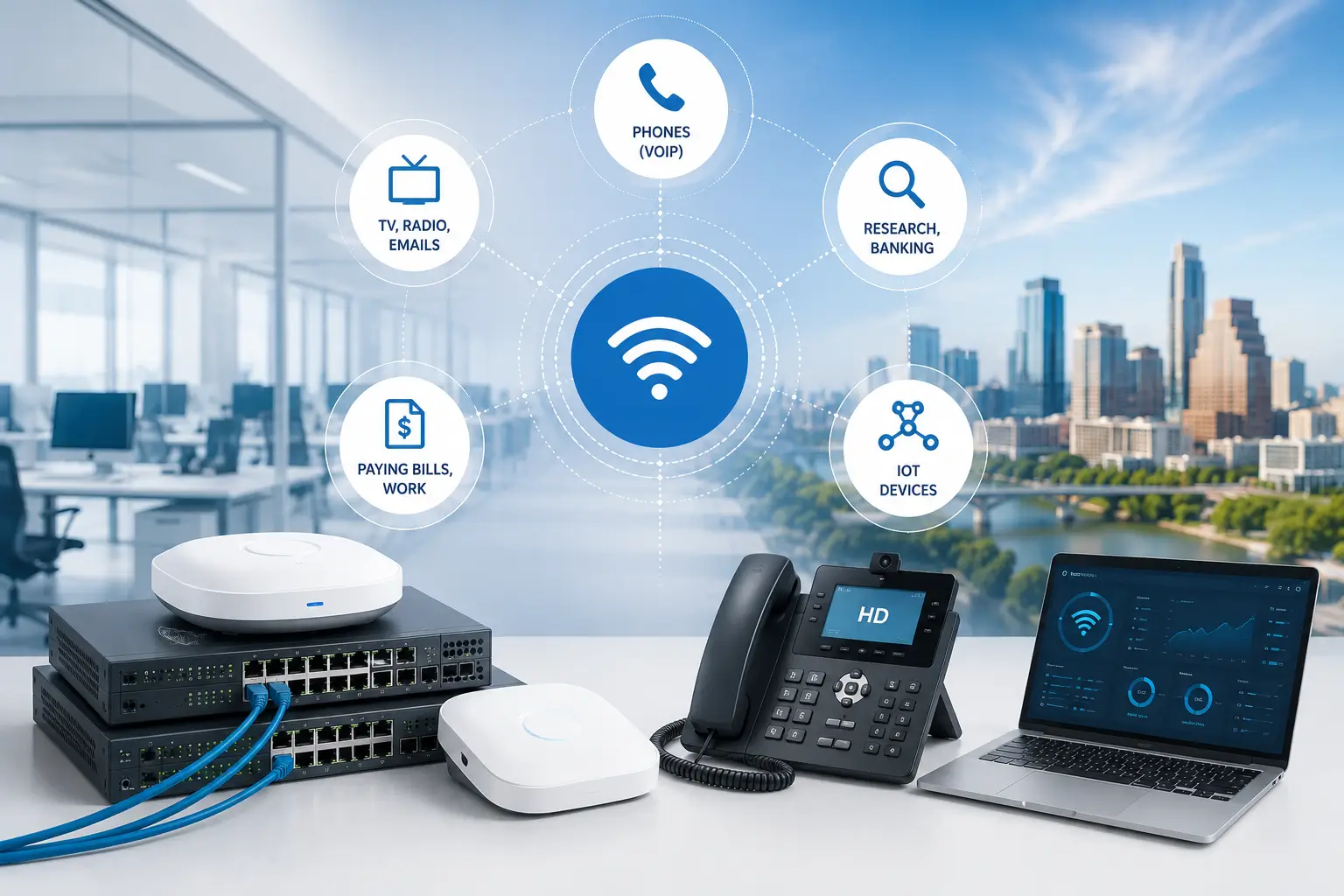
Business Communication Solutions can help you design a wired and wireless network based on your needs, requirements, budget, and schedule. We understand that network and internet access are essential technologies we can not survive without. Without reliable internet, we can’t communicate. We rely on the internet for phones (VoIP), TV, radio, emails, paying bills, work, research, banking, IoT devices, and too many others, to name just a few.
Support your communication network with our Voice Data Cabling Services, Ethernet Cabling & PoE Services, and Fiber Optic Cabling Services for high-speed connectivity.
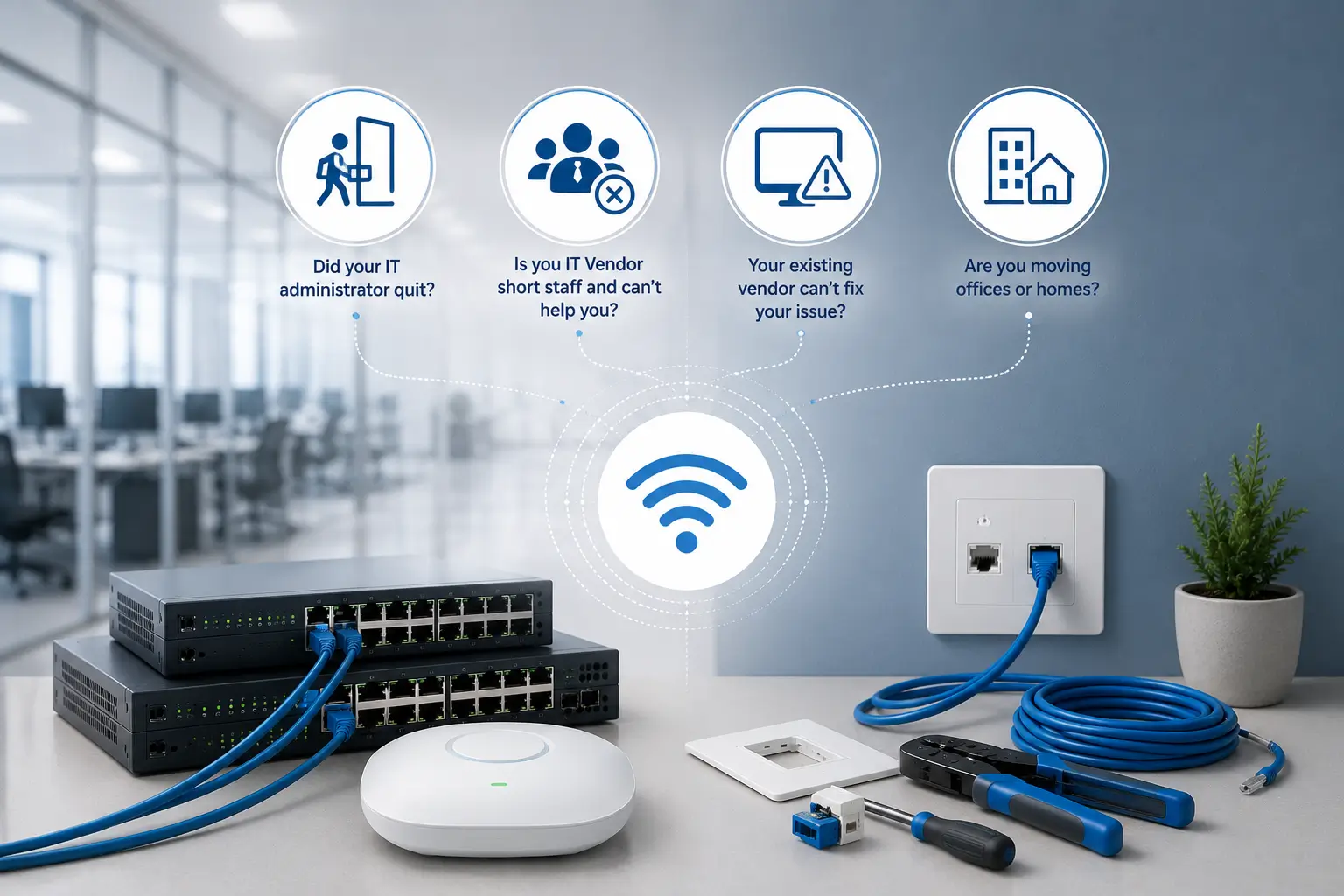
Business Communication Solutions offers wired and wireless network troubleshooting services in Austin and surrounding cities.
Protect and optimize your network with our Cybersecurity Resources and Network Routers and Firewall Solutions for improved security and performance.
We service home and small businesses. Examples of network troubling services we offer include but are not limited to:
Strengthen your IT infrastructure with our Microsoft 365 (M365) Support and Online Backup Solutions to improve business continuity and data protection.
Do you already have a wired and wireless network setup that you would like to evaluate whether or not it is secure?
Do you have a wireless network that is overloaded? Are you getting complaints about interference? Are you getting complaints about dropped signal or packets? We offer troubleshooting and upgrading services. If you have an old wifi network that was setup a while back. The vendor or the IT person that setup is no longer around? Give us a call. Let us offer you a free consultation and estimate. If all the cabling infrastructure is already in place, upgrade are more affordable than you think.
A convenient means of accessing information, the internet, and peripherals is contingent upon having internet and network connectivity. Home or office networking allows people to share access to files, printers, HDTV, data, audio files, collaborate, and web search. Business Communication Solutions is a one-stop shop for all your hardwired data cabling and wireless network installation and setup needs in Austin and the surrounding areas. Our skilled network installer will help you create the best solution. We are experts at installing wired and wireless equipment for businesses, homes, and commercial buildings using the latest materials to avoid losing time on repairs.We provide cat5e, cat6 / 6a, coaxial, & fiber optic LAN cable installation & termination.
When your PC or docking station is physically plugged into an Ethernet cord or wall outlet using different form of cables, it is connected to a wired network. In this scenario, you wouldn’t be establishing a wireless internet connection. A wired network’s equipment is physically connected to one another, which frequently produces a dependable and quick connection. In environments like offices or data centers, where dependable, high-speed connections are essential, wired networks are usually utilized. They are also frequently utilized in home networks, especially for desktop PCs and gaming consoles that need a steady internet connection. The speed and stability of wired networks is their key advantages. Faster data transfer speeds may be possible since there is less potential for interference or signal loss due to the physical connection between the devices.
Backup Internet: Losing an internet connection during an important meeting or while facing a project deadline is a situation many can relate to. Having a backup internet connection can resolve your issue. It seamlessly takes over when the primary connection fails, ensuring that your business or home remains online continuously, regardless of the duration of the outage.
A backup internet connection is crucial for businesses with remote employees who require a constant internet connection, as an outage could lead to a loss of revenue. There are numerous backup internet options available, both wired (DSL, Ethernet cable, fiber optic) and wireless (Wi-Fi, LTE, 5G cellular, satellite), depending on the location of the business or resident.SD-Wan: SD-WAN, or software-defined wide area network, is a networking technology that employs software-defined networking (SDN) principles to administer and enhance the performance of wide area networks (WANs).
Traditional WAN architecture was confined to enterprises, branches, and data centers. However, when an organization embraces cloud-based applications through SaaS and IaaS, its WAN architecture must handle a surge in traffic to access applications that are distributed worldwide. SD-WAN enables IT to provide routing, threat protection, efficient offloading of costly circuits, and streamlined WAN network management.
The business advantages may include: Better application experience, more security, optimized cloud connectivity, and simplified management. SD-WAN technology is perfectly suited for small to medium-sized businesses operating on limited budgets, offering access to the advantages of a large enterprise network without the need for substantial financial investment.Vlan: Virtual Local Area Networks have become crucial as the complexity of networks has surpassed the capabilities of standard Local Area Networks (LANs).
Initially, a LAN would connect a cluster of computers and related devices to a server through cables within a common physical space, which is why it’s termed “local.” Nowadays, numerous LANs connect devices through wireless internet instead of just Ethernet, though many still utilize both types of connections. As organizations expand, so do their networking demands, necessitating solutions that allow for increased network size, adaptability, and sophistication.
VLAN is a logical overlay network that groups together a subset of devices that share a physical LAN, isolating the traffic for each group. VLANs are typically set up on switches by assigning certain interfaces to one broadcast domain and others to a different one. Each VLAN functions as a separate subgroup within the switch ports of an Ethernet LAN. VLANs can spread across multiple switches, with each VLAN being treated as its own subnet or broadcast domain.
This means that frames broadcasted onto the network will be switched only between the ports within the same VLAN. The primary purpose of a VLAN is to enhance network performance by dividing large broadcast domains into smaller ones. When a device within a VLAN sends a broadcast Ethernet frame, it is received by all devices in the same VLAN, but not by devices in other VLANs.
The advantages of utilizing VLANs include enhanced security, cost savings, improved performance, minimized broadcast domain sizes, increased IT staff productivity, and streamlined project and application management.IoT: The Internet of Things, is a network of interrelated devices that connect and exchange data with other IoT devices and the cloud.
These technological devices can transfer data to one another using sensors and software without human interaction, ex. smart home devices, wearable technologies, personal medical devices, automated automobile, etc. Organizations in a variety of industries are using IoT to operate more efficiently, deliver enhanced customer service, improve decision-making and increase the value of the business.Firewall: A firewall is a network security system that monitors and filters both inbound and outbound network traffic based on an organization’s previously established security policies.
At its core, it serves as a barrier between a private internal network and the public internet. A correctly configured firewall permits access to the network for authenticated users while blocking unapproved devices. Modern organizations exist in an environment full of digital threats.
Each week, reports of fresh data breaches or ransomware attacks emerge, making network access control a critical priority for corporations. Firewalls are utilized in both enterprise and personal environments as a crucial element of network security. While most operating systems come equipped with a fundamental firewall, employing a third-party firewall application can offer enhanced protection. Benefits of firewalls include:
Improve business communications with our Business Telephone Systems, Hosted VoIP Phone System, and Intelligent Cloud Communications that rely on a reliable network infrastructure.
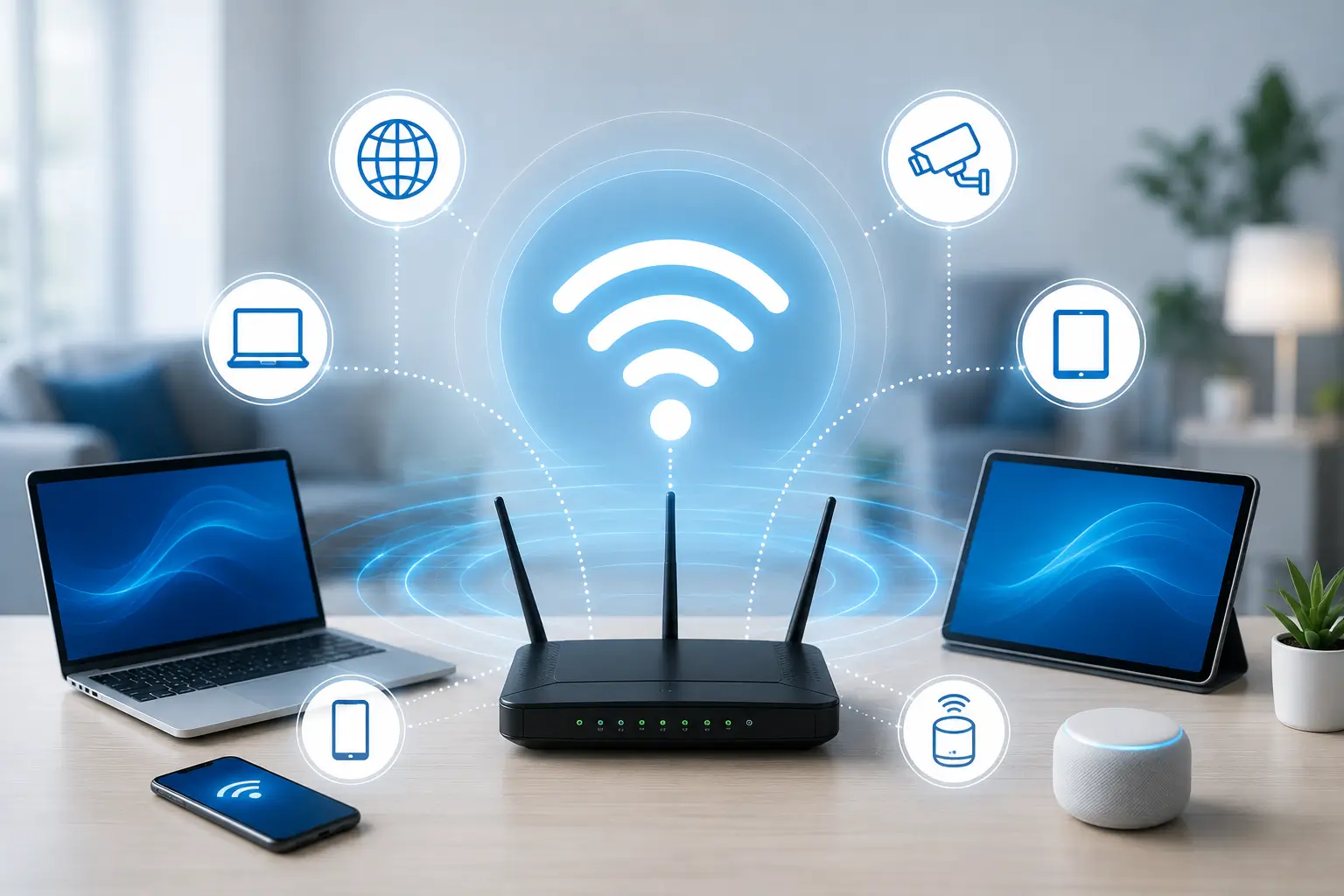
Wireless routers come in two varieties: mesh routers, which are a more recent design, and conventional routers.Mesh Wi-Fi routers are residential networking solutions that choose to tackle the issue of local connectivity in a more decentralized method. Mesh Wi-Fi systems rely on several Wi-Fi nodes instead of requiring each device in your home to connect wirelessly to the internet through a single router. One node in a mesh Wi-Fi system is called the primary router and is connected directly to your gateway connection, with the remaining nodes functioning as satellites.
When these nodes work together, they function as a single, smooth network. Your devices connect to the closest node based on your location, enabling improved performance and less network congestion.
Conventional Wi-Fi routers function as a single data transmission and reception point. The signal from the device must travel the entire distance to the position of the traditional router in order for it to communicate with it. In smaller residences, such as apartments or buildings with one story layouts, traditional routers can offer decent coverage.
Wired connections are better supported by conventional routers. Four Ethernet connections are included in even the most basic models so that you can connect a PC, printer, network-attached storage (NAS), or another compatible device.
Security– The security of your wireless systems needs extra attention because wireless transmission is more vulnerable to attacks by unauthorized users.Coverage– It might be challenging to provide reliable coverage in some buildings, which can result in “black spots” where the signal is unavailable. Network strength differs between sites, and obstructions to signals are another possibility. A connection’s performance and quality may be affected by this.Slower and Unreliable Speed– Generally speaking, wireless networks are not as fast as wired networks. However, as the maximum speed capabilities of your present arrangement mostly determines the data transfer speed, you may always use a hybrid solution to increase the speed even further using both wired and wireless connections together.
Wired and Wireless Network Setup Installation involves designing, installing, configuring, and optimizing Ethernet and Wi-Fi networks for homes and businesses. It ensures reliable internet connectivity, secure communication, and high-performance networking for computers, VoIP phones, servers, and IoT devices.
Yes. We install wired and wireless networks for offices, warehouses, healthcare facilities, schools, retail stores, and commercial buildings. Our services include network design, structured cabling, Wi-Fi deployment, access point installation, routers, switches, VPNs, and network optimization.
Yes. We diagnose and resolve slow internet speeds, weak Wi-Fi signals, network outages, dropped connections, device connectivity issues, printer problems, and access point failures to improve network performance and reliability.
Yes. We configure secure wireless networks using advanced security features such as WPA3 encryption, VLANs, firewalls, VPNs, network segmentation, user authentication, and access control to help protect business data and connected devices.
A wired network uses Ethernet cabling to provide fast, stable, and reliable connections, making it ideal for servers, desktop computers, and VoIP systems. A wireless network uses Wi-Fi technology to connect laptops, smartphones, tablets, and other mobile devices, offering greater flexibility and mobility.
Yes. We upgrade outdated networking equipment, replace switches and routers, install enterprise-grade Wi-Fi access points, expand network coverage, improve bandwidth, and optimize existing network infrastructure for better performance.
Professional installation ensures proper network design, secure configuration, reliable performance, improved coverage, faster connectivity, easier scalability, and reduced downtime. It also helps support cloud applications, VoIP systems, surveillance cameras, and modern business operations efficiently.