

Everything’s working fine. Why should I worry about the network closet? Isn’t it…
Frankly, you have a business to run and you’re not going to check cables every day just to make sure they look neat.
But what if your internet suddenly STOPS WORKING? Your team checks the server rack, and nobody knows which cable goes where.
That’s why expert server rack cable management Austin plays an important role. In this guide, we’ll show you what to look for, how better cable organization can make troubleshooting easier, what a proper network closet cleanup includes, and when it’s worth calling a professional.
Let’s dig deeper into this…
What Happens When One Bad Cable Connection Takes Down Half Your Office?
Your team can’t access files. Calls keep dropping. Someone says the internet is down again. Now your IT person is stuck tracing a mess of cables just to find the problem. Right?
Tangled wires and missing labels will unnecessarily turn a small connection issue into a much longer fix. A little organization will make a big difference when something goes wrong…
What proper cable organization helps with:
- Faster Troubleshooting: Find the right cable
- Fewer Accidental Disconnections: Know what you’re unplugging
- Less Employee Downtime: Get teams back to work
- Easier Maintenance: Make future changes simpler
Too Many Cables, Too Little Space: How Do You Know Your Server Rack Is Overloaded?
| Warning Sign | Why It Matters |
| Tangled cables | Harder to trace connections |
| Blocked vents | Equipment may overheat |
| Packed shelves | Difficult to reach devices |
| Loose connections | Cables can disconnect accidentally |
| No cable labels | Troubleshooting takes longer |
| No room for new equipment | Future upgrades become harder |
A server rack should also have enough space for technicians to access equipment safely and perform routine maintenance. Keep power cables and network cables organized, avoid placing equipment where it blocks ventilation, and follow the equipment manufacturer’s installation guidelines. These checks can help make future maintenance and upgrades more manageable.
If your network rack supports devices such as wireless access points or IP cameras, properly routed Ethernet and PoE cabling can help keep connections organized and easier to maintain.
If you’re struggling to find the right cable or keep equipment cool… don’t wait for something to go wrong then. A little room and better cable organization now will surely save your team from a lot of troubleshooting later.
Can Better Server Rack Cable Management in Austin Actually Help Prevent Downtime?
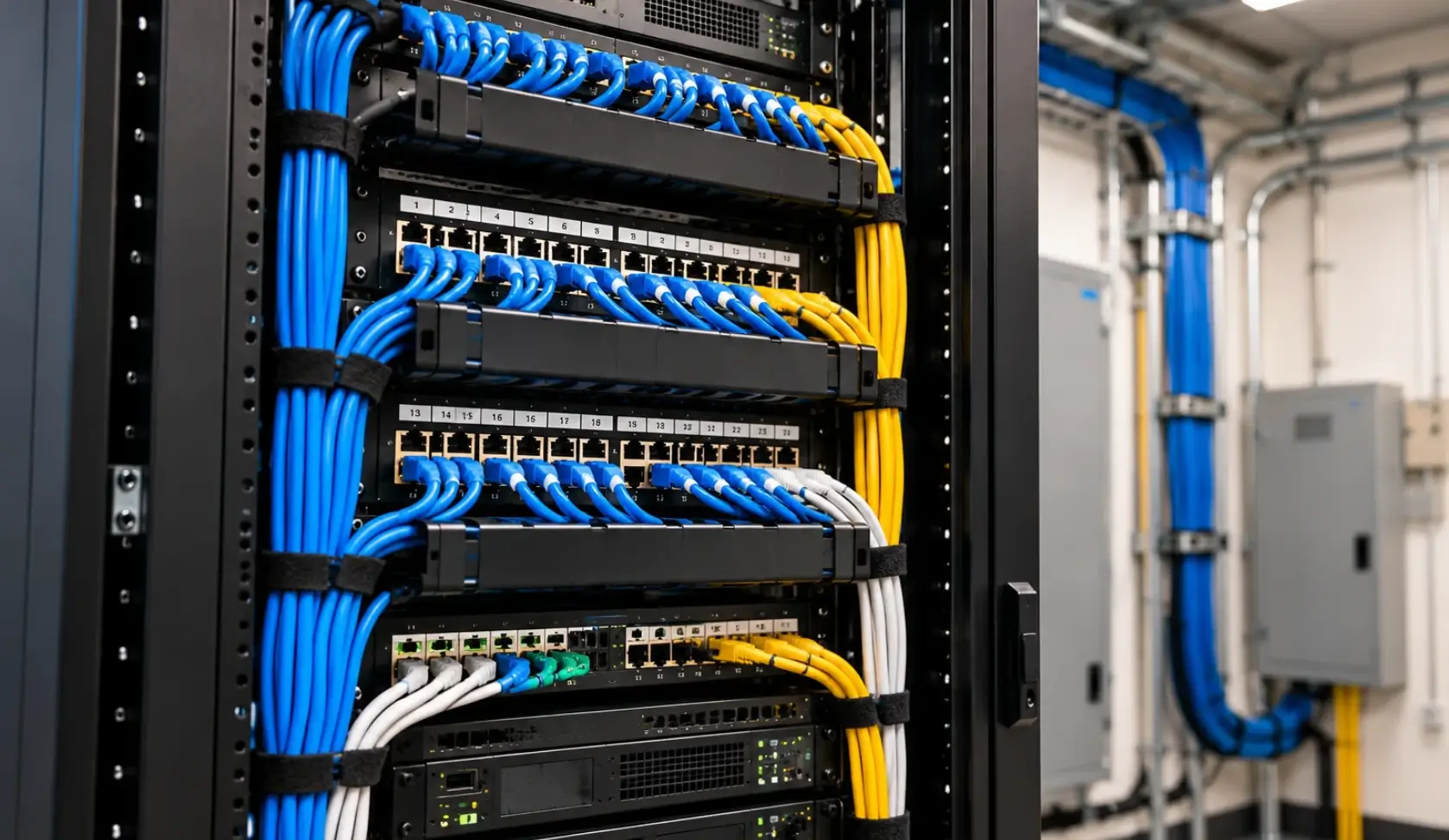
Ever watched your IT person spend 20 minutes tracing one cable while everyone waits for the network to come back?
Clear labels will surely help them find the right cable. Neat routing will reduce accidental disconnections as well as organized patch panels will make connections 100% easier to trace.
Will it prevent every outage? No. But better cable management can make troubleshooting faster and help your business avoid unnecessary delays.
Patch Panel Cable Organization: Why Does Finding One Connection Have to Be So Difficult?
Need to find one faulty connection, but every cable looks the same? Sounds Relatable… Right?
Your IT person doesn’t have to trace a whole bundle just to check one port. Here, proper patch panel cable organization will help you keep connections labeled and arranged properly.
What good organization helps with:
- Clear cable labels save time
- Mapped ports simplify connection tracking
- Neat routing prevents cable confusion
- Organized panels simplify network changes
- Easy tracing speeds up repairs
Should You Clean Up Your Network Closet Yourself or Call a Professional?
A few loose cables? You may be able to tidy them yourself. But crowded racks, mystery connections, and recurring network issues need more care. One wrong unplug can disrupt your business.
When a DIY Cleanup May Work…
- Clear labels already exist
- Cables are easy to trace
- Enough rack space remains
- No connection issues are recurring
When to Call a Professional…
- Unlabeled wiring creates confusion
- Racks are crowded or overheating
- Connectivity problems keep returning
- Changes risk disconnecting critical equipment
What Professional Cleanup Can Include…
Professional network closet cleanup services can organize tangled wiring, document connections, and improve access to equipment.
For complex setups, data rack cleanup may involve low voltage cabling or commercial structured cabling.
What Should a Proper Network Closet Cleanup Actually Include?
You don’t want to pay someone to make your network closet look better. You want to know your equipment is properly connected, your team can get back to work when something goes wrong, and your next IT visit won’t turn into another expensive guessing game.
So, what should a professional actually check before calling the job complete?
A proper cleanup should go beyond making cables look neat. It should also include checking cable condition, confirming important connections, reviewing rack access and airflow, and recording any changes made. The exact work will depend on the equipment, existing wiring, and needs of the business.
Can Your IT Team Find the Faulty Cable Without Wasting an Hour?
When your internet goes down, every minute matters. Your employees will not be able to access shared files and work starts piling up.
In this case, if your technician has to trace a dozen cables before finding the fault, you’re paying for time that better organization could help save.
- Trace Critical Network Connections
- Identify Both Ends Clearly
- Flag Unidentified Cables for Review
- Reduce Time Spent Troubleshooting
Will Cable Labels Help When Your Business Is Under Pressure?
Your cable label that says “Cable 7” may mean nothing to the next technician who walks in.
In this case, make sure you give clear labels that identify where connections lead, so technicians can easily investigate a problem without even unplugging cables to find out what they do.
- Use Clear, Consistent Cable Labels
- Identify Connected Devices and Ports
- Replace Missing Or Confusing Labels
- Make Connections Easier To Trace
Could a Messy Patch Panel Be Slowing Down Your Business?
Adding a new computer or replacing a network switch shouldn’t require a long search through tangled wires.
When you can’t identify patch panel ports and you may unplug the wrong device. Ask your IT team to organize the ports so your team can simply find and manage connections easily.
- Match Labels With Correct Ports
- Document Important Port Assignments
- Organize Connections for Easier Access
- Reduce Mistakes During Network Changes
Can a Technician Reach Equipment Without Disrupting Other Connections?
If a technician has to move bundles of cables just to reach a switch, they could accidentally loosen your panel’s nearby connection.
You need proper rack organization, as this will help you keep essential equipment accessible while also giving your IT team space to work when maintenance is genuinely needed.
Where cables need additional physical protection, appropriate conduit installation can help protect low-voltage cabling and keep cable routes organized.
- Keep Network Devices Accessible
- Secure Cables Away From Equipment
- Leave Room for Routine Maintenance
- Plan Space for Future Upgrades
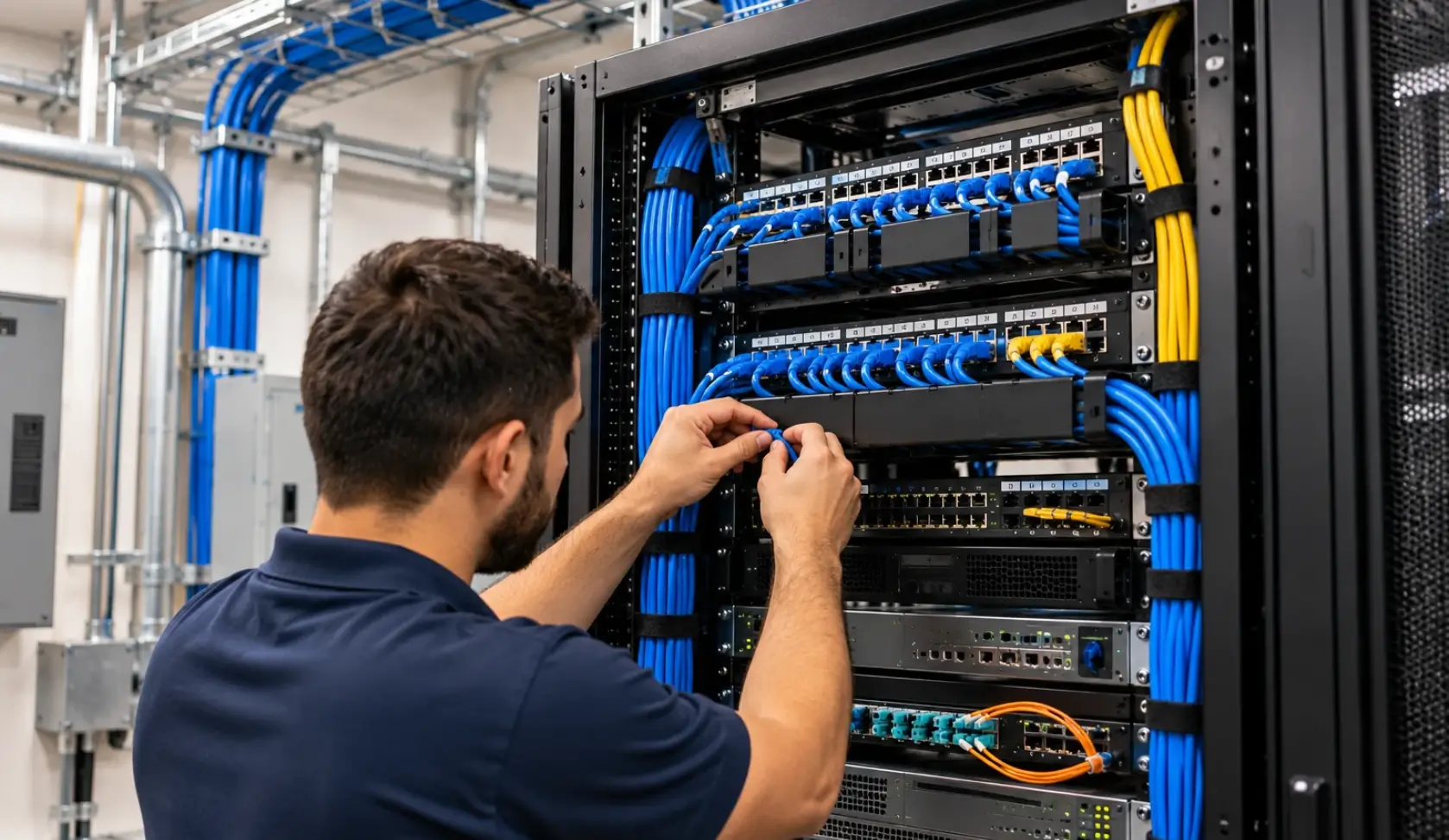
Is Your Equipment Running in a Crowded, Poorly Ventilated Rack?
Network equipment truly needs wide space to stay cool. If there are some blocked vents and crowded shelves, they can trap heat.
During cleanup, make sure you check the airflow and that the equipment has enough space…
If the technician spots a cooling issue, they must explain what needs attention rather than promise that cable management alone will fix it.
- Check Airflow Around Equipment
- Keep Vents Clear Of Obstructions
- Identify Potential Heat Buildup
- Flag Cooling Issues For Follow-Up
Are Unused Cables Taking Up Space—or Supporting Something Important?
Removing old cables may seem like an easy way to clean the rack, but what about appearances? This can be misleading.
A cable that looks unused could support a backup connection. Before removing anything, your technician must verify its purpose along with confirming that disconnecting will not interrupt your business operations.
If your network rack includes fiber connections, proper fiber optic cabling installation and maintenance are also important for reliable network connectivity.
- Verify Cables Before Removing Them
- Check Both Ends Carefully
- Confirm Unclear Connections With IT
- Remove Only Verified Unused Cables
Will Your Business Know What Changed After the Cleanup?
A contractor finishes the job, leaves, and everything looks better. But six months later, your team needs to add a device—and nobody knows how the rack is wired.
That’s why documentation matters. You should have updated connection details that help your IT provider troubleshoot issues and plan future changes without starting from scratch.
- Record Updated Cable Connections
- Document Port and Device Details
- Keep Network Records Easy To Find
- Update Plans After Approved Changes
Before the work begins, agree on one thing: your business shouldn’t have to suffer an avoidable outage just to get its network closet organized.
The technician should identify critical connections, plan equipment changes, and coordinate any necessary downtime with your team.
When the cleanup is finished, ask for a quick walkthrough. You should understand what was organized, what was removed, what still needs attention, and how the updated setup will help your business going forward.
Ask your technician for updated cable labels and connection records, where applicable. Keep this information accessible to your IT team so future troubleshooting, equipment changes, and maintenance can be handled with less guesswork.
Is Your Network Setup Ready for the Next Upgrade? Let BCS-IP Help
Before buying new equipment, ask your expert technician to check if tangled cables and poor labeling are causing trouble. A cleanup may be enough, but damaged cables and outdated hardware simply need replacing.
Not sure what your network needs? Contact BCS-IP to assess your business’s server rack and structured cabling before you decide to spend money on new equipment.
FAQs Regarding Server Rack Cable Management Austin
How often should a network closet be cleaned up?
Check your network closet whenever you add equipment, change connections, or notice tangled cables and access problems.
Can messy cables cause network problems?
Yes. Tangled or unsecured cables can make faults harder to find and increase the risk of accidental disconnections.
Should I replace old network cables?
Not always. Cables that still work properly may be fine, but damaged or unsuitable cables should be checked and replaced when needed.
Can BCS-IP help organize an existing server rack?
Yes. BCS-IP can assess your server rack, network closet, and cabling to identify what needs organizing, repairing, or replacing.
How do I know if my network closet needs professional cleanup?
If you can’t identify cables easily, equipment is difficult to reach, or connection issues keep returning, it’s worth having a professional take a look.
What should be included in a server rack cable management service?
A server rack cable management service may include organizing cable routes, labeling connections, checking patch panel organization, improving equipment access, and documenting changes. The exact work depends on the existing setup and business requirements.
Can server rack cable management help with future network upgrades?
Yes. Organized cables, clear labels, and updated connection records can make it easier for technicians to identify ports, add equipment, and plan network changes. However, upgrades may still require additional cabling, hardware, or configuration work.
Also Read:
Cable Management and Clean Workspace
The Complete Guide to Data Cabling Installation
Network Wiring Services: What Austin Businesses Need to Know
Voice and Data Cabling: Types, Uses, and How to Choose the Right Setup
BCS Smart Hands Services: On-Site IT & Cabling Support