

Running a business in Austin? Whether you manage a tech company, an accounting firm, a healthcare practice or a growing local business, cyber risks can put your work on hold.
And when it’s time to apply for cyber insurance or renew your policy, there’s another challenge: answering all those security questions.
Does every employee use MFA? Are your backups protected? Is EDR installed on company devices?
You might think everything is covered, but can you prove it? A cyber insurance readiness audit Texas helps identify where your security stands.
Let’s look at what insurers check, which IT controls matter, what proof you need and how to fix security gaps before applying…
Does Your Business Have These Essential Security Controls in Place?
Wondering what cyber insurance requirements small business owners need to meet? Insurers want to know one simple thing: Is your business actually protected if a cyberattack happens?
Here are the security basics they may ask about and what you should check.
| Security control | Why it matters | What to check |
| MFA | Stops easy account break-ins | Protect email, admin and remote logins |
| EDR | Catches threats on devices | Cover all computers and servers |
| Backups | Helps recover lost files | Keep safe backups; test recovery |
| Patch Management | Closes security gaps | Keep software and systems updated |
| Email Security | Blocks fake and harmful emails | Check phishing and spam protection |
| Access Control | Keeps data in right hands | Limit access to the right people |
| Firewall and VPN | Protects your network | Secure office and remote connections |
| Security Monitoring | Spots trouble early | Check alerts and act on them |
| Employee Training | Helps staff avoid scams | Teach them to spot fake emails |
| Incident Response | Helps you act after an attack | Decide who does what |
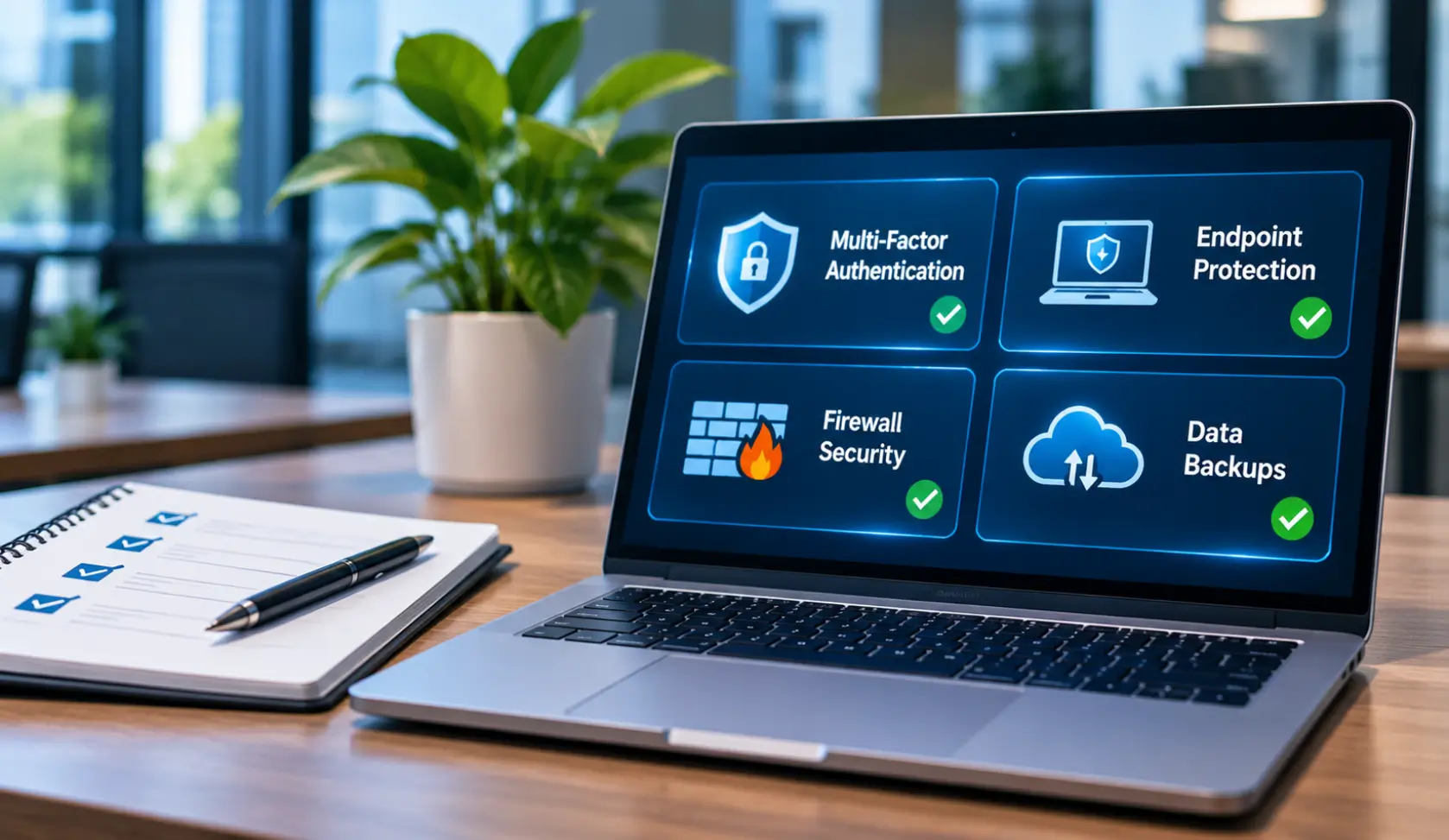
Don’t overlook MFA: MFA requirements cyber insurance Texas insurers ask about can vary by policy. But protecting just your main email account isn’t enough.
Check that MFA is switched on for employee email, admin accounts, VPN and other remote access.
Here’s what matters: Having these tools doesn’t automatically mean your business is protected. Are they working? Are all devices covered? Have your backups been tested?
Insurers may ask for proof, so check your setup with your IT provider before filling out the questionnaire.
Can You Actually Prove Your Business Is Protected?
You may have MFA, backups as well as security software in place. But what if your insurer asks you to show proof?
Simply saying “Yes, we have it” may not be enough. You should be able to show that these protections are actually working.
| What insurers ask about | What you can show |
| MFA | MFA coverage report |
| EDR | Protected device report |
| Backups | Backup and restore logs |
| Security updates | Recent patch reports |
| Email security | SPF, DKIM, DMARC records |
| Employee training | Staff training records |
| Incident response | Written response plan |
— Don’t Assume Everything Is Covered. Check the Proof!
A business owner might say MFA is enabled for everyone. But when the IT team checks the coverage report, they find some employee or administrator accounts were left out.
That’s exactly the kind of gap you want to catch before applying for insurance.
A few things worth checking:
- MFA: Are all key accounts covered?
- EDR: Are all devices protected?
- Backups: Can you restore files?
- Updates: Are systems fully updated?
- Training: Are completion records available?
- Incident response: Is your plan ready?
One more thing about backups: A successful backup notification only tells you that a backup ran. It doesn’t prove you can recover your files. Test a restore so you know your business data can actually be recovered.
You don’t need to prepare a complicated audit file for every application. Start with the evidence your insurer actually asks for, and check with your IT provider if anything is missing.
How to Pass Cyber Insurance Questionnaire Austin
Want to pass cyber insurance questionnaire Austin insurers send you? Don’t rush through the questions or guess the answers. Take these simple steps to check your security and submit accurate information.
— Get the Insurer’s Questionnaire
First, get the full questionnaire from your insurer. Go through the questions to understand what security details and reports they want from your business.
Before you start:
- Read every question carefully.
- Note important submission dates.
- List requested security documents.
— Ask Your IT Provider to Review It
Not sure whether MFA covers everyone or your backups are working properly? Share the questionnaire with your IT provider. They can check your current setup and help you understand the technical questions.
Get these checked:
- Current security settings.
- Device and account coverage.
- Backup and recovery status.
— Find What’s Missing
Don’t assume every protection is in place. Check your MFA, EDR, backups along with email security against the insurer’s requirements. This helps you catch missing or poorly configured protections before applying
Look out for:
- Accounts without MFA.
- Devices without EDR.
- Backups that aren’t tested.
— Fix the Gaps First
Found something missing? Work with your IT provider to fix the important gaps. Remember, simply installing a security tool isn’t enough. It needs to be properly configured and working across the systems it should protect.
Focus on:
- Fixing high-risk security gaps.
- Configuring tools properly.
- Testing protections after setup.
— Keep Your Proof Ready
Your insurer may ask you to show that your security controls are working. Keep relevant reports and records handy so you aren’t scrambling to find them at the last minute.
Keep these handy:
- MFA coverage reports.
- Recent backup logs.
- Device protection reports.
— Check Every Answer Before Submitting
What if your business meets only part of a requirement? Don’t simply tick “Yes.” Talk to your IT provider and insurance broker and clarify what still needs attention before submitting.
One final check:
- Don’t guess any answers.
- Explain any missing protection.
- Confirm details with your broker.
Remember: These steps can help you prepare a more accurate application, but the insurer makes the final decision based on its own requirements.
What Security Mistakes Could Affect Your Cyber Insurance Application?
You may think your business is doing enough to stay protected. But small security gaps can create problems when an insurer reviews your application.
Here are some common mistakes worth checking before you apply or renew.
| Common mistake | What could go wrong |
| MFA for selected users only | Some accounts remain easy to hack. |
| Backups never tested | You may not recover lost files. |
| Old software left unpatched | Hackers can exploit known weaknesses. |
| Former employee accounts still active | Ex-staff may access company data. |
| Everyone has admin access | One compromised account creates bigger risks. |
| EDR alerts ignored | Threats may go unnoticed. |
| Poorly protected remote access | Attackers may enter business systems. |
| Questionnaire answers not verified | Incorrect answers can cause coverage issues. |
— A Small Oversight Can Create a Big Problem
Imagine an employee leaves your company, but nobody disables their Microsoft 365 account. You assume their access has been removed. However, the account is still active, and they may still be able to access company emails and files.
This is exactly why you should check your actual IT setup instead of assuming everything has been taken care of.
Before you apply or renew:
- Review old employee accounts.
- Check who has admin access.
- Test backups and recovery.
- Follow up on security alerts.
- Verify every questionnaire answer.
The takeaway: Don’t wait for your insurer to find these gaps. A quick review with your IT provider can help catch overlooked issues before they affect your application.
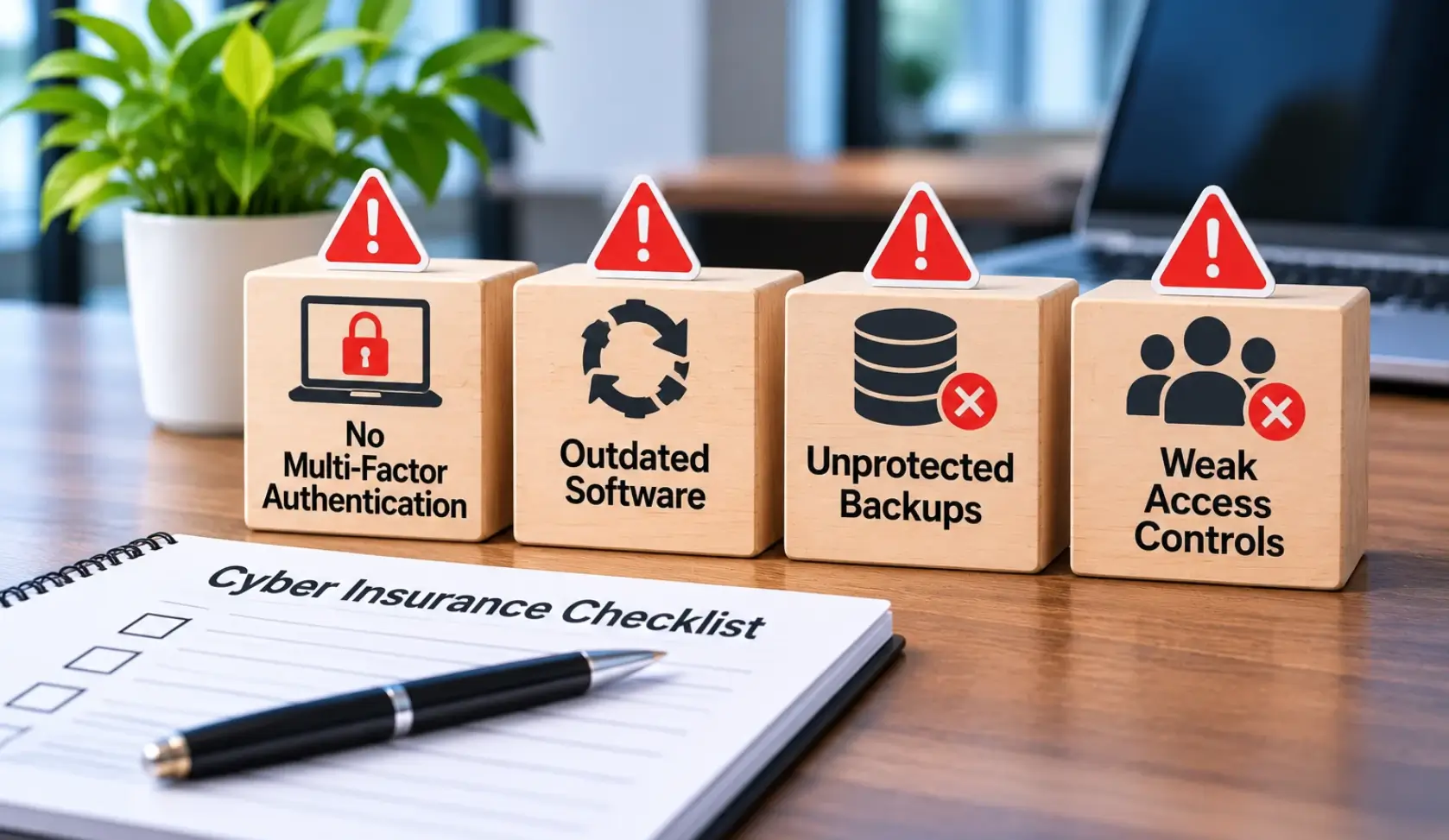
Need Help Getting Your Business Cyber Insurance Ready? BCS-IP Can Help
Not sure whether your IT security is ready for your next insurance application or renewal? BCS-IP can help review your current setup, spot security gaps and improve your protection before you submit the questionnaire.
Here’s what we can help you check:
- MFA and account access
- Endpoint and device protection
- Backup and recovery plans
- Outdated software and systems
- Email and network security
- Security monitoring and alerts
Our cybersecurity services can help your Austin business strengthen its IT security and prepare for insurer questions. While we can’t guarantee insurance approval, we can help you address weaknesses before applying.
Want to know where your security stands? Schedule a cybersecurity assessment right away…
FAQs Regarding Cyber Insurance Security Audit in Texas
What does a cyber insurance company check before approving a policy?
It usually checks your MFA, backups, EDR, email security, access controls and other IT protections.
Is MFA required for cyber insurance in Texas?
Many insurers expect MFA, especially for email, admin accounts and remote access. Exact requirements depend on your policy.
What if my business doesn’t meet every security requirement?
Don’t guess or tick “Yes.” Talk to your IT provider and broker about what’s missing and how to fix it.
Do I need proof of my security controls?
Yes, insurers may ask for reports showing that your security tools are active and working.
Can BCS-IP help prepare my business for cyber insurance?
Yes! BCS-IP can review your IT security, identify gaps and help strengthen your protection before applying or renewing.
Does passing the security questionnaire guarantee cyber insurance approval?
No. The insurer makes the final decision based on its requirements, risk assessment and policy terms.
Also Read Our Cybersecurity Blogs
Explore more cybersecurity insights from BCS-IP to strengthen your business security and understand the latest IT security practices.