

Still using traditional antivirus on your office computers? It might be doing its job, but can it catch every new threat, suspicious download or ransomware attack?
Think about it. Your employees download software and access business data every day. One infected device can easily put more than just that computer at risk. “Read It Again.”
And if nobody is actively checking what’s happening, would you even know a threat had slipped through? That’s why many businesses are actually looking beyond just basic antivirus.
Let’s see how Next-Gen EDR endpoint security Austin works, how it compares with traditional antivirus, what threats it can catch and when Austin businesses should consider making the switch…
What Happens When Antivirus Misses Something? That’s Where EDR Comes In
Your antivirus may catch known viruses, but what if something gets past it? An employee might download a file that looks safe, but it starts opening company files or running programs it shouldn’t. Your antivirus may not catch all of this activity.
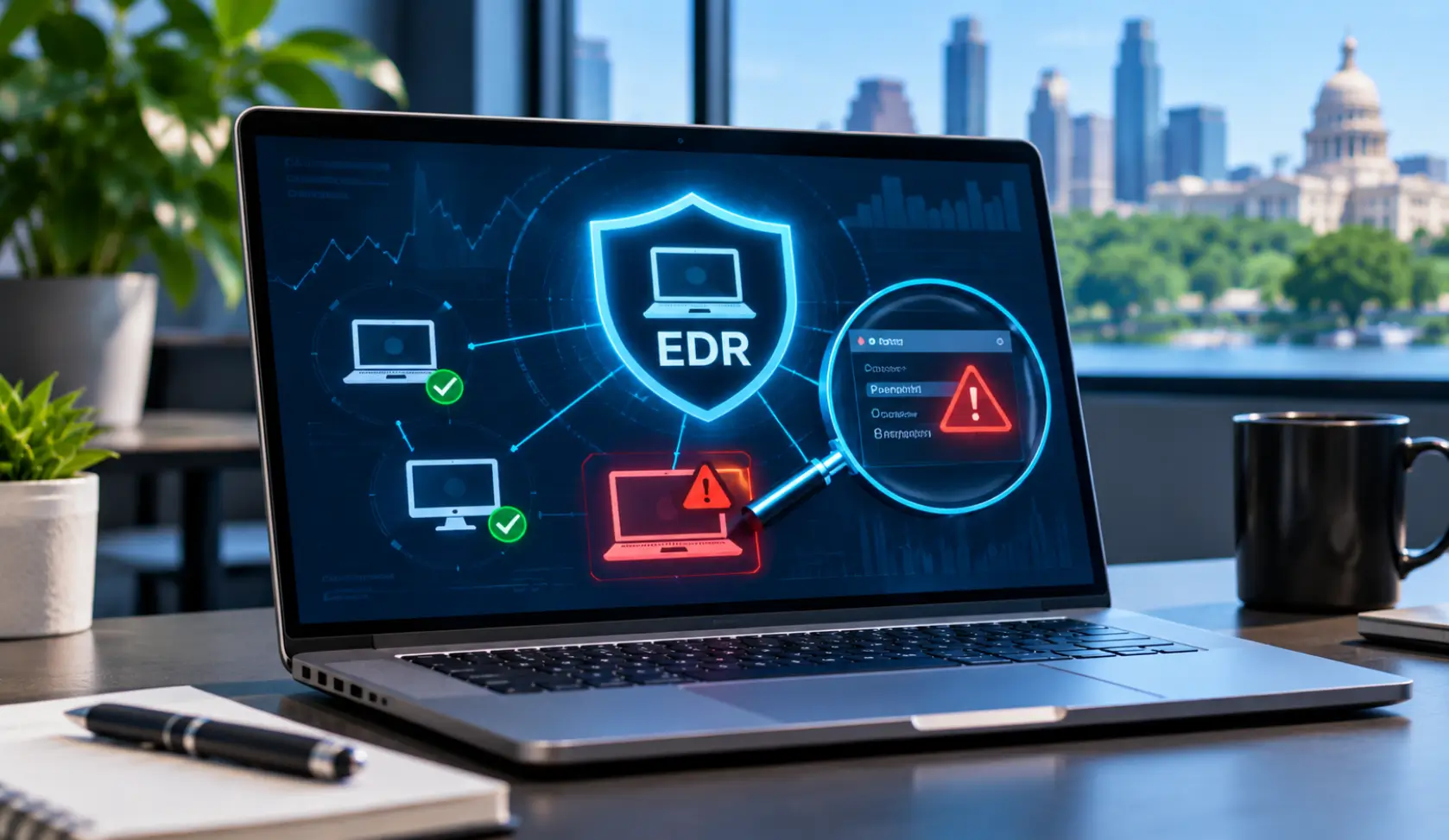
That’s where Endpoint Detection and Response (EDR) helps. It keeps an eye on your business computers and servers, spots anything unusual and helps your security team check what’s going on.
Here’s what EDR can do:
- Keeps Track of Device Activity
- Spots Strange Things Happening
- Finds Where Threats Started
- Helps Work Out What Happened
- Helps Separate Infected Devices
In simple terms, antivirus checks for viruses, while EDR also looks at what’s happening on your devices. So, if something suspicious gets through, your team has more information to spot it and take action.
EDR vs. Traditional Antivirus: What’s Actually Different?
| What are we comparing? | Traditional Antivirus | EDR |
| Spotting threats | Looks for viruses and other known threats. | Looks for known threats and anything unusual. |
| How it finds them | Checks files against known virus patterns and uses other detection methods. | Checks what files and programs are doing. |
| Watching your devices | Gives limited details about what’s happening on your devices. | Keeps a closer eye on activity across your devices. |
| Checking what went wrong | Shows alerts when it finds a threat. | Helps your team see what happened and where it started. |
| Stopping the threat | Can block or remove detected threats. | Can help isolate an infected device. |
| Catching suspicious activity | May miss activity that doesn’t match known threats. | Can flag unusual activity that could point to a threat. |
So, what’s the actual big difference? Antivirus checks for threats. On the other hand, EDR also keeps an eye on what’s happening across your devices.
If basic antivirus isn’t giving you enough visibility, then it’s actually a time to consider an antivirus replacement for your business.
One Suspicious Download Can Turn Into a Bigger Problem. Can EDR Catch It?
Think about how many files your employees open every day. Most are harmless, but what if one contains something dangerous?
A single click can lead to suspicious activity on a company device. Let’s look at a few situations where EDR can help.
— An Employee Opens a Malicious Attachment
An employee receives an email with an attachment that looks like a normal invoice or business document. They open it without thinking twice.
But the file starts running suspicious programs in the background. EDR can flag unusual activity and help your security team investigate what the attachment has triggered.
Key things EDR can help with:
- Spots Unusual File Activity
- Flags Suspicious Programs
- Tracks What Happens Next
- Helps Investigate Infected Devices
▶ Just keep this in mind:
Don’t assume an email is safe just because it looks familiar. Check unexpected attachments before opening them.
— Ransomware Starts Changing Business Files
Imagine your team suddenly can’t open important files. Documents start changing, file names look different, or access gets blocked. It could be ransomware at work.
EDR can detect suspicious file activity, alert your security team and help isolate the affected device to limit further damage.
Key things EDR can help with:
- Spots Unusual File Changes
- Flags Possible Ransomware Activity
- Identifies Affected Devices
- Helps Isolate Infected Computers
▶ What you must avoid:
Don’t ignore unusual file changes or keep using a device that may be infected. Report the issue and let your IT team investigate.
— An Unknown Program Runs in the Background
Not every suspicious program shows a warning or opens a strange window. Some run quietly in the background while accessing files or carrying out activities they shouldn’t.
EDR can flag unusual program behaviour and help your security team check whether it’s harmless or something that needs attention.
Key things EDR can help with:
- Spots Unknown Running Programs
- Flags Unusual Program Behaviour
- Checks Suspicious Device Activity
- Helps Find Possible Threats
▶ Just keep this in mind:
Don’t install random software or ignore programs you don’t recognize. Ask your IT team to check before removing anything.
— A Compromised Laptop Connects to Unfamiliar Servers
An employee’s laptop may already be compromised without them realizing it. It could start connecting to unfamiliar servers or sending data where it shouldn’t.
EDR can flag unusual activity, show which device is involved and give your security team more information to investigate the connection.
Key things EDR can help with:
- Spots Unusual Network Activity
- Flags Suspicious Server Connections
- Tracks Affected Business Devices
- Helps Investigate Possible Data Theft
What you must avoid:
Don’t assume everything is fine just because the laptop still works normally. Unusual connections can be a warning sign worth checking.
— So, Can EDR Catch Every Threat?
No security tool catches everything. But EDR gives your business more visibility into what’s happening on its devices. It can flag suspicious behaviour and support actions such as isolating an affected computer before the problem spreads further.
Still Using Basic Antivirus? When Should Austin Businesses Make the Switch?
If your antivirus keeps missing suspicious activity or simply can’t help your team investigate what went wrong, it may be time to consider an upgrade.
But switching doesn’t have to mean replacing everything overnight. Many businesses can use existing antivirus alongside EDR… it all depends on the tools as well as the setup.
Before making the switch, check these:
- Frequent Security Alerts Going Unchecked
- Limited Visibility Into Device Activity
- No Clear Way To Investigate
- Growing Number of Business Devices
- Compatibility With Existing Security Tools
- Support for Your Business Needs
Don’t Have an In-House Security Team? Managed EDR Can Help
You can’t just keep checking every computer all the time for suspicious activity while running your business. And without an in-house security team, who will actually handles those security alerts?
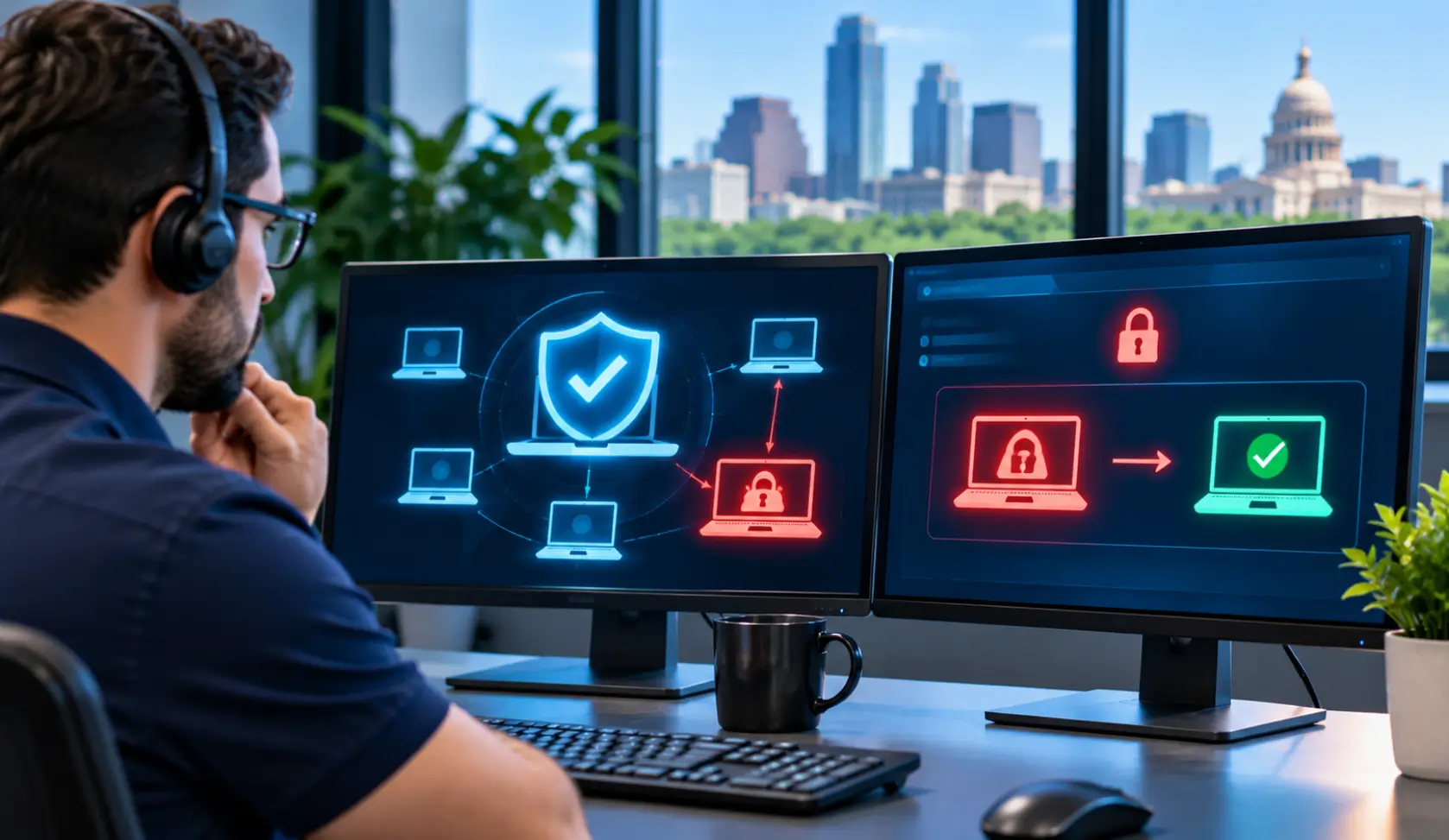
That’s where you genuinely need professional and managed EDR services in Texas… With BCS-IP, you get help to:
- Know What’s Happening On Devices
- Catch Threats Your Antivirus Misses
- Find Out Where Trouble Started
- Stop Infected Devices From Spreading Threats
You get access to endpoint security expertise without hiring and managing your own security team.
One suspicious click is all it takes. Don’t let one missed security alert become your next business crisis.
Got Questions About EDR? We’ve Got Answers!
We already have antivirus. Do we still need EDR?
Possibly! EDR adds another layer by watching for suspicious activity your antivirus might miss.
Can EDR help with ransomware?
Yes. It can spot suspicious file activity and help your team respond.
Will EDR slow down our computers?
It depends on the EDR tool and how it’s set up. A good setup should minimize disruption.
Do we need EDR on every computer?
Ideally, yes. Every business device can be a way into your network.
Can we keep our existing antivirus?
In many cases, yes! EDR and antivirus can work together.
What if we don’t have an IT team?
That’s okay. Managed EDR from BCS-IP can help with threat alerts, investigations as well as response.