

At Business Communication Solutions, we helped a customer in Austin, Texas today who was dealing with a frustrating issue:
their security cameras kept going offline after network reboots and power outages—even though everything worked fine at first.
The root cause?
The cameras were not configured with static IP addresses.
This is a common issue we see with plug-and-play camera systems, especially when cameras are installed on a regular network instead of a dedicated camera network.
What Happens When Cameras Don’t Use Static IP Addresses
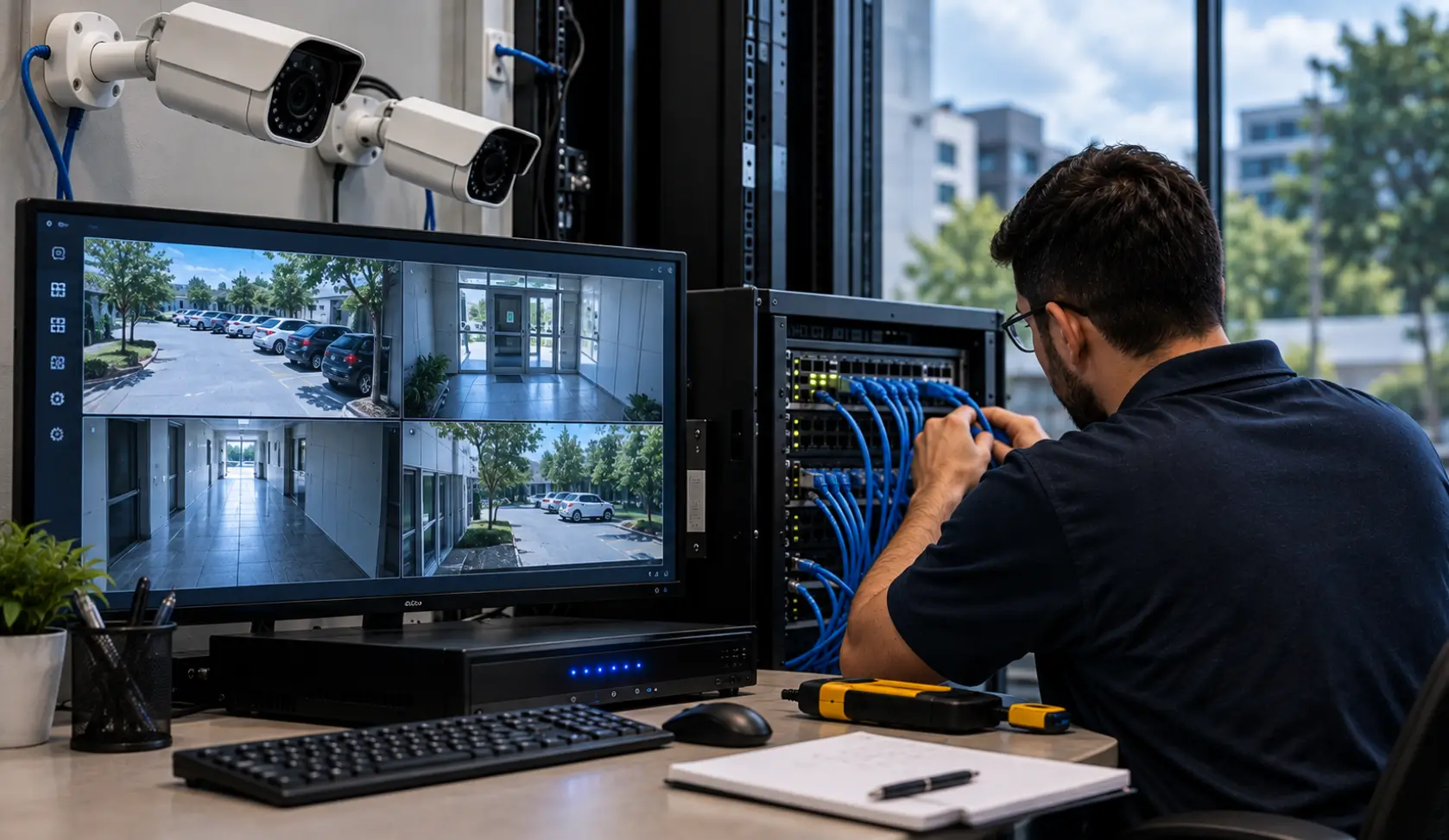
Most security cameras ship in DHCP mode by default. That means:
- The network automatically assigns an IP address
- The IP can change after a reboot or power loss
When the network restarts:
- The router hands out new IP addresses
- Cameras may no longer match what the NVR expects
- The NVR loses communication with the cameras
- Cameras appear “offline” even though they are powered on
From the customer’s perspective, it looks random.
From a networking standpoint, it’s completely predictable.
Why Does the NVR Lose the Camera After a Reboot?
A security camera and an NVR need to know how to reach each other on the network. The NVR normally connects to each camera using its network address.
If a camera receives a different address after a reboot, the NVR may continue trying to reach the camera at its previous address. The camera can still have power and appear healthy, but the NVR may show it as offline because the expected network destination has changed.
For example:
- Camera 1 is originally assigned
192.168.1.50 - The NVR is configured to communicate with
192.168.1.50 - The network restarts
- The camera receives
192.168.1.73 - The NVR still tries to reach
192.168.1.50 - The camera appears offline in the recording system
The exact behavior depends on the camera, NVR, and network configuration. But the important point is that power restoration does not guarantee that every device will receive the same network address again.
Why This Is More Common on Regular Networks
Many camera systems work perfectly when connected to:
- A dedicated camera switch
- A closed camera network isolated from the main LAN
To prevent bandwidth congestion and IP conflicts, businesses should implement proper network switch and VLAN configuration to keep surveillance traffic isolated.
But when cameras are placed on:
- A shared business network
- A home network with phones, computers, printers, and Wi-Fi devices
IP conflicts and address changes become far more likely—especially after:
- Power outages
- Router updates
- ISP equipment reboots
This is where static IP addressing becomes critical.
Why Static IP Addresses Matter for Security Cameras
Using static IP addresses or DHCP reservations gives cameras predictable network addresses, helping the NVR reconnect to the expected devices after network restarts.
In short:
Static IPs create stability.
This is especially important for:
- Business security systems
- Remote camera viewing
- Cloud backups
- Multi-camera installations
Assigning persistent addresses and configuring reservations requires reliable network security, firewalls, and business router management.
Static IP vs. DHCP Reservation: Which Should You Use?
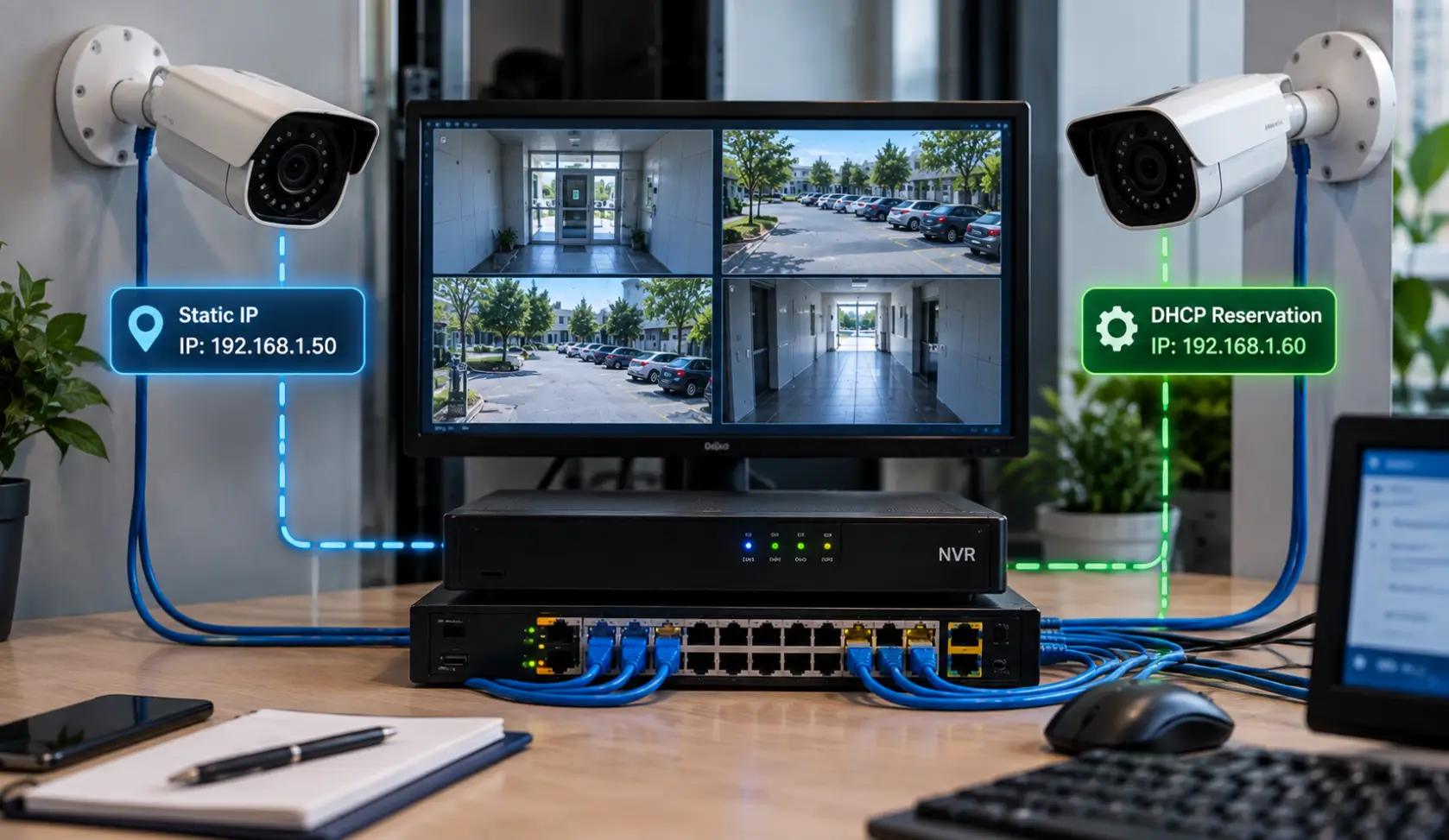
A camera does not necessarily need a manually configured static IP on the camera itself to maintain a consistent address.
A DHCP reservation allows the network’s DHCP server to consistently assign a particular IP address to a specific device, usually by associating the address with the device’s MAC address. Cisco documents this approach for keeping known devices on consistent addresses.
The two approaches are different:
| Method | How it works |
|---|---|
| Static IP | The address is configured directly on the camera |
| DHCP reservation | The DHCP server assigns the same address to the camera based on its identifier/MAC address |
The appropriate approach depends on the camera system, NVR, router, and network design. The important requirement is that the camera’s address remains predictable and does not unexpectedly change.
For larger installations, the addressing plan should also be documented so technicians know which addresses belong to cameras, NVRs, switches, and other network equipment. Cisco recommends maintaining records of static IP and MAC address assignments and separating static addresses from the DHCP range.
The Plug-and-Play Myth
Plug-and-play camera systems work great:
- During initial setup
- While power stays on
- When the network never changes
The problem is that real networks reboot.
The first power outage is usually when:
- Cameras disappear
- Recordings stop
- Customers realize something isn’t right
That’s often when we get the call.
What Should You Check When a Security Camera Goes Offline?
If a camera goes offline after a power outage or network restart, don’t immediately assume that the camera itself has failed.
Check the problem in this order:
- Power — Confirm the camera and its PoE switch or power supply are actually receiving power.
- Network connection — Check the Ethernet connection and the switch port.
- Camera IP address — Verify the camera’s current address.
- NVR configuration — Check whether the NVR is still configured to reach the camera at the correct address.
- DHCP records — If the camera uses DHCP, check whether it received a different address.
- Network conflicts — Confirm that another device has not been assigned the same address.
- PoE equipment — Check whether the switch is providing power and maintaining the network connection.
- Reboot behavior — After correcting the configuration, test the camera and NVR through another controlled reboot.
This helps separate a power problem, network problem, addressing problem, and recording-system problem instead of treating every offline camera as a hardware failure.
What We Fixed for Our Austin Customer
For this Austin client, we:
- Identified cameras running on DHCP
- Assigned proper static IP addresses
- Matched NVR camera mappings correctly
- Verified reconnect behavior after reboot
- Ensured long-term stability of the system
Once configured correctly, the cameras came back online immediately—and stayed online after testing power cycles.
How to Prevent Cameras From Going Offline After Future Reboots
The goal is not simply to get the cameras online once. The network should be tested to make sure the configuration survives normal events such as a router restart or power interruption.
A practical setup should include:
- A documented IP address for each camera
- A documented NVR address
- A clearly defined DHCP range
- Static addresses or DHCP reservations where appropriate
- Correct NVR-to-camera mappings
- Proper switch and PoE configuration
- Network segmentation when the installation requires it
- A tested recovery procedure after network or power interruptions
Cisco recommends keeping static addressing documented and maintaining a separate DHCP range when using static addresses.
For a multi-camera system, this documentation becomes increasingly important because troubleshooting one changed address is very different from troubleshooting dozens of cameras with inconsistent addressing.
Why Local IT & Low-Voltage Support Makes a Difference
Large camera vendors and installers often focus on getting systems up and running—not on long-term reliability.
At Business Communication Solutions, we:
- Troubleshoot camera systems others walk away from
- Work with existing equipment
- Fix “small” issues that cause big headaches
- Provide local, on-site support in Austin and surrounding areas
We understand networking—not just cameras.
Whether you need to overhaul an existing NVR setup or install a new system, BCS provides professional commercial security camera installation in Austin, TX.
Cameras Going Offline in Austin? We Can Help.
If your security cameras:
- Go offline after power outages
- Randomly disconnect from the NVR
- Work one day and fail the next
Stop guessing why your surveillance system drops offline by scheduling a free IT and communications risk assessment with our Austin field team.
📞 Call Business Communication Solutions at 512-257-1433
We serve Austin and surrounding cities and specialize in reliable camera, network, and communication system setups that keep working when it matters.
If cameras repeatedly go offline, BCS can check addressing, network equipment, power, and recording settings. See our camera troubleshooting and repair service in Austin.
FAQs
Why do IP security cameras go offline after a power outage?
When power restores and the router reboots, it hands out new IP addresses via DHCP. If the Network Video Recorder (NVR) expects a camera at its previous IP, communication breaks and the camera shows as ‘offline’ even though it has power.
What is the difference between DHCP and Static IP for cameras?
DHCP automatically leases a temporary IP address that can change whenever the router or camera reboots. A Static IP is permanently assigned to the camera, guaranteeing the NVR always reaches it at the exact same network destination.
What is an IP conflict in a surveillance network?
An IP conflict occurs when a router inadvertently assigns the same IP address to two devices (e.g., a security camera and an office printer). Both devices will disconnect or behave erratically until the addressing is resolved.
Is a DHCP reservation as good as a Static IP?
A DHCP MAC reservation on the router works well in many setups, but manually assigning a static IP directly on the camera itself (outside the DHCP pool) provides superior resilience if the router is ever reset or replaced.
Why shouldn’t security cameras be on the general office Wi-Fi?
Sharing a flat network with computers, phones, and streaming devices causes bandwidth saturation, video frame drops, and exposes the camera feed to potential lateral cyberattacks if an employee workstation is compromised.
Does an uninterruptible power supply (UPS) prevent camera disconnects?
A battery backup (UPS) keeps the NVR, PoE switch, and cameras powered through brief outages, preventing restarts altogether. However, cameras should still be configured with static IPs for when extended outages eventually force a reboot.
How do VLANs improve commercial security camera reliability?
A Virtual LAN (VLAN) isolates surveillance traffic onto its own protected broadcast domain, preventing broadcast storms from affecting cameras and stopping unauthorized users from accessing the video network.
How does BCS assist Austin businesses with camera network issues?
Business Communication Solutions audits existing low-voltage cabling, reconfigures cameras with dedicated static IP pools, sets up managed PoE switches and VLANs, and provides on-site troubleshooting across Austin, TX.
Related Guides
- Understanding DHCP and DNS: Essential Components of Modern Networks
- Why Network Printers Keep Disconnecting and How Static IPs Fix It
- Common Security Camera System Problems and How to Fix Them
- The Complete Guide to Business Security Camera Systems
- Why Professional Camera and Network Installation Is More Than Just Running Cable
- Affordable and Reliable Data Network Services in Austin
- Cisco Router and Switch Command Line Network Troubleshooting and Support
- When Your Internet Is Perfect According to the ISP but Still Keeps Dropping