

Ordinary calls working does not prove emergency calling is ready. On supported VoIP or SIP services, 933 provides an automated readback of the registered emergency address and phone number without reaching a 911 dispatcher. Confirm availability with your provider and check the information from each relevant device and location.
BCS recommends reviewing and retesting after installation, phone moves, number ports, and configuration changes. Also review direct 911 dialing, callback handling, emergency notifications, and power or internet backup separately: a successful 933 test does not verify every emergency function or establish compliance.
933 is for testing; call 911 for an emergency. Arrange any actual 911 test in advance through your local 911 center’s non-emergency number.
Communications has never looked this smart
Versatility and flexibility are must-haves in today’s communications technologies. NEC’s Softphones are multimedia IP phones installed on a personal computer or laptop. They deliver high-quality voice communication using a USB-connected headset/handset. Employees can use it as a primary desktop telephone, as a supplemental desktop telephone, or as a remote/telecommuting device.
Businesses looking to integrate softphone functionality with their broader communication infrastructure can also explore our NEC VoIP Business Telephone Systems for additional NEC communication solutions.
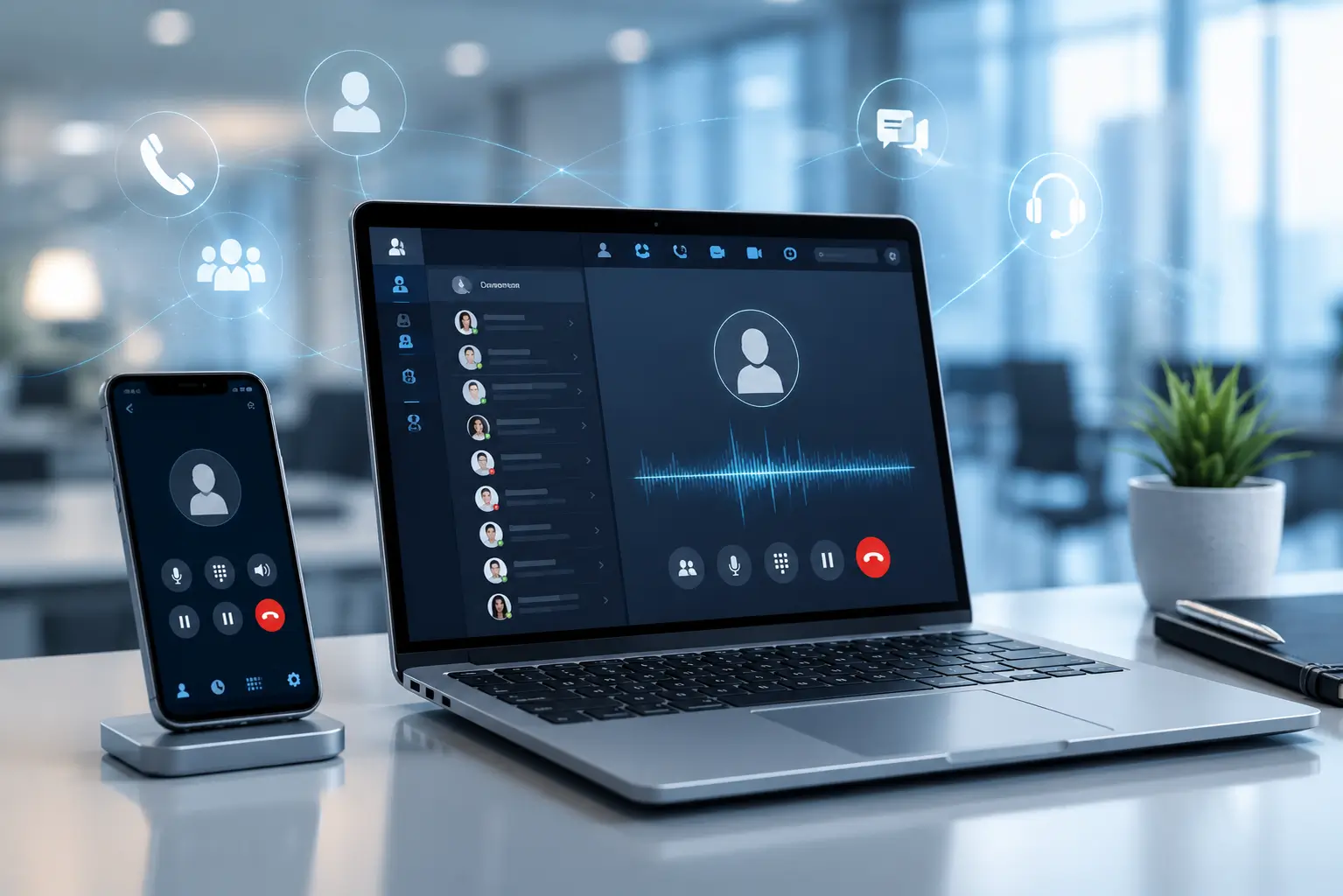
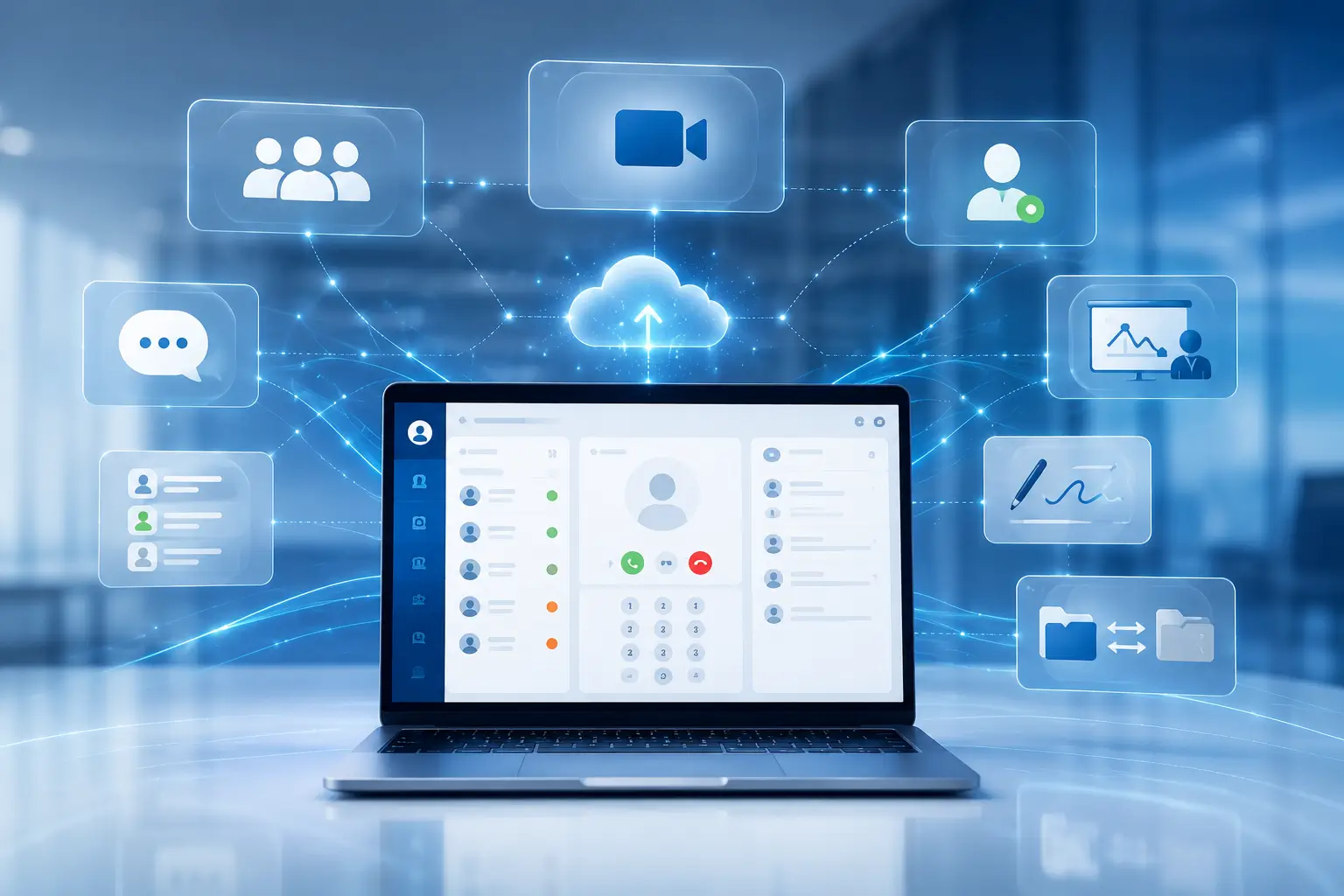
Easy-to-use and full-featured, NEC’s Softphones enable mobility and sharing of real-time information through advanced UC applications such as audio/videoconferencing, presence, instant messaging/chat, application sharing, whiteboarding, and file transfer.
NEC softphone capabilities can also complement traditional Business Telephone Systems when organizations need flexible communication options for employees and teams.
For businesses using the NEC UNIVERGE platform, explore
our NEC SV9100 Business Telephone Systems for additional communication system options.
Integrated Unified Communications that enhance an organization’s productivity and collaboration.
Resides within your computer/laptop; so no additional equipment is needed to access all of its features from anywhere you can connect to your corporate network. It’s like taking your desktop phone with you. Even while on the road, a high-speed Virtual Private Network (VPN) Internet connection can be used to interact via voice, audio, video, or text.
Enables you to set up your softphone to send calls to your desktop telephone plus it allows you to access all softphone functionality through it as well.
Share Real-Time Information and Ideas:
Businesses that need flexible communication across locations and devices can also explore our Hosted VoIP Phone System in Austin for cloud-based business calling options.
Enabling communication and access to information in real time, from any PC.
When Linked Together Across an NEC IP Network, SP350 Users Can Collaborate and Interact in a Variety of Innovative Ways:
Application Sharing:
When Linked Together Across an NEC IP Network, SP350 Users Can Collaborate and Interact in a Variety of Innovative Ways:
Audio and videoconferencing – offers easy set-up and participation in conference calls.
Presence – provides the status of the users who are trying to be reached before a call is placed.
An NEC Softphone is a software-based communication solution that allows users to handle business calling and related communication functions through a compatible computer or mobile device instead of relying only on a physical desk phone.
An NEC Softphone can provide greater flexibility for employees by allowing business communication features to be accessed from supported computers and devices. Available features depend on the NEC system and configuration.
Yes. NEC Softphone solutions are designed to work within compatible NEC communication environments, allowing businesses to combine software-based communication with their existing telephone infrastructure.
Depending on the NEC system, configuration, and network environment, softphone technology can allow employees to access supported communication features from locations outside the traditional office.
Features can vary by NEC platform, but supported functionality may include business calling, presence, messaging, conferencing, contact management, application sharing, and other collaboration features.
The page’s documentation references the NEC UNIVERGE SV9100 communication platform. Compatibility and available softphone features should be confirmed based on the specific SV9100 configuration and software version.
BCS can help businesses evaluate their NEC communication requirements and determine suitable softphone and telephone-system options. Installation and configuration depend on the existing NEC system and business communication needs.