

The way we do business and the way we communicate is changing rapidly
Ordinary calls working does not prove emergency calling is ready. On supported VoIP or SIP services, 933 provides an automated readback of the registered emergency address and phone number without reaching a 911 dispatcher. Confirm availability with your provider and check the information from each relevant device and location.
BCS recommends reviewing and retesting after installation, phone moves, number ports, and configuration changes. Also review direct 911 dialing, callback handling, emergency notifications, and power or internet backup separately: a successful 933 test does not verify every emergency function or establish compliance.
933 is for testing; call 911 for an emergency. Arrange any actual 911 test in advance through your local 911 center’s non-emergency number.
Read our 933 VoIP emergency-calling test checklist →
If you’re evaluating an alternative NEC platform, see our NEC SL1100 Phone System Comparison and compare the available options against your requirements.
The NEC SL2100 is a business telephone platform for organizations that need to manage office calls, extensions, and communication requirements through a dedicated phone system. It can be considered by small and growing businesses evaluating a hybrid approach to business telephony.
Business Communication Solutions (BCS) helps Austin-area businesses review their phone system requirements, existing equipment, network infrastructure, and installation needs before choosing a suitable configuration. The right setup depends on the system hardware, licensed capabilities, connected telephone devices, and the business’s calling requirements.
Telephone and extension requirements: Review how many users, extensions, and incoming or outgoing calls the system needs to support.
Businesses considering wireless handsets for a compatible setup can review the NEC SL2100 IP DECT Wireless Phone and confirm device compatibility.
VoIP and line connectivity: Confirm which IP phones, traditional telephone connections, and SIP services are supported by the proposed configuration.
Voicemail and call handling: Check which voicemail, auto-attendant, call routing, and other features are included or require additional configuration.
Remote and mobile calling: Verify the hardware, licenses, network access, and security settings required for any remote-working features.
Existing equipment and cabling: Assess whether current phones, wiring, and network infrastructure can be reused or need changes.
To assess the network and cabling infrastructure for your installation, explore BCS’s Structured Cabling for Phone Systems services.
Before purchasing, confirm the supported capacity, licensing, required hardware, and available features for the specific NEC SL2100 configuration. BCS can discuss your business communication requirements and help you evaluate suitable installation options in Austin.
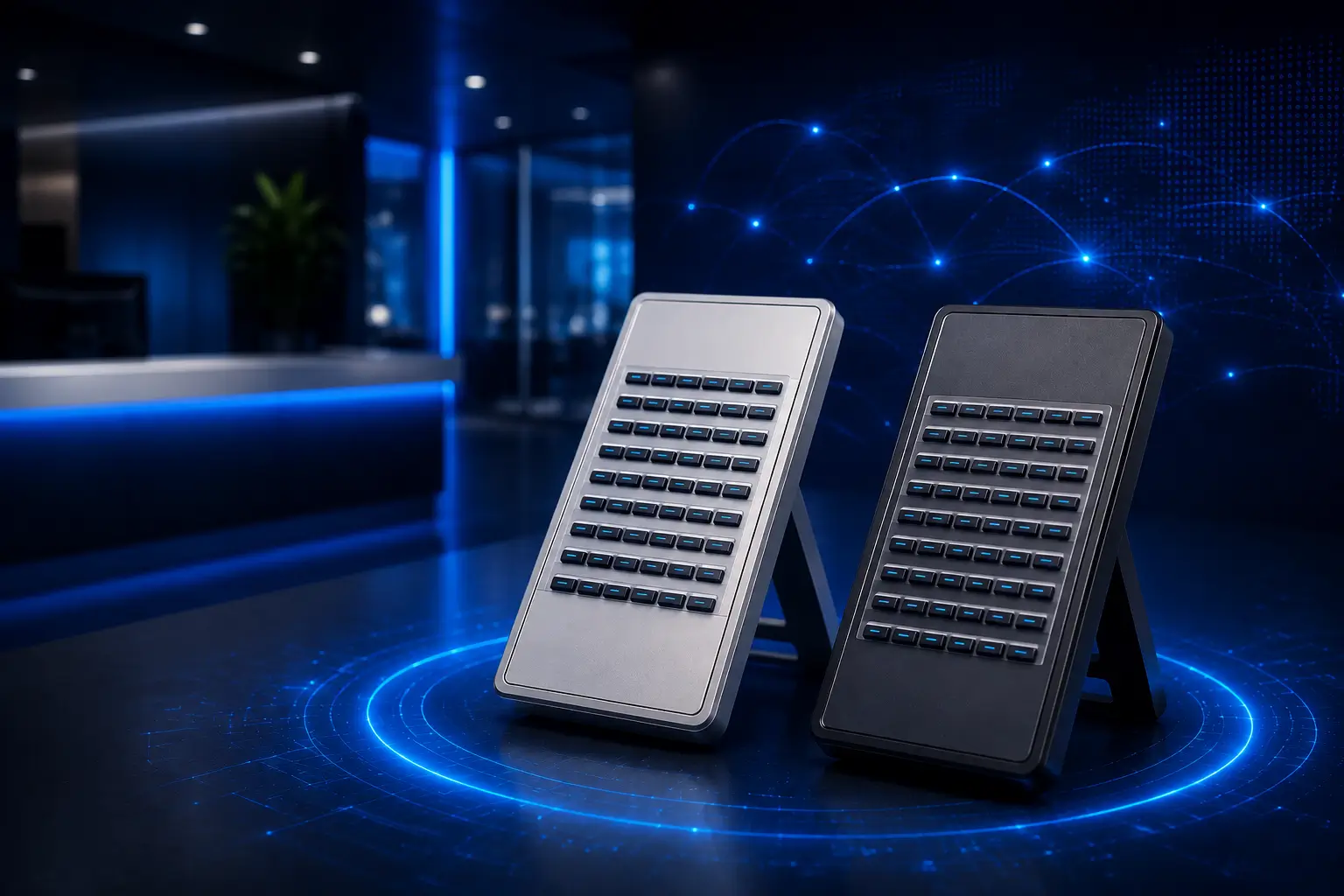
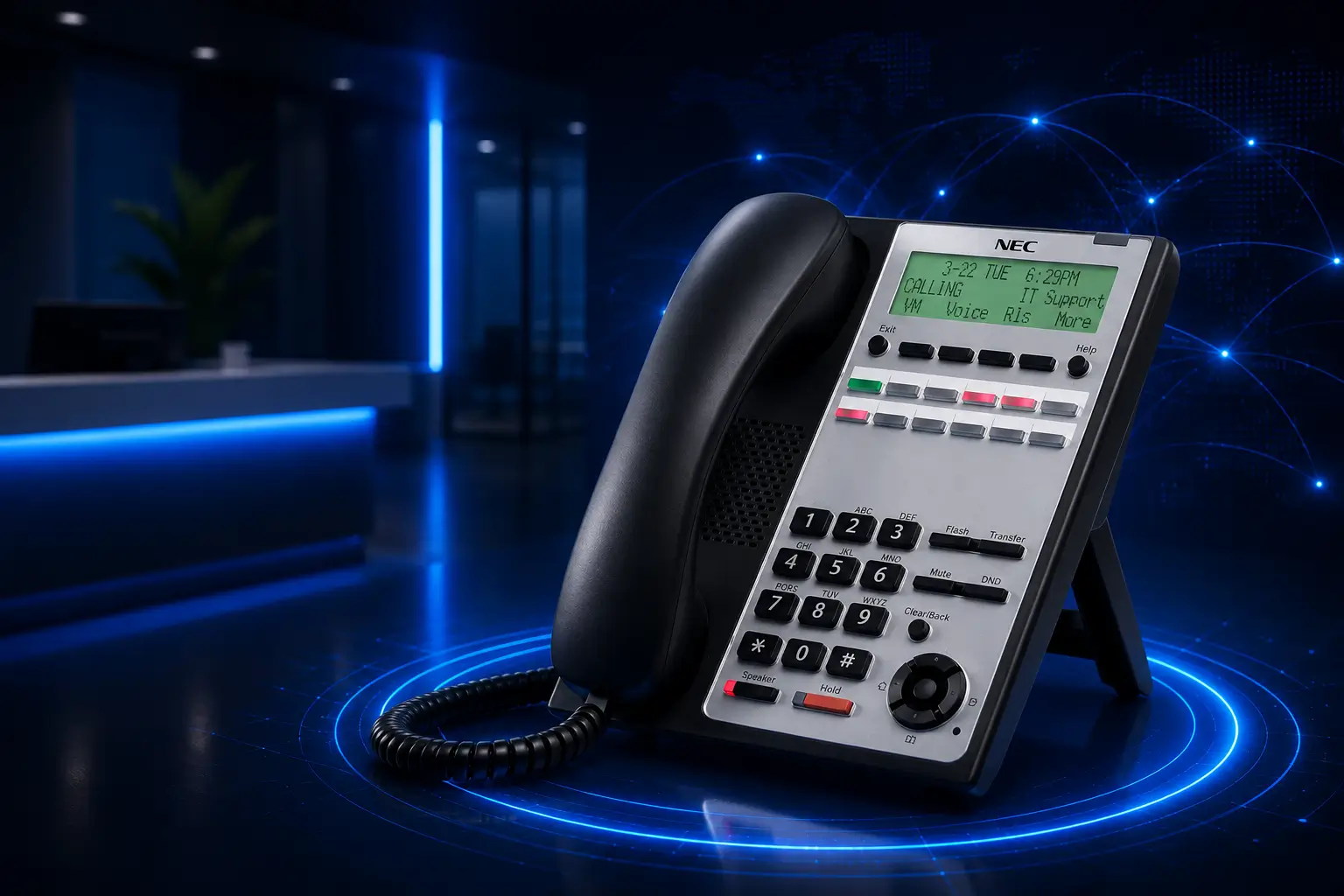
Creating a ‘smart’ workforce is essential…
The NEC SL2100 is a business communications platform designed to support different telephony technologies depending on the system configuration. The specific phone types and line connections supported should be confirmed for the proposed installation.
Recurring costs depend on the selected configuration, licences, telephone services, maintenance, and support arrangements. Ask for an itemised quote that separates equipment costs from ongoing service charges.
The supported number of extensions depends on the system configuration, installed hardware, licences, and connected devices. Confirm the capacity of the specific configuration with the supplier before purchasing.
Remote access may be possible with compatible devices, supported features, suitable network connectivity, and appropriate security configuration. Confirm the required hardware and licences before planning a remote-working setup.
Emergency calling depends on the telephone configuration, location information, service provider, and applicable requirements. Businesses should verify direct-dialing, dispatchable-location, and notification capabilities for their specific installation rather than assume compliance from the model name alone.
Call recording availability depends on the system configuration, supported features, licences, and any additional equipment or services. Confirm these requirements with the supplier before relying on recording functionality.
Contact Business Communication Solutions (BCS) at (512) 257-1433 or austin@bcs-ip.com to discuss your telephone system requirements. Be prepared to share your user count, extension needs, current equipment, and any cabling or remote-access requirements.