

Need Ethernet cable installed in your Austin home? BCS designs and installs residential network cabling, Cat6 Ethernet, and data jacks for home offices, TVs, Wi-Fi access points, security cameras, and smart devices. We serve Austin and surrounding communities.
Whether you need one new Ethernet outlet or a whole-home network, we assess the layout and cable paths, install and label the wiring, and test the connection. We work in existing homes, renovations, and new builds.
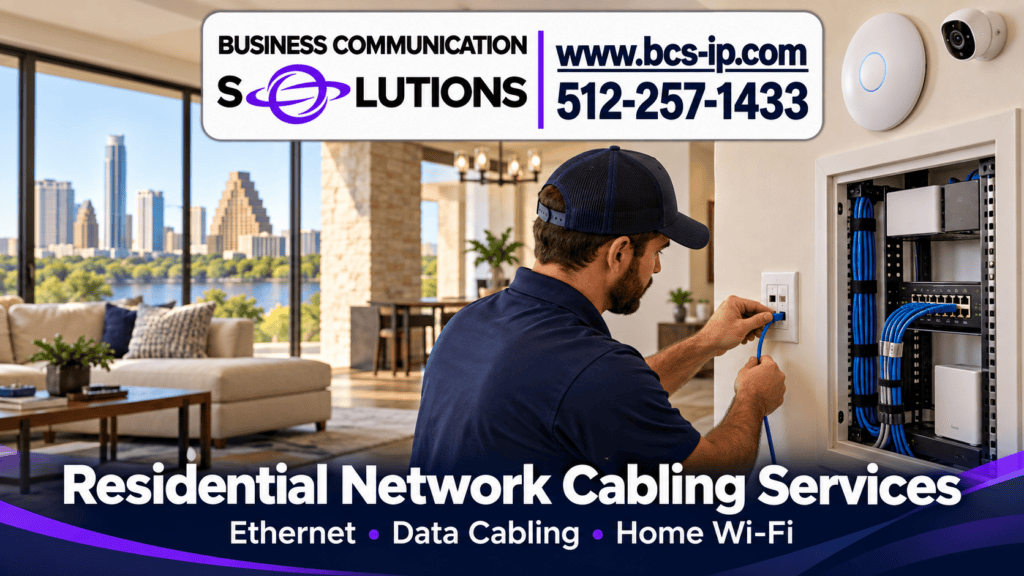
A strong home network uses Ethernet for devices that stay put and Wi-Fi for phones, laptops, and other mobile devices. Wired access points can improve coverage without depending on a chain of wireless hops. The right design depends on the floor plan, construction materials, available cable paths, and internet equipment.
BCS can review your existing wiring and test the connection before recommending new cable. For a cleaner central point, we can install a structured media enclosure similar to Leviton or Legrand On-Q panels, terminate and label the home data cables, and plan space for compatible network, video, and security equipment. Panel size and placement depend on cable count, power, ventilation, and access. If a detached building needs a longer or electrically separated link, we can assess residential fiber installation.
1. Survey: identify dead zones, devices, cable routes, and coverage goals.
2. Design: plan access point locations, wired connections, equipment, and a realistic installation route.
3. Install and test: run, terminate, label, and test cabling; install a structured media enclosure when needed; configure network equipment; and show you how to manage the setup.
Need cable runs or equipment mounted? See our home cabling services and Ethernet and PoE services. We can also connect home security cameras to a reliable network.
Often, yes. We first check whether the problem is the internet connection, router, access point placement, interference, or in-home wiring, then recommend the appropriate fix.
Yes. We assess accessible attic, wall, and other cable paths, then recommend a practical route to your home office, TV, access point, or camera. We terminate and test the new data cable and can connect it to compatible existing equipment.
Home offices, gaming PCs, smart TVs, Wi-Fi access points, and PoE security cameras often benefit from a wired connection. We can install one data jack or plan multiple runs for a whole-home network.
Tell BCS where the connection falls short and what you want to connect. We will help plan a practical installation or troubleshoot what is already there in Austin and surrounding communities.