

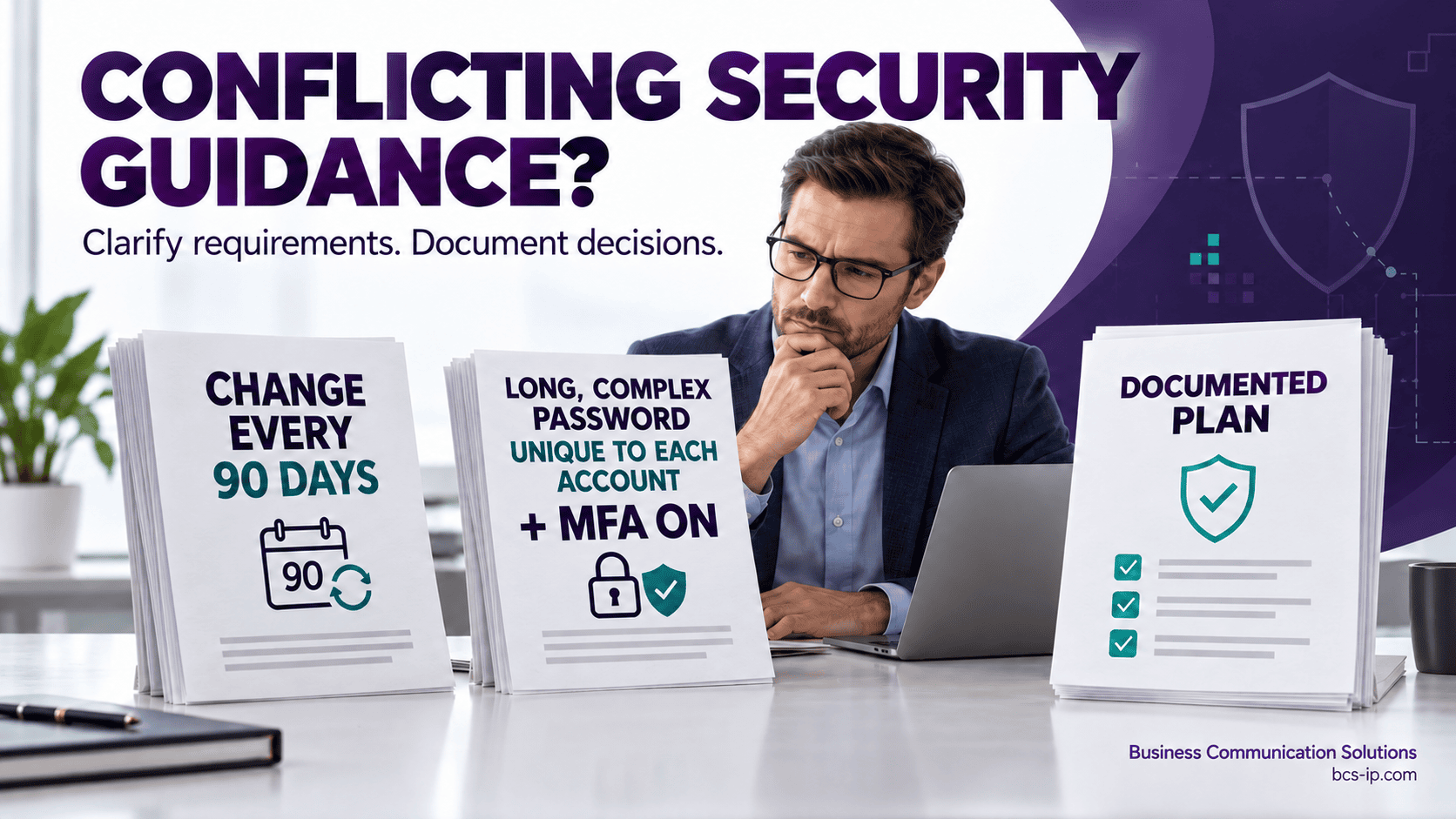
Microsoft recommends one password approach. A vendor demands another. Your insurance questionnaire asks a third question. Which instruction should your business follow?
Business Communication Solutions helps Austin and Houston businesses review conflicting security guidance, clarify applicable requirements, and connect written policies with the settings actually in use.
Start with a free cybersecurity risk assessment: Austin: 512-257-1433 | Houston: 281-815-8784 | Lampasas: 512-865-4000
Watch: 8 Common Cybersecurity Guidance Conflicts
First, determine whether there is a real conflict
Different advice does not always mean someone is wrong. It may address a different account, product version, threat, authentication method, or business obligation. Compare the exact wording, publication date, scope, and assumptions before changing settings.
Useful terms: Conflicting guidance means recommendations differ. A policy conflict means written rules disagree. A requirements conflict means applicable obligations cannot all be met as written. A documented exception records an authorized departure from an internal rule.
Jump to an example: Change passwords every 90 days—or only when needed? · Require special characters—or favor length and block weak passwords? · Any MFA is better than none—or only phishing-resistant MFA is acceptable? · Add more endpoint protection—or avoid running competing antivirus products? · Patch quickly—or test updates before production? · Keep backups online for fast recovery—or offline for ransomware protection? · The product uses AES-256—or the requirement calls for FIPS validation? · Shut down an infected computer—or leave it powered on?
Eight common examples of conflicting cybersecurity guidance
1. Change passwords every 90 days—or only when needed?
The apparent conflict: Microsoft recommends no routine expiration for cloud-only accounts, while a vendor or customer may require a 90-day change.
What the guidance actually says: Microsoft discourages scheduled expiration for cloud-only accounts. NIST SP 800-63B-4 rejects periodic password changes within its scope and requires a change when there is evidence of compromise. PCI SSC explains that certain single-factor access scenarios require either changes at least every 90 days or dynamic account-posture analysis that automatically determines access.
How to resolve it: Identify the account, authentication method, applicable requirement, and permitted alternatives. Ask the vendor for its exact clause and scope. Longer passwords and periodic changes can coexist; the disagreement is about expiration. Do not apply a payment-system rule automatically to every account.
Primary references: Microsoft password recommendations | NIST authentication guidance | PCI SSC password-expiration FAQ.
2. Require special characters—or favor length and block weak passwords?
The apparent conflict: An older checklist demands uppercase, lowercase, numbers, and symbols. Newer guidance discourages composition rules.
What the guidance actually says: NIST SP 800-63B-4 emphasizes length and screening against common, expected, or compromised passwords instead of mandatory character mixtures. A product or separate applicable standard may still impose composition requirements.
How to resolve it: Check what is mandatory and what the system supports. Use unique passwords and the required length; enable weak-password blocking where supported. If a binding rule requires complexity, meet it while seeking an authorized update or alternative. Do not describe a short, predictable password as strong merely because it contains a symbol.
Primary references: NIST authentication guidance.
3. Any MFA is better than none—or only phishing-resistant MFA is acceptable?
The apparent conflict: One guide encourages SMS or app-based MFA; another calls for phishing-resistant authentication.
What the guidance actually says: CISA distinguishes getting started with MFA from reaching stronger protection. Phishing-resistant methods, such as appropriately configured FIDO authentication, provide protections that texted or typed codes do not.
How to resolve it: Identify the required assurance and supported methods. Prioritize administrators and sensitive systems. A temporary improvement is not automatically sufficient for a requirement that specifically calls for phishing resistance. Plan enrollment, recovery, fallback access, and a migration deadline.
Primary references: CISA MFA guidance.
4. Add more endpoint protection—or avoid running competing antivirus products?
The apparent conflict: A security checklist asks for layered protection, while a vendor warns against another antivirus engine.
What the guidance actually says: Layers can perform different jobs. Two active antivirus engines may conflict. Microsoft documents supported active, passive, and disabled states that depend on the operating system, installed products, and Defender for Endpoint onboarding.
How to resolve it: Map antivirus, EDR, MDR, and logging responsibilities. Check both vendors’ coexistence instructions for the exact platform. Test health, alerts, and performance before broad deployment. Do not disable protection simply to make an installer finish; establish a supported configuration and verify coverage.
Primary references: Microsoft antivirus compatibility guidance.
5. Patch quickly—or test updates before production?
The apparent conflict: Security wants an urgent patch; operations or the application vendor wants a maintenance window and compatibility testing.
What the guidance actually says: CISA recommends updates and prioritizing exposed systems, particularly known exploited vulnerabilities. Testing and urgency address different risks.
How to resolve it: Set deadlines by exposure, exploitability, business impact, and mandatory timelines. Use expedited testing for urgent fixes, a rollback plan, and verified temporary safeguards when a delay is unavoidable. Record the owner and deadline rather than allowing an open-ended exception.
Primary references: CISA ransomware guide.
6. Keep backups online for fast recovery—or offline for ransomware protection?
The apparent conflict: A recovery plan favors immediate availability; ransomware guidance favors backups attackers cannot reach.
What the guidance actually says: CISA recommends offline, encrypted backups and recovery testing. Recovery speed and isolation serve different objectives.
How to resolve it: Design layers around recovery needs. Evaluate an isolated recovery copy, tightly controlled administration, and immutable retention where appropriate. An online immutable copy is not literally offline. Verify deletion resistance, retention controls, key recovery, and actual restore times.
Primary references: CISA ransomware guide.
7. The product uses AES-256—or the requirement calls for FIPS validation?
The apparent conflict: Marketing says encryption is strong, while a customer asks for a validated cryptographic module.
What the guidance actually says: An approved algorithm, a tested algorithm implementation, and a validated cryptographic module are different claims. NIST maintains separate algorithm and module validation programs.
How to resolve it: When module validation is required, verify the certificate, module version, operating environment, security policy, and approved operating configuration for the actual data path. A product name or AES-256 checkbox does not establish that requirement. Obtain written implementation details from the vendor.
Primary references: NIST algorithm validation program | NIST validated modules.
8. Shut down an infected computer—or leave it powered on?
The apparent conflict: One instruction prioritizes stopping spread; another prioritizes preserving evidence.
What the guidance actually says: CISA recommends isolating affected systems and notes that powering down can destroy volatile evidence. Its guidance allows powering down when disconnecting affected devices from the network is not possible.
How to resolve it: Follow a practiced incident plan with assigned response authority. Choose containment based on active harm, isolation options, and responder direction. Avoid turning either instruction into an unconditional rule for every incident.
Primary references: CISA ransomware guide.
How to resolve a security guidance conflict
1. Capture both instructions. Record the exact clause, source URL or document, version, date, and whether it says must, should, or may. A checklist answer alone may omit important conditions.
2. Confirm what applies. Identify the affected users, systems, data, locations, and services. Separate general recommendations, internal policy, product limitations, and binding obligations. Confirm contractual or regulatory interpretations with the appropriate owner or adviser.
3. Look for a compatible solution. Check whether both requirements can be satisfied, whether they apply to different systems, or whether an expressly permitted alternative exists. “Use the strictest rule” is not a reliable universal answer: the stricter-looking setting may create incompatibility, lockouts, or a separate violation.
4. Ask the right authority. Obtain vendor clarification in writing. Involve security, the system owner, compliance staff, and management. Where needed, involve the customer, insurer, assessor, or contracting authority. One party’s approval does not automatically waive another party’s requirement.
5. Document the decision. Record the chosen configuration, rationale, business risk, approving owner, safeguards, implementation owner, and review date. Use an exception process only where an exception is actually allowed. Compensating controls and alternative approaches have framework-specific rules; they are not interchangeable labels.
6. Verify and reconcile. Test the configuration, keep evidence, and update the policy, procedures, training, and questionnaire answers together. Retire obsolete documents and review the decision when requirements, vendors, or threats change.
What should a conflict or exception record contain?
Affected system and owner: Which account, application, device group, or business process is involved?
Conflicting sources: Exact requirements, versions, scope, and applicability.
Decision and rationale: What will be implemented, and why?
Risk and safeguards: What exposure remains and how will it be reduced?
Approval: Who can authorize this decision, and whose written agreement is required?
Evidence: Configuration reports, tests, vendor correspondence, and follow-up work.
Review: Expiration date, reassessment triggers, and accountable owner.
Example: an internal password policy and a vendor’s 90-day rule
Suppose your internal policy uses unique passwords without scheduled expiration for supported cloud-only accounts. A vendor requires 90-day changes for its own portal. Confirm whether that requirement applies only to the portal, whether SSO or another approved method is available, and whether the vendor will authorize an alternative.
If the portal requirement remains applicable, document the portal-specific rule, keep password length and uniqueness protections, and update instructions for its users. Do not describe the whole organization as having one uniform expiration setting when it does not.
Questions business owners should ask
Who decides when security documents disagree? Assign a policy owner, involve the technical owner, and obtain approvals from whoever has authority over the applicable requirement.
Can management simply accept the risk? Management can make authorized internal risk decisions. An internal sign-off does not waive mandatory external requirements or change a contract.
Does following NIST automatically satisfy CMMC, SOC 2, or PCI DSS? No. Identify the exact framework, version, scope, and assessment expectations. One NIST publication is not a substitute for reviewing all applicable requirements.
Get help turning conflicting advice into a clear plan
BCS works with business owners, internal IT teams, and existing providers to review policies, identify configuration gaps, clarify responsibilities, and prioritize improvements. We support businesses across Austin, Houston, Lampasas, and surrounding communities.
Prepare with our cybersecurity risk assessment questions. Explore cybersecurity services, SOC 2 readiness support, and CMMC consulting.
Request a free cybersecurity risk assessment: Austin: 512-257-1433 | Houston: 281-815-8784 | Lampasas: 512-865-4000. Detailed testing, implementation, and framework-specific reviews are scoped separately.
Guidance reviewed October 24, 2026. The examples explain common decisions; confirm current source documents and requirements for your environment.