

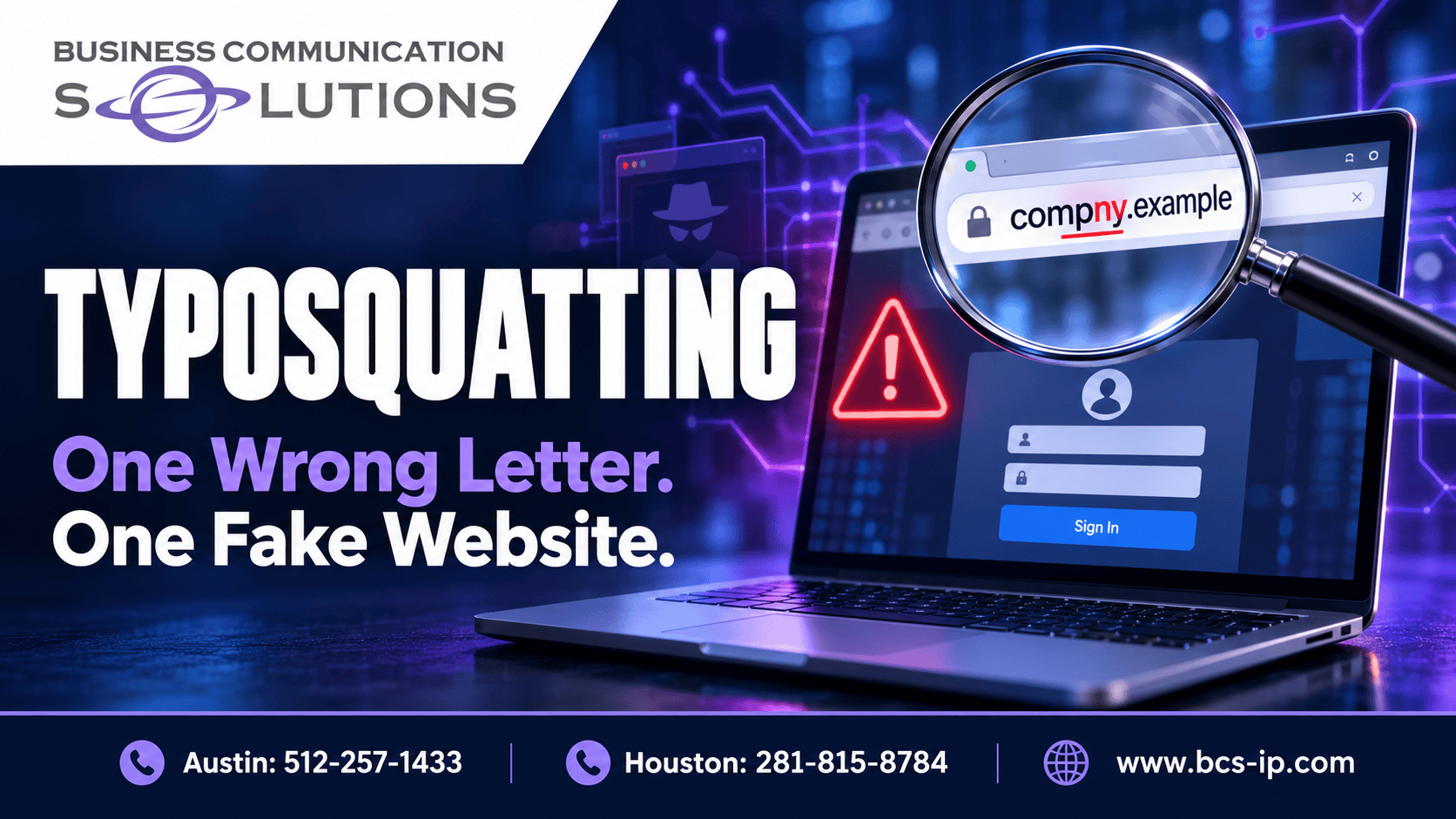
One missing letter can send an employee to the wrong website—or send a business document to the wrong recipient. Typosquatting turns familiar names and small mistakes into opportunities for phishing, fraud, or malware delivery.
For Austin and Houston businesses, the risk is practical: staff move quickly between email, invoices, cloud applications, and supplier portals. An address can look familiar while belonging to someone else.
What is typosquatting?
Typosquatting is the registration or use of a name that resembles an intended name, often exploiting a spelling mistake. Domain typosquatting is sometimes called URL hijacking, although that term can be ambiguous. Corporate spoofing is broader: it can involve impersonation without any misspelling.
Microsoft’s explanation of typosquatting describes how deceptively similar addresses can direct people toward scams, phishing, malware, or advertising.
You do not have to mistype an address to encounter the trap. A misleading link in an email, message, search result, or advertisement can take you to a lookalike domain directly.
Common ways a domain can fool you
The examples below use the reserved .example suffix for illustration. They are not links to real websites.
| Technique | Illustrative example | What changed? |
|---|---|---|
| Adjacent-key substitution | example.example → examplw.example |
A nearby keyboard key replaces a letter. |
| Transposed letters | results.example → reuslts.example |
Two letters trade places. |
| Missing character | company.example → compny.example |
A letter disappears. |
| Missing dot | login.company.example → logincompany.example |
A subdomain becomes part of a different domain name. |
| Combosquatting | company.example → company-support.example |
A reassuring word is added. |
| Lookalike characters | A different character resembles a familiar letter. | The visual appearance masks a different name. |
Combosquatting and homograph attacks are related forms of name deception; they are not simply keyboard mistakes. Browser handling of internationalized names also affects how lookalike characters appear.
A familiar word at the beginning of a URL is not proof of ownership. In company.example.attacker.example, the familiar-looking text is part of a subdomain under attacker.example.
What can happen at a fake website?
A convincing login page steals credentials
A fake page may copy a recognizable service and ask for a username and password. A more sophisticated adversary-in-the-middle phishing service can relay a real sign-in and capture session cookies. Microsoft documents this attack pattern, including compromise of accounts using MFA.
The domain typo itself does not bypass MFA. The phishing method, authentication method, and security controls determine what an attacker can obtain.
A fake update persuades someone to install malware
A page may claim that a browser, document viewer, or security tool needs an urgent update. Downloading and running the offered file can put the device at risk. This is a social-engineering download; it should not be confused with a true drive-by exploit that takes advantage of a software vulnerability without the same installation steps.
Use approved update mechanisms and your IT support process rather than an unexpected website pop-up.
Advertising or redirects generate revenue
Not every lookalike domain hosts a credential trap. Some monetize mistaken visits through advertising, affiliate links, or redirects. Microsoft’s website typo protection article describes these uses alongside phishing campaigns. A confusing address should still prompt caution.
The email risk: sending sensitive information to the wrong domain
A website is not necessary for a domain to receive email. If someone controls a similar domain and configures mail reception, a misspelled recipient address may deliver your message to that domain. Delivery depends on its mail configuration; interception is not automatic.
Illustrative scenario: An employee sends an invoice and customer details to a newly typed supplier address. One letter is missing. If the unintended domain accepts the message, the attachment has left the intended recipient’s control.
Check full recipient addresses before sending sensitive documents. Independently verify changed payment instructions using a known phone number, and use an approved secure sharing method when appropriate.
Typosquatting also targets software packages
Developers face a similar risk when choosing dependencies. A malicious package can have a name close to a legitimate library. Installing it can expose a workstation or build environment, depending on the package’s behavior and permissions.
npm documents package-name impersonation risks. Microsoft has also reported typosquatted npm packages targeting cloud and CI/CD secrets.
Verify dependencies against official project documentation. Review names and maintainers, control dependency changes, and limit the secrets and privileges available during installation and builds.
How businesses reduce typosquatting risk
- Use trusted bookmarks and application launchers. Reduce repeated manual entry for important sign-ins.
- Check password-manager matching settings. A reputable manager can help avoid filling credentials on unrelated domains, but behavior depends on configuration. Bitwarden supports several URI matching modes, including base-domain, host, and exact matching.
- Adopt phishing-resistant MFA where supported. CISA recommends phishing-resistant methods. MFA remains an important layer, with stronger options for resisting fake sign-in sites.
- Consider protective DNS and web filtering. Evaluate coverage for office devices and remote users.
- Register selected brand variations. Prioritize likely mistakes; no practical registration strategy captures every possible variation.
- Monitor brand impersonation. Similar-domain registrations and certificate records can support investigation. A registration or certificate alone does not prove malicious use.
- Practice reporting. Employees should know how to report suspicious links or mistaken disclosures promptly.
Watch: a malicious unsubscribe link blocked by DNS security
This video illustrates a complementary defense against a malicious destination; the unsubscribe example is not presented as proof of a typosquatting attack.
Protective DNS can block destinations identified as malicious using threat intelligence and policy. It cannot guarantee that every new lookalike domain will be blocked. NSA and CISA discuss service capabilities and selection in Selecting a Protective DNS Service.
Frequently asked questions
Does HTTPS mean the site is genuine?
No. HTTPS encrypts the connection to the domain you reached. It does not establish that the domain belongs to the company you intended to visit.
What if my password manager will not fill the login?
Pause and check the address. There may be a legitimate configuration issue, but do not override the warning by pasting credentials before verifying the destination.
What should I do after entering credentials on a suspicious site?
Stop interacting with the site and report it to your IT or security team immediately. Preserve the address and relevant message. Your team should assess password resets, session revocation, account activity, and any files downloaded. A password change alone may not address a stolen session.
Cybersecurity help for Austin and Houston businesses
Business Communication Solutions helps businesses strengthen the layers around employee activity: DNS security, email protection, endpoint monitoring, access controls, and security awareness training.
Explore BCS cybersecurity services or read why cybercriminals attack.
Austin: 512-257-1433
Houston: 281-815-8784
Reviewed October 1, 2026. Domain examples and the email scenario are illustrative. Official source documentation is linked throughout.